Auto-Complete Lists Report for Outlook

Auto-Complete Lists Report for Outlook
Auto-Complete Lists Report for Outlook is an add-in for Microsoft Outlook that analyzes auto-complete lists and provides insights into contacts and data. It generates reports on the most contacted people and domains to optimize communications.
What is Auto-Complete Lists Report for Outlook?
Auto-Complete Lists Report for Outlook is an add-in for Microsoft Outlook that analyzes the auto-complete lists of email addresses and domains. It scans the cached information from autocomplete and generates reports to provide insights into who the most contacted people and domains are.
Key features include:
- Reports on the most frequently contacted email addresses and domains
- Graphs and charts visualizing communications data
- Ability to optimize contact lists based on actual usage
- Integration directly within Outlook for easy access to reports
- Data export to Excel for additional analysis
By revealing usage patterns in email communications over time, Auto-Complete Lists Report makes it easy to focus Outlook contacts on the most important people and domains. This improves the relevance of autocomplete suggestions and streamlines communications for greater productivity.
Auto-Complete Lists Report for Outlook Features
Features
- Analyzes auto-complete lists in Outlook
- Provides insights into most contacted people and domains
- Generates reports to optimize communications
- Integrates into Outlook as an add-in
Pricing
- One-time Purchase
Pros
Cons
Reviews & Ratings
Login to ReviewNo reviews yet
Be the first to share your experience with Auto-Complete Lists Report for Outlook!
Login to ReviewThe Best Auto-Complete Lists Report for Outlook Alternatives
View all Auto-Complete Lists Report for Outlook alternatives with detailed comparison →
Top Office & Productivity and Email Tools and other similar apps like Auto-Complete Lists Report for Outlook

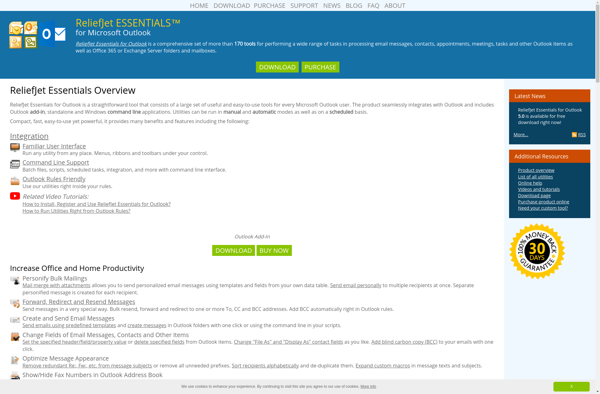
ReliefJet Essentials for Outlook

NK2Edit


Import Auto-Complete List for Outlook


Export Auto-Complete Lists for Outlook