COCO Simulator
COCO Simulator: Open-Source Discrete Event Simulation Software for Complex Systems Modeling
Visualize and analyze complex systems with COCO Simulator, an open-source discrete event simulation software that uses drag-and-drop blocks to represent servers, queues, and more.
What is COCO Simulator?
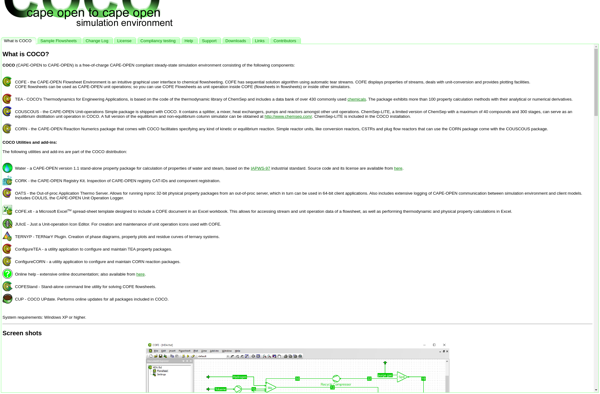
COCO Simulator is an open-source, discrete event simulation software designed for modeling and analyzing complex systems where entities compete for scarce resources. It allows users to visually model processes, including the flow of physical items or procedure steps.
With COCO Simulator, users can create drag-and-drop blocks to represent servers, queues, etc. Complex logic can be added using Python scripting. Statistical analysis tools allow users to define key performance indicators and optimization objectives.
Key features include:
- Visual drag-and-drop interface for model building
- Extensibility through Python scripting
- Statistical analysis tools
- Visualization of simulation results
- Model debugging capabilities
- Integration with external data sources/applications via API
COCO Simulator helps evaluate resource utilization, identify bottlenecks in processes, improve scheduling policies, and generally gain insights through what-if analysis. Its flexibility makes it suitable for manufacturing, supply chain, healthcare, and many other domains.
COCO Simulator Features
Features
- Discrete event simulation
- Visual modeling with drag-and-drop blocks
- Modeling of servers, queues, and other system components
- Analysis of system performance metrics
- Scripting and customization capabilities
- Debugging and visualization tools
Pricing
- Open Source
Pros
Cons
Official Links
Reviews & Ratings
Login to ReviewThe Best COCO Simulator Alternatives
View all COCO Simulator alternatives with detailed comparison →
Top Ai Tools & Services and Simulation and other similar apps like COCO Simulator
Here are some alternatives to COCO Simulator:
Suggest an alternative ❐
Aspen Plus


CHEMCAD


DWSIM