Diff Doc is a document comparison tool that allows you to compare two versions of a document to see the changes. It highlights inserts, deletes, and changes between docs in an easy-to-understand format.
Compare two versions of a document and see the changes with Diff Doc, a simple and intuitive tool that highlights inserts, deletes, and changes in an easy-to-understand format.
What is Diff Doc?
Diff Doc is a handy document comparison software that allows you to quickly spot differences between two versions of a text document. It is designed to improve document management and collaboration workflows.
To use Diff Doc, you simply input two document versions in popular formats like Word, PDF, or Text. The software then compares the documents line-by-line and highlights any inserts, deletes or formatting changes between the two files. The differences are presented side-by-side with color coding and easy-to-understand formatting so you can see at a glance what edits were made.
Key features of Diff Doc include:
Comparing Word, Excel, PowerPoint, PDF, Text and more
Side-by-side difference highlighting
Handy document merge capabilities
Customizable ignore lists for excluding trivial changes
Intuitive controls and view options
With its clear visualizations and flexible formatting options, Diff Doc simplifies the document comparison process for individuals and teams alike. It's great for collaborating on editing documents, reviewing changes from multiple contributors, or just keeping track of document history over time.
Diff Doc Features
Features
Compares two versions of a document
Highlights inserts, deletes and changes between documents
Supports Word, Excel, PowerPoint, PDF, text and HTML files
Generates comparison reports
Integrates with source control systems like Git
Has plugins for IDEs like Visual Studio
Pricing
Free
Freemium
Subscription-Based
Pros
Easy to see differences between documents
Good for tracking changes in documents
Helpful for proofreading and editing
Can compare a wide variety of file types
Integration with source control is convenient
Cons
Formatting heavy documents like Excel can cause issues
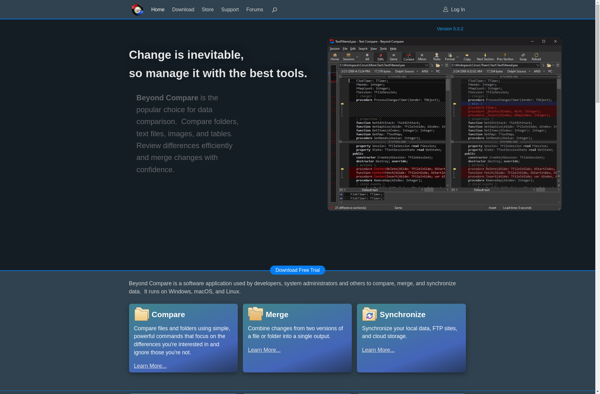
Beyond Compare is a software used for comparing files and folders. It allows users to quickly and easily compare text files such as source code, web pages, Word documents, PDF files and more. Some key features of Beyond Compare include:Fast comparison algorithms that can compare large files and detect differences...
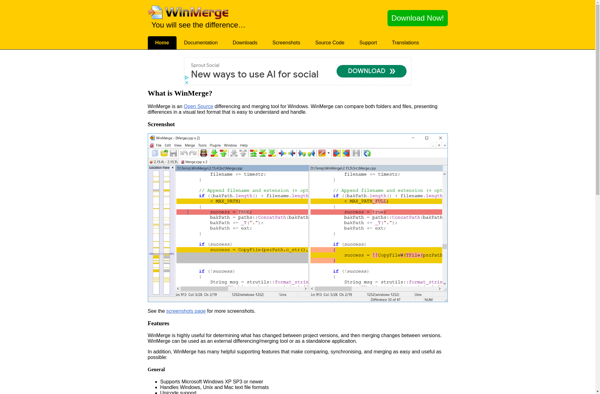
WinMerge is an open-source visual differencing and merging tool for Windows. It allows you to compare both folders and files, clearly presenting differences in a visual text format that is easy to understand and handle.Some of the key features of WinMerge include:Comparing both folders and files, with support for recursionTwo-...
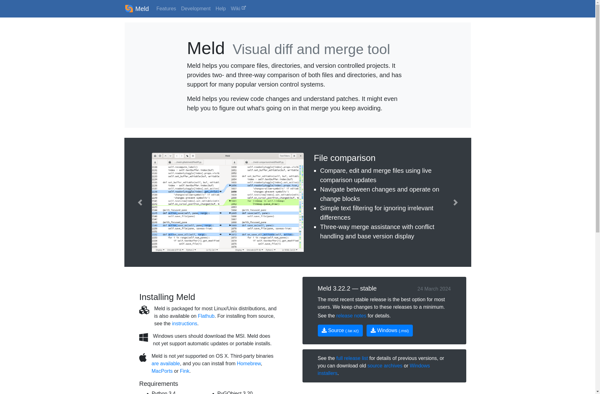
Meld is an open-source visual diff and merge tool available for Linux, macOS and Windows. It enables users to visually compare files, directories and version controlled projects side-by-side. Through color coding and highlighting of differences, it makes it easy to determine exact changes between versions.Key features of Meld include:Intuitive visual...
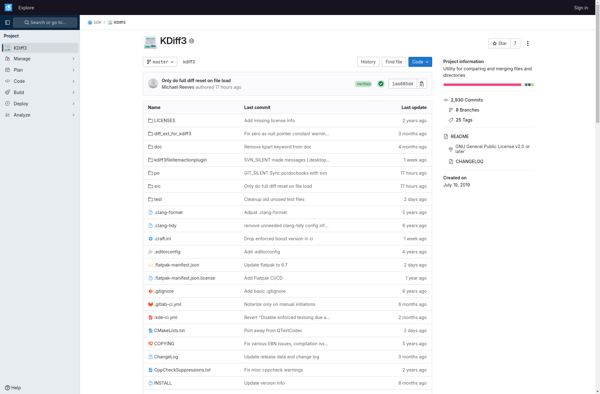
KDiff3 is a powerful yet easy-to-use open source diff and merge tool available free for Windows, macOS, and Linux. It enables software developers and other users to visually compare two or three files or directories, clearly see their differences line-by-line or word-by-word in side-by-side or unified layouts, and safely merge...
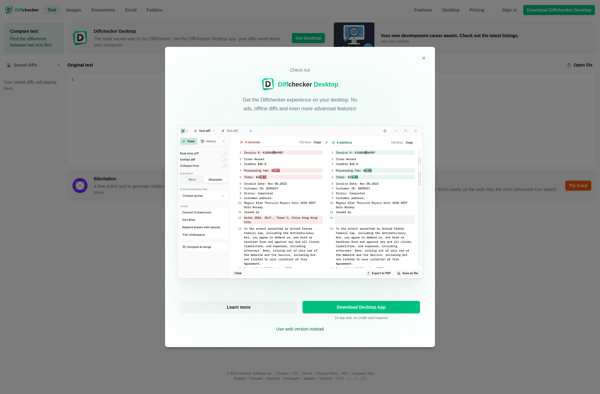
Diffchecker is a free web-based application that allows users to easily compare two text documents and see the differences highlighted. It is an invaluable tool for anyone who needs to check changes between different versions of documents, code, websites, etc.To use Diffchecker, you simply copy and paste the text from...
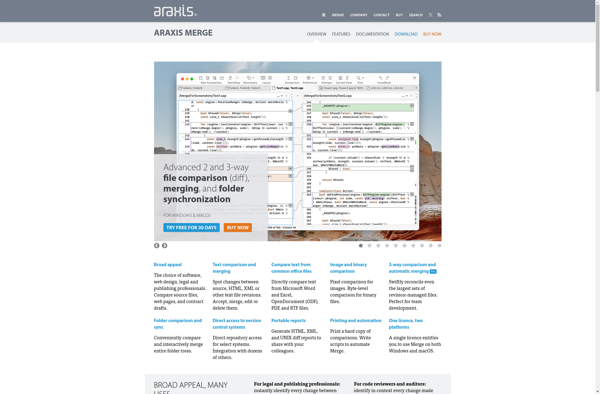
Araxis Merge is a software application designed specifically for comparing and merging files, with a particular focus on source code and textual documents. It enables users to visually compare two or more text-based files, clearly highlighting any differences between them down to the character level.Some of the key features of...
DiffMerge is a handy utility for visually comparing and merging text files on Windows, macOS, and Linux operating systems. Developed by SourceGear, it enables users to quickly see differences between files in a side-by-side view and integrate changes from one file version to another with just a few clicks.Some key...
P4Merge is a stand-alone visual diff, merge, and branch tool from Perforce Software. It enables software developers to visually compare changes in files line-by-line, merge code branches, and efficiently resolve merge conflicts.Key features of P4Merge include:Fast visual differencing and merging for text files such as source codeSide-by-side, 3-way, and 2-way...
GNU Diff Utilities is a free and open-source software package used for comparing files and finding differences between them on a line-by-line basis. It is part of the GNU Project and is distributed under the GNU General Public License.Some key features of GNU Diff Utilities include:Ability to compare both text...
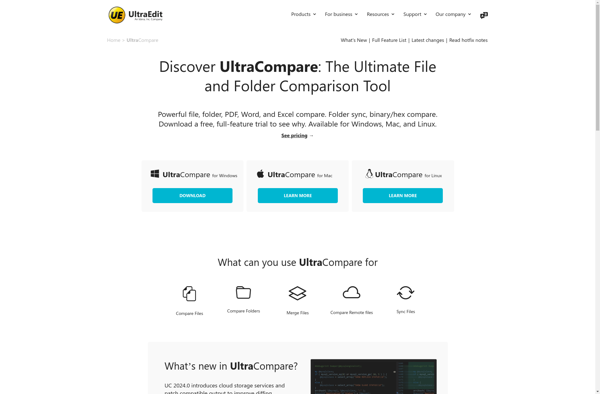
UltraCompare is a versatile file and folder comparison software designed to help users quickly find differences between various files and sync changes across folders and drives. It supports comparing text files, Word documents, Excel spreadsheets, PDF files, image files, ZIP archives, and more.Key features of UltraCompare include:Intuitive visual diff tools...
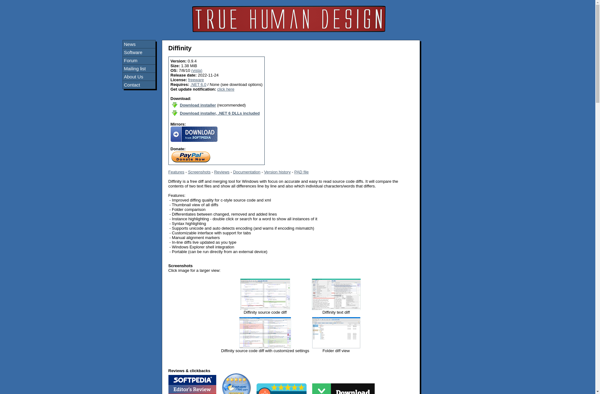
Diffinity is an open-source web application that allows users to compare two text documents and clearly see their differences. It serves as an alternative to proprietary tools like Diffchecker or Beyond Compare.To use Diffinity, users simply paste two text documents or code samples into the two text boxes provided on...