Docker Desktop
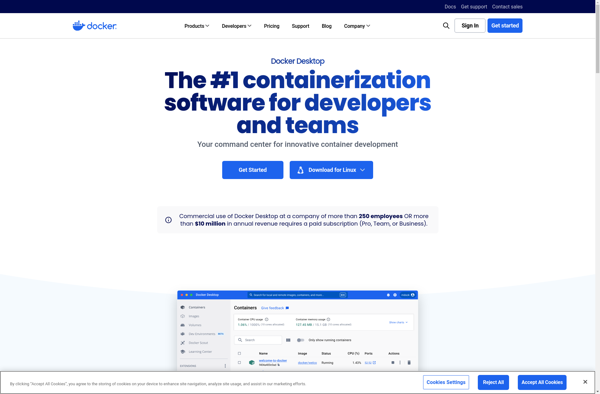
Docker Desktop: Build, Share, Deploy Containers
Docker Desktop is a tool for building and sharing containerized applications and microservices. It packages software into standardized units called containers that contain everything needed to run the application. This allows developers to easily deploy and scale applications in any environment.
What is Docker Desktop?
Docker Desktop is a developer tool for building, testing, and deploying containerized applications. Containers package software code together with libraries and dependencies so the application runs reliably and consistently on any infrastructure. This standardized packaging method helps with some key aspects of modern application development including portability, version control, sharing, and automation.
Docker Desktop runs on Windows and Mac machines allowing developers to build and test containers locally before deploying them to production. It includes the Docker Engine to build images and create containers, Docker Compose for defining and running multi-container applications, and other tools to manage the app development lifecycle. Developers can leverage a library of public container images or build their own custom images optimized for their applications.
Key features include:
- Container creation, running and management
- Image building from Dockerfiles
- Application debugging capabilities
- Integration with local code repositories
- Connecting containers into virtual networks
- Docker Compose for multi-container apps
- Automated workflows and deployments
By containerizing parts of the application stack into modular components, developers gain increased flexibility without sacrificing dependencies or environmental consistency. Docker Desktop empowers faster coding with real-time feedback loops and greater efficiency in delivering production applications.
Docker Desktop Features
Features
- Build, run and test containers locally
- Share containers through public or private registries
- Switch between Linux and Windows containers
- Kubernetes support for managing clusters
- Integrated with popular IDEs like VS Code and IntelliJ
- CLI access to Docker Engine to build and manage containers
Pricing
- Free
- Open Source
Pros
Cons
Reviews & Ratings
Login to Review1 review
Rating Breakdown
Recent Reviews

Andrew O
May 30, 2025The Essential Local Container Development Environment
Docker Desktop is the go-to application for developers to build, share, and run containerized applications locally on Windows and macOS. It provides a seamless Docker Engine experience bundled with a user-friendly GUI, command-line tools, and integrations with popular IDEs, making …
Rating Distribution
The Best Docker Desktop Alternatives
View all Docker Desktop alternatives with detailed comparison →
Top Development and Containerization and other similar apps like Docker Desktop
Here are some alternatives to Docker Desktop:
Suggest an alternative ❐
Portainer

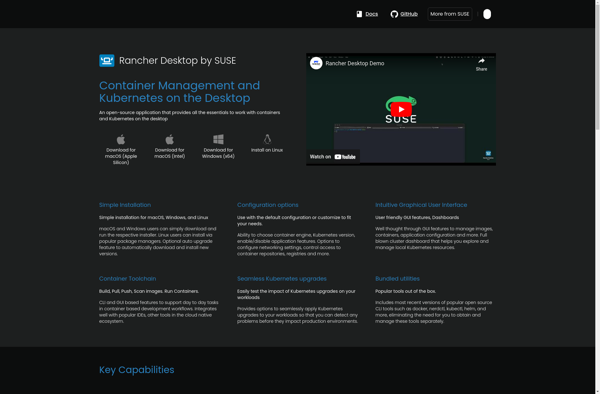
Rancher Desktop

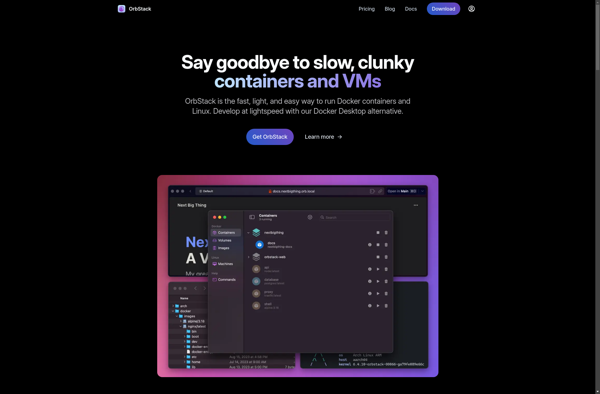
OrbStack

Colima