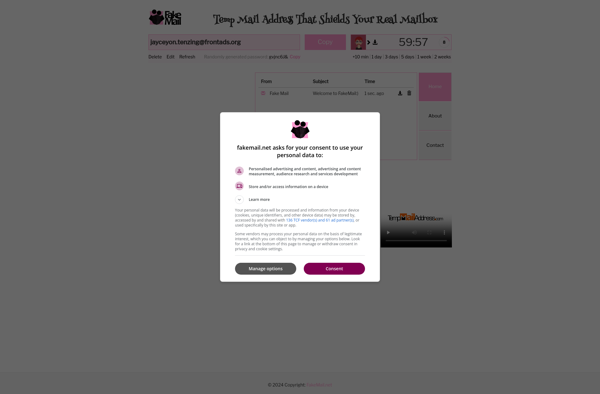
FakeMail is a free, open-source email client that provides basic email functionality without needing to connect to a real email account or server. It allows testing and prototyping email workflows locally.
FakeMail: Free, Open-Source Email Client for Testing & Prototyping
A lightweight email client that lets you test and prototype email workflows without connecting to a real email account or server, all for free.
What is FakeMail?
FakeMail is a free, open-source email client application designed for testing and prototyping email features and workflows without needing access to a real email account or server. It provides a fake local email server and interface so you can send/receive emails to yourself without sending real emails over the internet.
Some key features of FakeMail include:
No need to connect to an SMTP server, everything runs locally
Supports common email operations like drafting, sending, receiving, replying, forwarding, etc.
Adjustable inbox with support for folders, labels, searching, etc.
Safe testing environment - emails never leave your computer
Open-source and available free for Windows, Mac, and Linux
Ideal for testing email campaigns, notifications, prototypes and more, without spamming real contacts
If you need to test email features, design email templates, or prototype workflows involving email, FakeMail provides a simple self-contained environment to do so without any external dependencies. Its easy-to-use interface makes it handy for developers, designers, or anyone looking to build and experiment with email tools locally.
FakeMail Features
Features
Generate fake/dummy email addresses
Send and receive fake emails locally
Customize fake email addresses
Support for email templates
Email drafting
Email scheduling
Email tagging
Search emails
Email folders
Email filters
Email signatures
Email forwarding
Pricing
Free
Open Source
Pros
No need for real email account
Test email workflows locally
Protect privacy by avoiding use of real emails
Develop and test email-based features
Rapid prototyping of email interfaces
Cons
Limited functionality compared to real email services
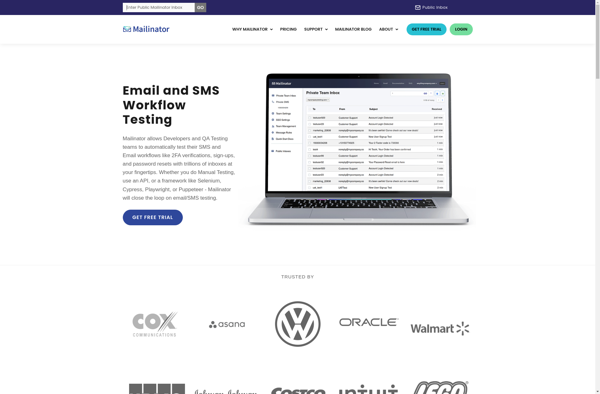
Mailinator is a free, disposable email service launched in 2004 that allows users to create email aliases on the fly without registration. Users simply go to the Mailinator website, choose an email alias ending in @mailinator.com, and can then use that address to receive email.Some key features of Mailinator include:No...
Guerrilla Mail is a popular disposable or temporary email service that allows users to create anonymous email addresses that self-destruct after a set period of time. It is one of the top services for generating throwaway email addresses to help keep users' real inboxes clear of spam.Some key features of...
YOPmail is a free, disposable email service that allows users to create a temporary email address that will be active for a set period of time, such as a few hours or a few days. Users can sign up for a YOPmail address without providing any personal information.The key benefit...
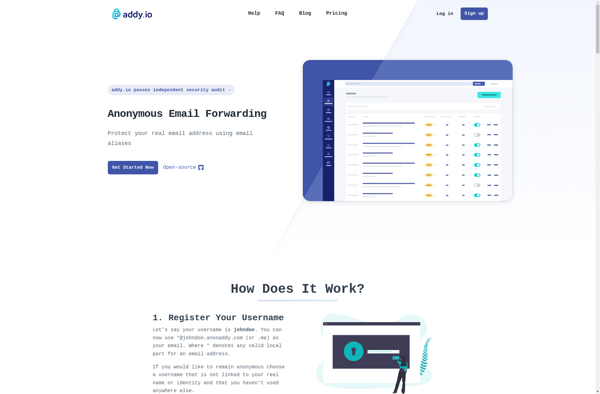
Addy.io is a productivity extension for Chrome and Firefox that helps you stay focused and organized while working on the web. Here are some of its key features:Website blocker - Addy allows you to block distracting websites like social media, news sites, etc. You can customize blocked sites.Tab manager -...
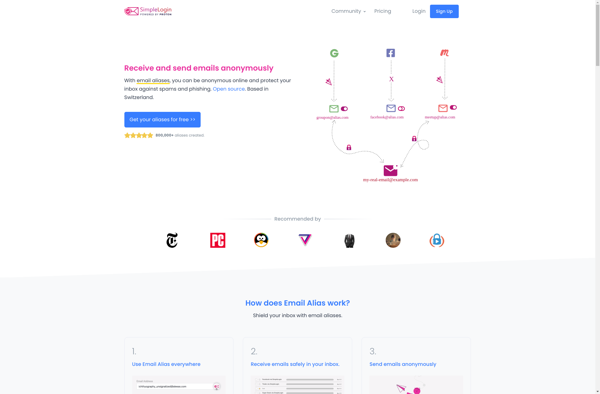
SimpleLogin is an open source email alias platform that focuses on privacy and security. It allows users to generate an unlimited number of email aliases that forward to a real email inbox. This helps protect the user's real email address from spam, phishing attacks, and data harvesting.Some key features of...
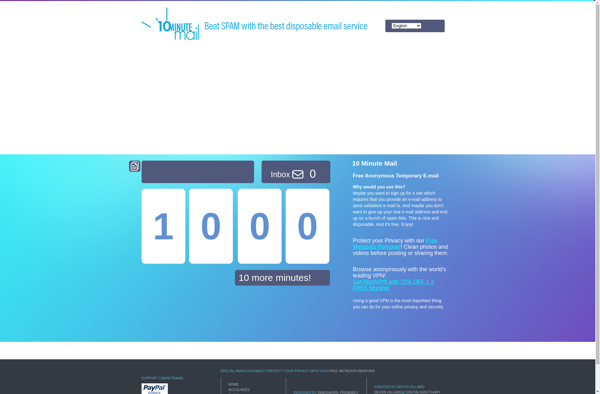
10 Minute Mail is a free online service that provides disposable, temporary email addresses that self-destruct after 10 minutes of inactivity. It gives users an anonymous email address to use for signing up for websites and services without having to reveal their real, personal email address.Here are some key features...
MailDrop is an email plugin developed by Dropbox that integrates with popular email providers like Gmail, Outlook, Yahoo Mail, and Apple Mail. It allows users to send email attachments up to 5GB in size, overcoming common email attachment size restrictions.Here's how it works: When a user attaches a large file...
Melt Mail is an email service and client application focused on providing robust privacy and security for your communications. It is designed for people who want extra protection for their data and exchanges.Some key features of Melt Mail include:End-to-end encryption for emails between Melt Mail usersAnonymous registration without providing personal...
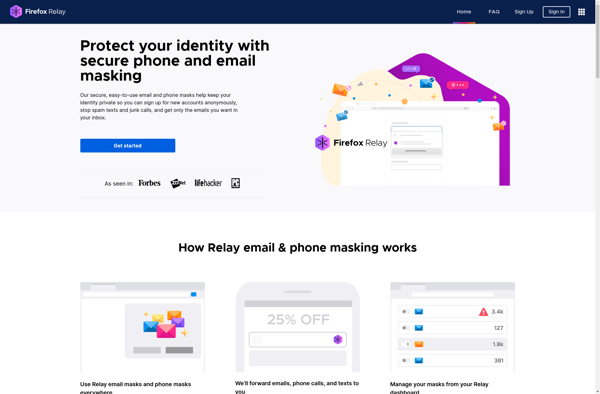
Firefox Relay is a free online service offered by Mozilla that allows users to create alias email addresses. The purpose of these alias addresses is to help protect users' privacy and security when signing up for online accounts. Here's how it works: Firefox Relay generates unique, random email addresses that...
Spamgourmet is an online service that provides disposable, temporary email addresses that forward to your real email account. It can help block spam by allowing you to use these temporary email addresses when signing up for online services, mailing lists, or any other time you need to provide an email...
Nada is an open-source Voice over IP (VoIP) and videoconferencing application that allows you to make audio and video calls over the internet. It is designed to be a simple, easy-to-use, and lightweight communication tool.Some key features of Nada include:Make free audio and video calls to other Nada usersEncrypted call...
Erine.email is an email service that prioritizes user privacy and security. It was created as an alternative to mainstream email providers like Gmail and Outlook that collect user data for advertising purposes.Some key features of Erine.email include:End-to-end encryption - Emails are encrypted so only the recipient can read them, not...
LazyInbox is an AI-powered email management software designed to help users organize, prioritize, and schedule their emails more efficiently. It works by connecting to the user's existing email account and using artificial intelligence to automatically process incoming emails.Some of the key features of LazyInbox include:Inbox automation - Automatically categorizes emails...