
GoTo Training
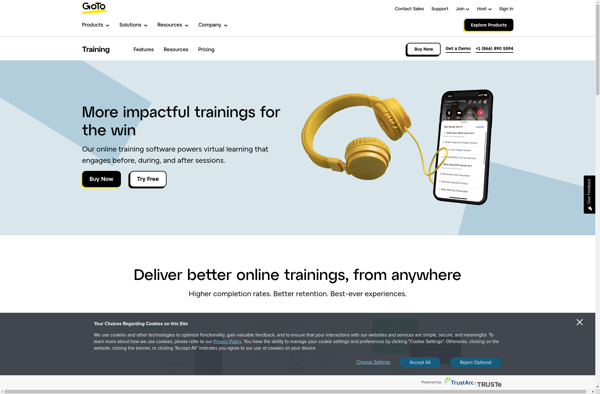
GoTo Training: Interactive Online Training Sessions
Web conferencing software for hosting online training sessions, webinars, and meetings with features like screen sharing, polling, chat, recording, and virtual hand raising.
What is GoTo Training?
GoTo Training is a web conferencing platform developed by LogMeIn that is designed specifically for hosting and conducting live interactive online training sessions, webinars, and meetings. Some key features of GoTo Training include:
- HD video and audio conferencing - Supports up to 1,000 HD video attendees per session
- Interactive screen sharing - Presenters can share their screen to demonstrate concepts and collaborate in real-time
- Drawing tools - Annotate and draw on the shared screen to call attention to key points
- Polling and surveys - Get feedback and test knowledge retention of attendees
- Q&A and chat - Attendees can ask questions and chat amongst themselves and the host
- Recording and reporting - Sessions can be recorded and detailed reports can help track attendee engagement
- Custom branding - Add your company images and logo to relate sessions to your brand
- Integrations - Integrates with popular apps like Salesforce, HubSpot, Marketo, and Dropbox
GoTo Training aims to provide all the critical communication tools needed to deliver informative and collaborative online sessions to any number of attendees. It's an intuitive way to train remote teams, demonstrate products, or share knowledge with large groups of customers.
GoTo Training Features
Features
- Screen sharing
- Polling
- Chat
- Recording
- Virtual hand raising
- Custom branding
- Registration and attendee management
- Integrations with CRM and marketing tools
- Mobile apps
- Reporting and analytics
Pricing
- Subscription-Based
- Pay-As-You-Go
Pros
Cons
Official Links
Reviews & Ratings
Login to ReviewThe Best GoTo Training Alternatives
View all GoTo Training alternatives with detailed comparison →
Top Remote Work & Education and Web Conferencing and other similar apps like GoTo Training
No alternatives found for GoTo Training. Why not suggest an alternative?






