Grapejuice
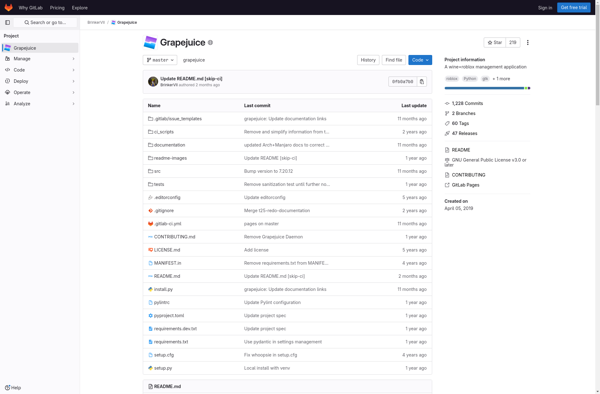
Grapejuice: Run Windows Apps on Linux
An open-source solution for running Windows applications and games on Linux, using Wine/Proton
What is Grapejuice?
Grapejuice is an easy-to-use open-source software that enables Linux users to install and run Windows applications and games seamlessly using Wine and Proton. It essentially serves as a graphical user interface and manager for Wine and eliminates the need to use the terminal to configure Wine prefixes.
Some key features of Grapejuice include:
- User-friendly GUI for managing Wine prefixes and installers
- Support for installing and running multiple Windows applications
- Automatic Proton version management
- Simplified Wine configuration
- Easy installation of Windows apps and games
- Community-driven app compatibility database
Grapejuice makes it much more accessible for Linux users, especially beginners, to run their favorite Windows software and games on Linux without having to tinker with Wine in the terminal. Its simple interface allows for installing Windows software with just a few clicks. Overall, it takes away a lot of headaches for running Windows apps on Linux.
Grapejuice Features
Features
- Easy-to-use GUI for managing Wine prefixes
- Automated installation of Wine dependencies
- Integration with Lutris to install Windows games
- Ability to install Windows apps and games from .exe and .msi files
- Automatic DXVK/FAudio installation for DirectX translation
- Built-in Esync support for performance improvements
Pricing
- Open Source
Pros
Cons
Official Links
Reviews & Ratings
Login to ReviewThe Best Grapejuice Alternatives
View all Grapejuice alternatives with detailed comparison →
Top Gaming Software and Windows Compatibility Layer and other similar apps like Grapejuice

Roblox


The Roblox Browser