Hummingbird Window Manager
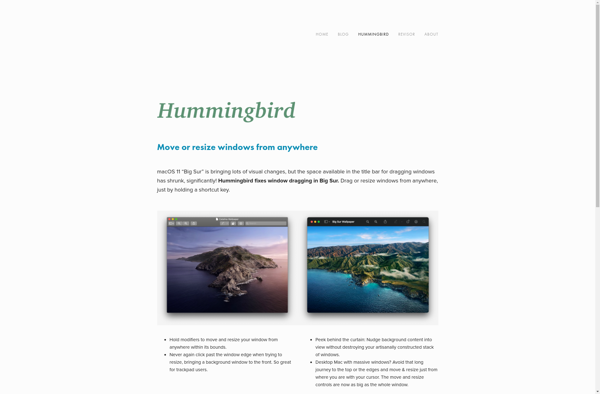
Hummingbird Window Manager: Lightweight X Window System Manager
A fast and resource-efficient window manager for the X Window System, designed to provide a simple and functional interface
What is Hummingbird Window Manager?
Hummingbird Window Manager (HWM) is a lightweight, minimalistic window manager for the X Window System. It is written in the C programming language and aims to be fast, small, and easily understandable.
Some key features of HWM include:
- Tiling window management - Windows are automatically arranged to fill the screen without overlapping
- Keyboard-driven control - The mouse is not required to control windows and the interface
- Low system resource usage - HWM is designed to have minimal impact on system performance
- Plain text configuration - The window manager is configured by editing simple text files
- Good Xinerama support - HWM works nicely with multi-monitor setups
Despite lacking some advanced decorations and effects provided by larger window managers, HWM excels at providing a simple, efficient, and programmable graphical environment for those who value performance and customizability over features. Its configurable text-based approach harkens back to the early days of Linux and Unix while providing a viable modern alternative to heavier desktops.
Hummingbird Window Manager Features
Features
- Lightweight and resource-efficient
- Simple and minimalist user interface
- Customizable keyboard shortcuts and window management
- Support for multiple workspaces and virtual desktops
- Supports X11 and Wayland display servers
Pricing
- Open Source
Pros
Cons
Official Links
Reviews & Ratings
Login to ReviewNo reviews yet
Be the first to share your experience with Hummingbird Window Manager!
Login to ReviewThe Best Hummingbird Window Manager Alternatives
View all Hummingbird Window Manager alternatives with detailed comparison →
Top Os & Utilities and Window Managers and other similar apps like Hummingbird Window Manager

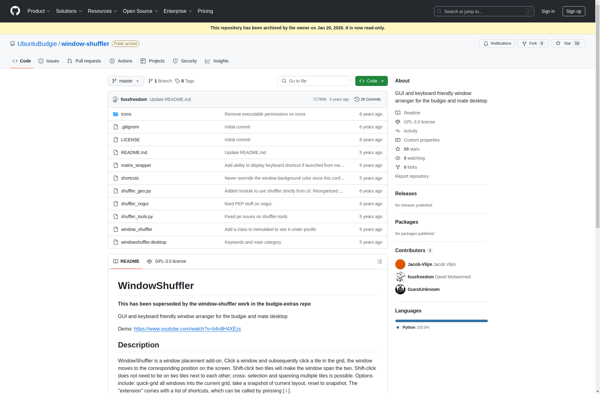
Window-shuffler