Iconjar

Iconjar: macOS Icon Organization Tool
A user-friendly application for organizing icons on Mac, with features like drag and drop management, icon previews, search, export options, and automatic resizing.
What is Iconjar?
Iconjar is a robust icon management application designed specifically for macOS. It provides designers, developers, and creatives an efficient way to organize, access, and utilize icons in their workflows.
Some key features and benefits of Iconjar include:
- Intuitive drag and drop interface for easily adding and organizing icon sets
- Support for all major icon types including ICNS, ICO, SVG, PDF, EPS, etc.
- Crystal clear previews for visualizing icons without unnecessary steps
- Instant searching to quickly find icons by name or keywords
- Flexible export options to get icons exactly how you need them
- Batch icon resizing to desired pixel dimensions or file formats
- iCloud sync to keep icon library synchronized between devices
- Full macOS Big Sur compatibility and Apple silicon support
Overall, Iconjar aims to save designers hours of time through smart icon management. Its simple yet powerful tools help streamline working with icons for any project or workflow. Whether you're a UI/UX designer, iOS or macOS developer, or work in other creative fields, Iconjar makes organizing and accessing your growing icon collection a breeze.
Iconjar Features
Features
- Drag and drop icon management
- Icon previews and search
- Export options for various sizes
- Automatic icon resizing
- Organizes supporting PNG and SVG files
Pricing
- Free Trial
- Subscription Based
Pros
Cons
Official Links
Reviews & Ratings
Login to ReviewThe Best Iconjar Alternatives
View all Iconjar alternatives with detailed comparison →
Top Office & Productivity and File Management and other similar apps like Iconjar

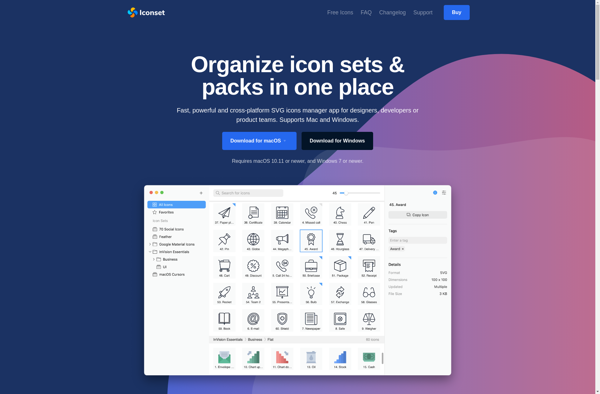
Iconset

Nucleo


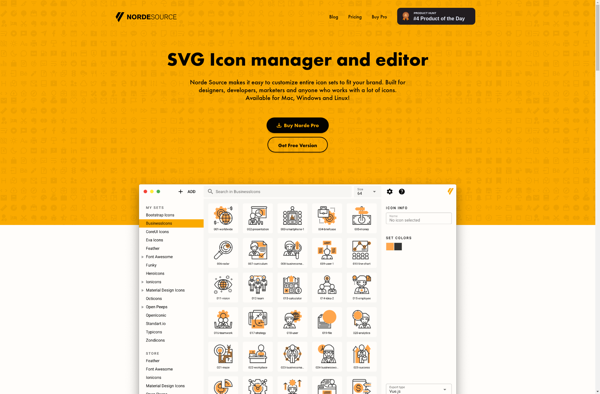
Norde Source