Orca Screen Reader
Orca Screen Reader
Free, open source screen reader for individuals who are blind or visually impaired, providing customizable speech and Braille access to the graphical desktop.
What is Orca Screen Reader?
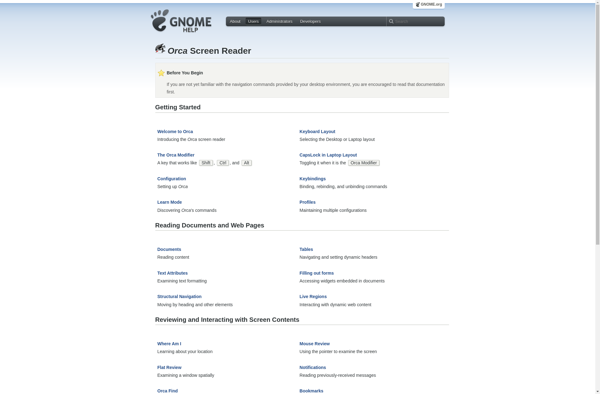
Orca is a free, open source screen reader from the GNOME project that provides access to the graphical desktop via customizable speech and braille. It is designed for individuals who are blind or visually impaired.
Some key features of Orca include:
- Supports various speech synthesizers such as eSpeak, Festival, and more
- Can display screen contents in contracted and uncontracted braille
- Advanced focus tracking and screen review for efficient navigation
- Scriptable for automation and customization
- Supports popular applications like Firefox, LibreOffice, and more
- Available for multiple Linux distributions like Ubuntu, Fedora, etc.
Orca is highly flexible and extensible. Users can customize speech parameters, braille settings, and keyboard shortcuts. It also has a powerful scripting interface for creating macros and custom scripts. The open source nature of Orca allows developers to enhance and extend it.
Overall, Orca aims to provide a pleasant screen reading experience with robust customizability for blind and visually impaired Linux users to access the desktop and applications.
Orca Screen Reader Features
Features
- Text-to-speech output
- Braille output
- Magnification
- Full keyboard access
- Screen reader
- Customizable and scriptable
Pricing
- Open Source
Pros
Cons
Reviews & Ratings
Login to ReviewThe Best Orca Screen Reader Alternatives
View all Orca Screen Reader alternatives with detailed comparison →
Top Accessibility and Screen Readers and other similar apps like Orca Screen Reader
Here are some alternatives to Orca Screen Reader:
Suggest an alternative ❐
NVDA


Microsoft Narrator

Window-Eyes

Supernova screen reader

System Access Standalone