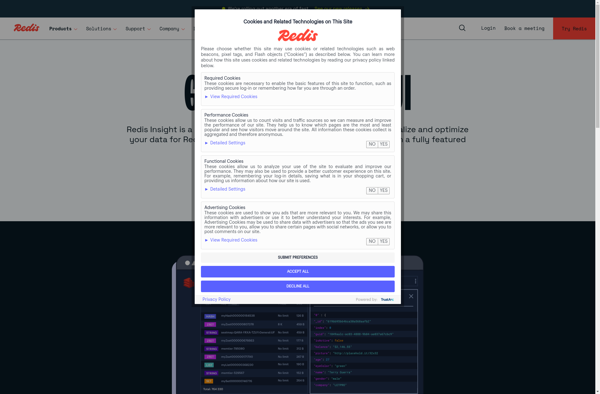
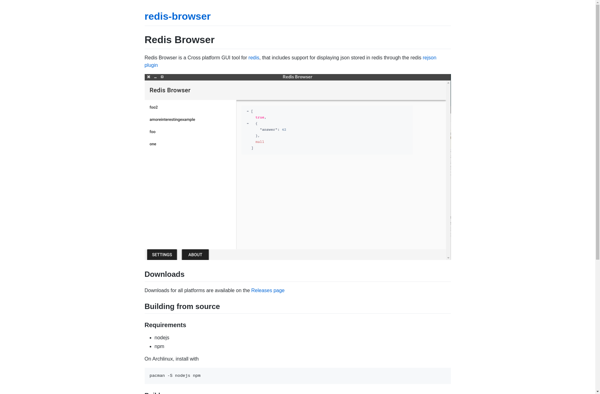
redis-browser is an open-source GUI tool for managing and visualizing Redis databases. It allows browsing Redis keys, viewing key values and metadata, executing commands, analyzing memory usage and profiling operations.
Redis-Browser: Open-Source GUI Tool for Managing & Visualizing Redis Databases
Redis-Browser is an open-source GUI tool for managing and visualizing Redis databases. It allows browsing Redis keys, viewing key values and metadata, executing commands, analyzing memory usage and profiling operations.
What is Redis-browser?
redis-browser is an open-source graphical user interface application for managing and visualizing Redis databases. It provides an intuitive way to browse Redis keys, view key values and metadata, execute Redis commands, analyze memory usage, and profile operations.
Some of the key features of redis-browser include:
Tree view of the Redis keyspace for easy navigation and exploration
Key value viewer with support for different data types like strings, hashes, lists, sets, sorted sets
Interactive Redis console to execute commands
Built-in Redis CLI for access to full Redis command set
Real-time monitoring of memory usage and profiling of operations
Support for Redis ACL rules
Cluster management capabilities
redis-browser aims to make it easier for developers and administrators to manage and troubleshoot Redis databases through an intuitive graphical interface. Its interactive tools provide deeper insights into Redis data and operations compared to working solely with the Redis CLI.
redis-browser is written in JavaScript and available for Linux, Windows and macOS. It can connect to local or remote Redis servers, supports Redis versions 2.8 and higher, and offers both dark and light themes.
Redis-browser Features
Features
Graphical user interface for managing Redis databases
Tree view of Redis keys with filtering and search capabilities
View and edit Redis key values and metadata
Execute Redis commands and transactions
Real-time monitoring of Redis operations and performance
Import/export and backup/restore of Redis data
Supports multiple Redis connections
Pricing
Open Source
Pros
Easy to use graphical interface
Powerful visualization of Redis data structure
Convenient way to manage Redis without coding
Helpful for debugging and optimizing Redis usage
Open source and free to use
Cons
Limited to basic Redis functionality compared to full client libraries
Not optimized for very large Redis instances
Requires installing and running a desktop application
May have less features than commercial Redis GUI tools
Redis Desktop Manager (RDM) is a fast, open source GUI application for managing Redis databases. It provides an intuitive way to execute Redis commands, view keys and values in the database, monitor connected clients, and perform common operations without using the command line.Some key features of RDM include:Cross-platform support (Windows,...
FastoRedis is an open source, cross platform Redis database client and management tool. It provides a graphical user interface to manage multiple Redis servers and databases, edit keys with support for different data types like strings, hashes, lists, sets and sorted sets and execute Redis commands.Some of the key features...
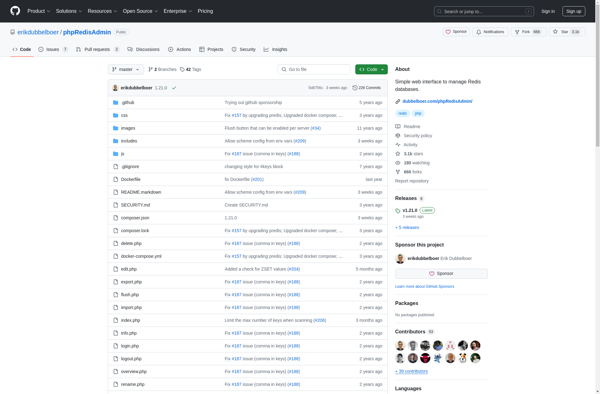
phpRedisAdmin is an open source web application written in PHP that provides a graphical user interface to manage Redis databases. It allows you to visually interact with Redis by letting you view, edit, search, export, and organize the data structures inside Redis.Some key features of phpRedisAdmin include:Supports multiple Redis servers...
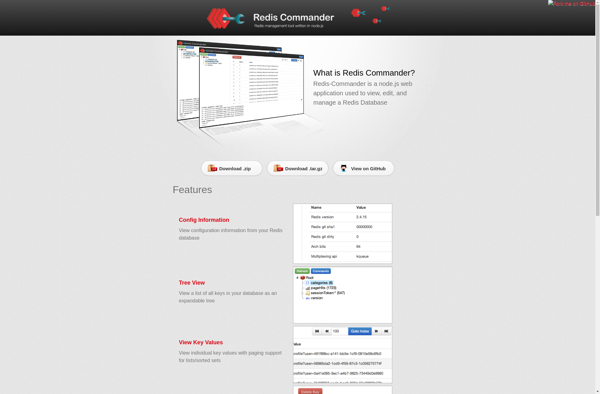
Redis Commander is an open-source web-based graphical user interface designed for managing Redis databases. It allows you to visually see all your Redis keys, data types, analyze memory usage and perform various other administrative tasks with ease.Some of the key features of Redis Commander include:Tree-view of all your Redis keys,...
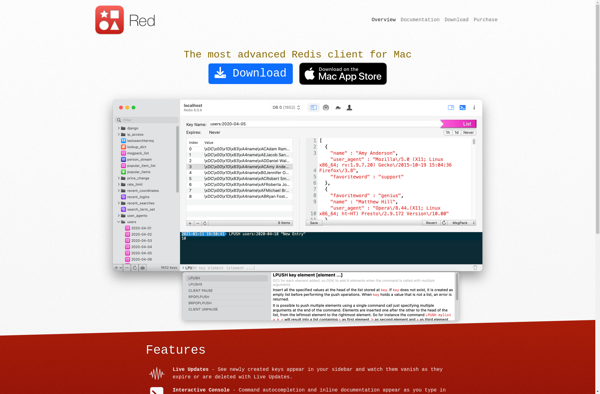
Red is an open source graphical user interface that allows you to easily manage and administer Redis databases. It provides an intuitive way to view, edit, search, and manipulate the data stored in your Redis server.Some key features of Red include:Connecting to multiple Redis servers and managing multiple databasesViewing keys...
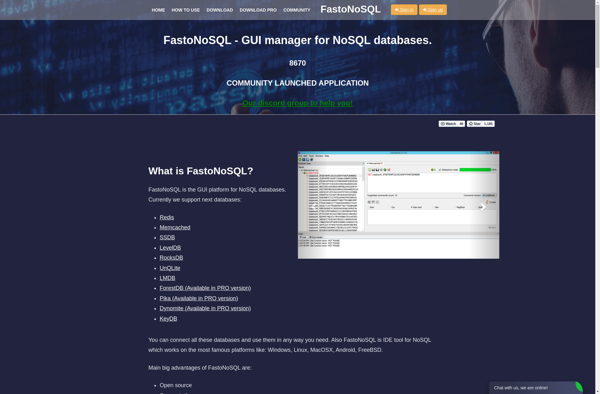
FastoNoSQL is an open source, cross-platform NoSQL database management system and viewer. It provides a graphical user interface for working with some of the most popular NoSQL databases, including:RedisSSDBLevelDBRocksDBUnQLiteLMDBWith FastoNoSQL, you can easily perform actions like browsing keys and values, editing JSON documents, searching and filtering data, and executing commands....
RDBTools GUI for Redis is a feature-rich graphical tool for working with Redis RDB snapshot files. It provides a visual interface to help developers and administrators gain insights into their Redis data.With RDBTools GUI, you can quickly open Redis RDB files and browse the keyspace, inspect key values in different...
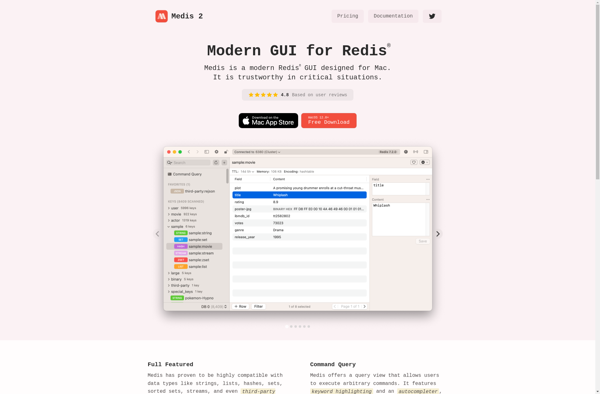
Medis is an open-source database management and monitoring tool designed specifically for Redis. It provides a graphical user interface that allows you to easily interact with your Redis data in a visual way.Some of the key features of Medis include:Browsing and editing Redis keys and valuesExecuting Redis commands from an...
Redsmin is an open-source project management and issue tracking web application. As an alternative to Redmine, it provides many similar features for planning and tracking projects.Some key features of Redsmin include:Issue tracking with statuses, assignments, comments, attachmentsMultiple project templates and workflowsInteractive Gantt charts and calendarsCustomizable dashboards and reportsRole-based access control...
Another Redis DeskTop Manager is an open-source, cross-platform graphical user interface (GUI) application for managing Redis databases. It provides an intuitive way to access, monitor, analyze, and administer Redis servers and databases locally or remotely.With Another Redis DeskTop Manager, you can perform various Redis operations easily without needing to use...