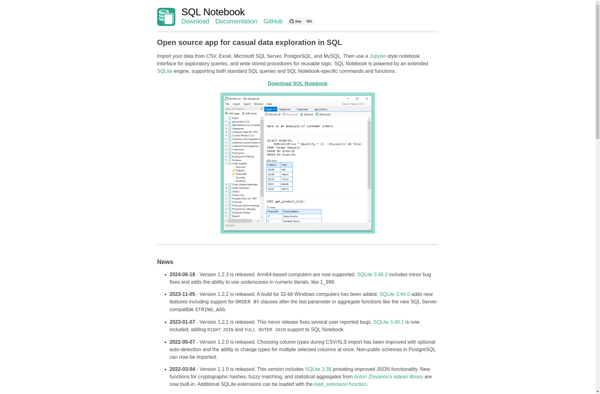
SQL Notebook is an open-source web-based SQL IDE that allows users to execute SQL queries against databases and visualize the results. It supports various databases like PostgreSQL, MySQL, SQL Server, and more.
SQL Notebook: Open-Source Web-Based SQL IDE for Database Querying
SQL Notebook is an open-source web-based SQL IDE that allows users to execute SQL queries against databases and visualize the results. It supports various databases like PostgreSQL, MySQL, SQL Server, and more.
What is SQL Notebook?
SQL Notebook is an open-source web-based SQL IDE that allows users to execute SQL queries against databases and visualize the results in an intuitive graphical interface. It can connect to various relational databases like PostgreSQL, MySQL, MariaDB, SQL Server, and more.
Some key features of SQL Notebook include:
Browser-based IDE - No installation needed, just open the web app in your browser
Supports various databases - PostgreSQL, MySQL, SQL Server, SQLite and more
Query execution - Write and execute SQL statements and view results in a table
Visualizations - Visualize query results using charts and graphs
Shareable - Share your SQL code and visualizations easily
Open source - SQL Notebook is released under the MIT license
SQL Notebook provides a simple yet powerful web-based environment for running SQL queries without needing to install any specialized database software locally. With support for multiple databases and built-in visualization capabilities, it can boost productivity for tasks involving working with relational databases.
SQL Notebook Features
Features
Code execution
Autocomplete
Syntax highlighting
Visualizations
Version control integration
Collaboration
Parameterized queries
Query scheduling
Reporting
Pricing
Open Source
Freemium
Pros
Easy to use interface
Support for multiple databases
Visualizations make query results more understandable
Version control helps track changes
Collaboration features enable teamwork
Scheduling automates running queries
Good for ad-hoc analysis and reporting
Cons
Lacks some advanced IDE features like debugging
Visualizations are basic compared to dedicated BI tools
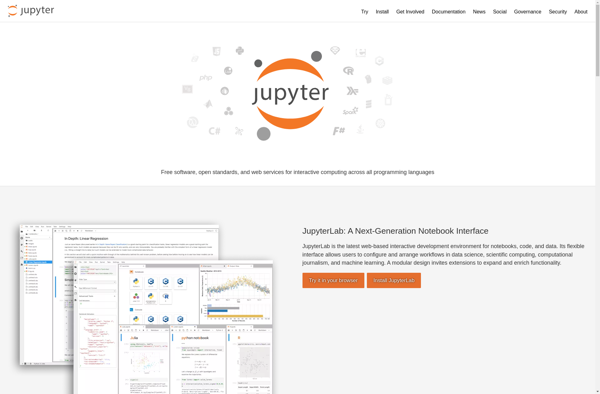
Jupyter is an open-source web application that allows you to create and share documents that contain live code, equations, visualizations and narrative text. It supports over 40 programming languages including Python, R, Julia and Scala.Some key features of Jupyter include:Notebook interface - Combine code, text, visualizations etc. in a single...
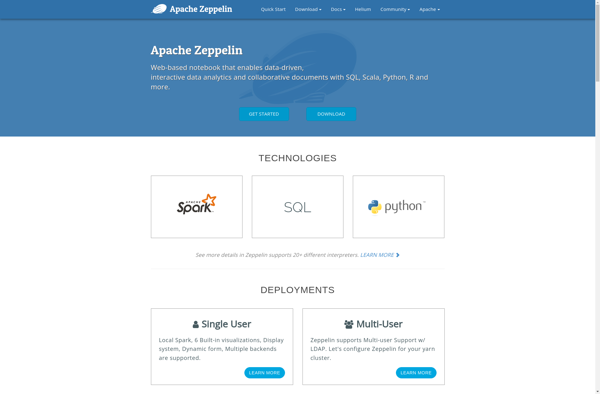
Apache Zeppelin is an open-source web-based notebook that enables interactive data analytics and collaborative documents. It allows you to:Make beautiful data-driven, interactive and collaborative documents with SQL, Scala and moreExplore, visualize, analyze and share your data and insights interactivelyBring your data to life with interactive paragraphs and dynamically updated results,...
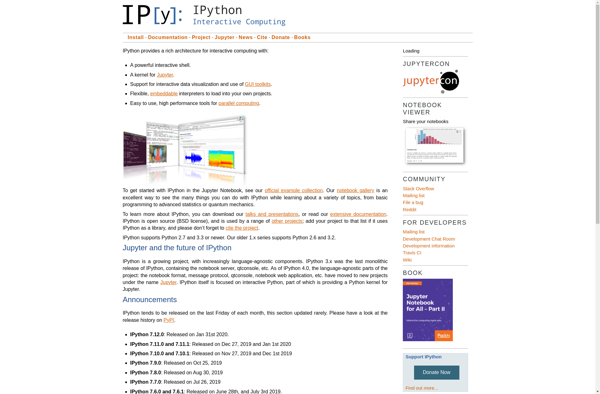
IPython is an interactive command shell and notebook environment for the Python programming language. It provides:An enhanced interactive Python shell with unique features for tab completion, object introspection, system shell access, command history retrieval across sessions, and more.An architecture that supports interactive parallel and distributed computing.A web-based notebook interface allowing...
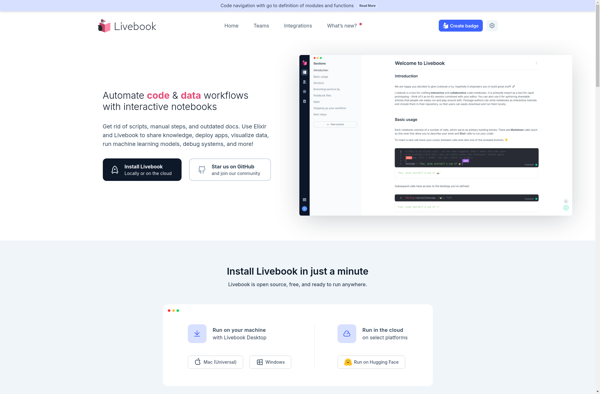
Livebook is an interactive notebook application for data analysis, machine learning, and visualization. It provides a browser-based workspace where you can combine code, visualizations, text, and multimedia into a single document.Some key features of Livebook:Supports Elixir, Python, JavaScript and other languagesConnects to databases like PostgreSQL, MySQL, and RedisIntegrates with common...
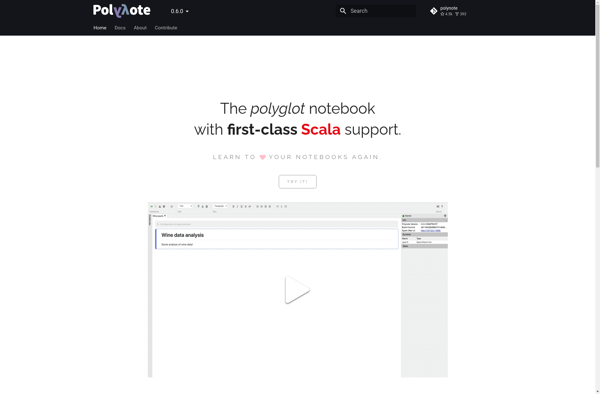
Polynote is an open-source polyglot notebook that allows users to combine Scala, Python, SQL, and other languages in a flexible notebook interface. It is designed for interactive and batch data science workflows with support for visualization, exploration, and production tasks.Some key features of Polynote include:Mix languages freely including Scala, Python,...
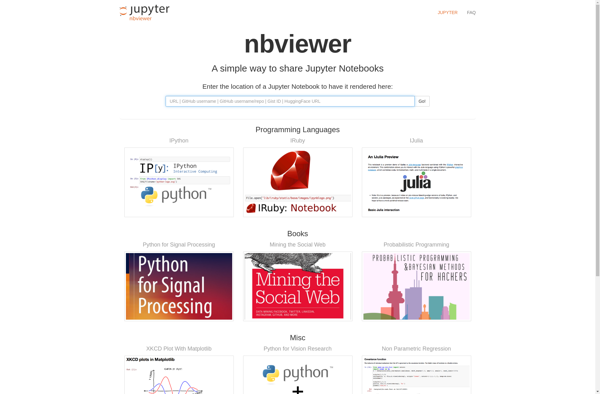
Notebook Viewer is an open-source web application designed specifically for viewing and interacting with Jupyter notebooks. It supports all major notebook formats including Jupyter (.ipynb), R Markdown (.Rmd) and more. Some key features include:Rendering of code, equations, visualizations and markdownExecution of code cells with output displayedSearching text, code and output...