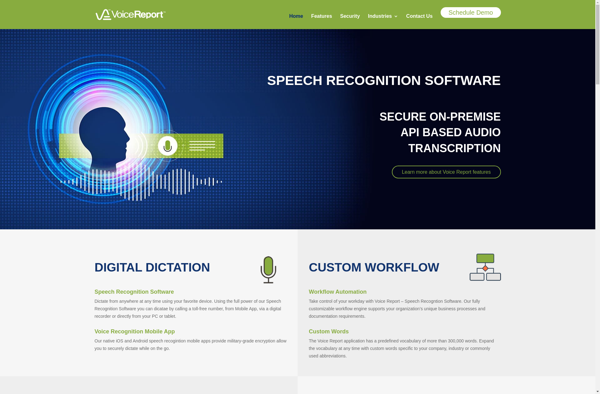
Voice Report is a voice recognition software that allows users to dictate reports, documents, emails, and more into a microphone and have them automatically transcribed. It is designed to save time and increase productivity by eliminating the need for manual typing.
What is Voice Report?
Voice Report is a voice-to-text software that utilizes advanced speech recognition technology to convert the spoken word into digital text in real-time. It allows users to simply talk into a microphone to dictate reports, documents, emails, notes, and more rather than having to manually type everything out using a keyboard.
Some key features of Voice Report include:
High-accuracy speech-to-text engine that can recognize natural language, punctuation commands, and common vocabulary.
Ability to directly dictate content into mainstream applications like Microsoft Word, Excel, Outlook, Google Docs, and more.
Editing capabilities like formatting, copying, pasting within the dictated text.
Support for dictating text in many languages such as English, Spanish, Mandarin, French.
Encryption capabilities for dictating sensitive information securely.
Custom voice commands for formatting, punctuation, etc.
Easy setup with most modern microphone-equipped headphones.
With Voice Report's advanced speech recognition, users can dictate 3X faster than typing manually. This saves significant time and effort while also retaining complete editing control over the generated transcriptions. It helps boost productivity for common documentation/content creation tasks tremendously.
Voice Report Features
Features
Real-time voice transcription
Customizable voice commands
Voice profile training
Multiple language support
Text-to-speech
File formatting
Cloud storage integration
Cross-device syncing
Pricing
Subscription-Based
Pay-As-You-Go
Pros
Saves time compared to manual typing
Hands-free operation
Accurate voice recognition
Easy to use and learn
Increases productivity
Allows multitasking while dictating
Reduces physical strain
Cons
Requires clear speech and diction
Background noise can cause errors
May require training/practice to maximize accuracy
Nuance Dragon is a advanced speech recognition software that allows users to dictate text and control their computer using only their voice. It provides capabilities like:Accurately transcribing audio recordings and live speech into text documents or formats like Microsoft Word.Controlling computer functions completely hands-free using speech commands, like opening files,...
Dictation.io is a free web-based speech recognition software that allows users to dictate speech and convert it to text in real time. It provides an easy-to-use interface directly within any web browser, with no software downloads or account setup required.To use Dictation.io, users simply navigate to the website and allow...
Voice Access by Google is an accessibility-focused voice recognition software for Android devices. It allows users to control their device completely hands-free, using only their voice.Some of the key features of Voice Access include:Dictating text to send messages on apps like WhatsApp, Facebook Messenger, etc.Voice typing to input text in...
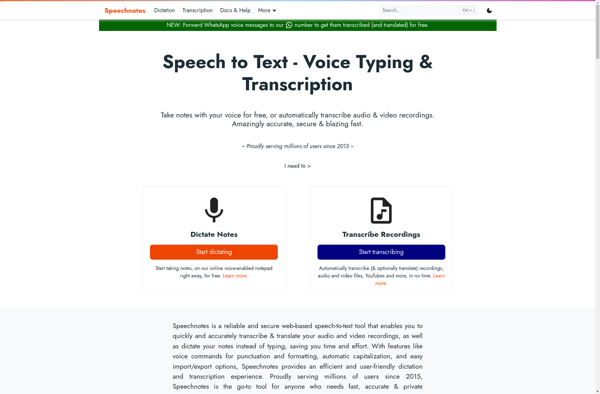
Speechnotes is a free voice typing software that utilizes advanced speech recognition technology to transcribe spoken words into text. It allows users to dictate text rather than typing, which can save significant time and effort.Some key features of Speechnotes include:Works completely offline after initial setup, so no internet connection is...
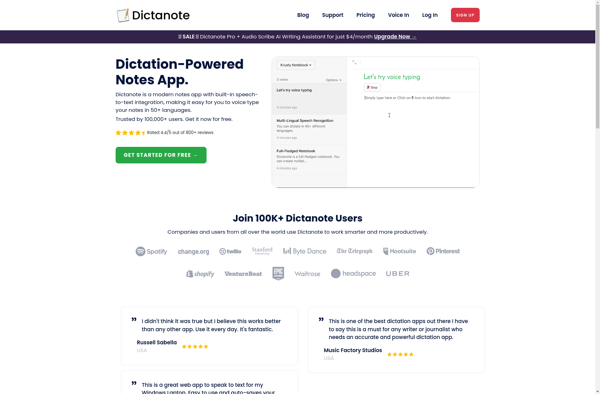
Dictanote is a free note taking and organization software for Windows. It provides a simple yet powerful way to create, organize, and find notes quickly.Some key features of Dictanote include:Create rich text notes with formatting, checklists, embeds, and imagesAdd tags and categories to notes for easy filtering and searchSearch notes...
Quick Capture is a feature-rich yet easy-to-use note-taking and productivity application for Windows. Designed with simplicity in mind, it enables users to quickly capture thoughts, ideas, notes, web pages, images, audio recordings, and more with just a couple clicks.Some of the key features of Quick Capture include:Clean and intuitive interface...
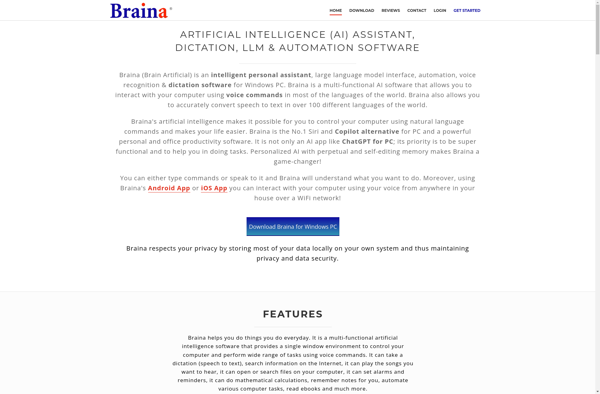
Braina is a virtual assistant software designed for Windows that allows users to control their computer and manage tasks using voice commands. It features an artificial intelligence-powered speech recognition engine that understands natural language to provide a hands-free computing experience.Some of the key features of Braina include the ability to...
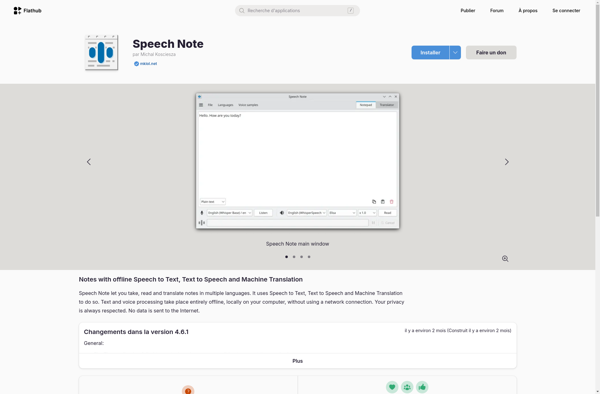
Speech Note is voice recognition software that utilizes advanced speech-to-text technology to convert spoken words into digital text quickly and accurately. It is an invaluable productivity tool for anyone who needs to generate written documents and notes without typing.With Speech Note, users can dictate naturally using their voice and see...
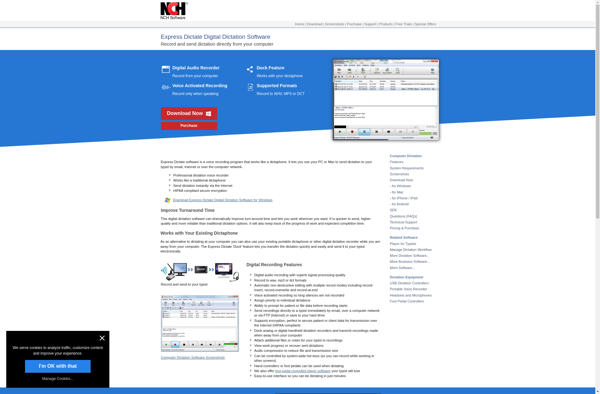
Express Dictate is a comprehensive digital dictation management system designed to help automate and streamline the documentation process for businesses and organizations. It allows users to easily record dictations, assign them to transcriptionists, track their progress, and manage the editing and finalization process.Key features of Express Dictate include:Customizable dictation options...
SpeechTexter is a powerful speech-to-text software that enables users to dictate text instead of typing. It uses advanced speech recognition technology to accurately convert speech into text. Some key features of SpeechTexter include:Real-time speech transcription - As you speak, SpeechTexter transcribes your words into text instantly.Support for punctuation and formatting...
Speechpad.pw is a free web-based speech recognition service designed to help users transcribe audio files quickly and easily. It utilizes advanced speech-to-text technology and machine learning algorithms to deliver fast, accurate transcriptions with minimum effort.To use Speechpad.pw, users simply need to upload an audio or video file, or provide a...