
Autopinger

Autopinger

Autopinger is a free website and server monitoring software that pings URLs and checks websites periodically to verify they are up and sends alerts if a site goes down. It helps monitor website uptime and performance.
Autopinger screenshot

Autopinger: Free Website & Server Monitoring Software

Autopinger is a free website and server monitoring software that pings URLs and checks websites periodically to verify they are up and sends alerts if a site goes down. It helps monitor website uptime and performance.

What is Autopinger?

Autopinger is a free website and server monitoring software application used to monitor websites and web-based services. It works by periodically pinging URLs entered by the user and checking whether the sites are up and responding.

Some key features of Autopinger include:

  • Ability to enter multiple URLs to monitor
  • Customizable monitoring intervals, from 1 minute up to 24 hours
  • Alert notifications via email and SMS when websites go down
  • Detailed uptime reports and history
  • Monitoring of port connections, host responses, and SSL certificates
  • Free for up to 10 monitors

Autopinger can run continuously in the background on Windows computers to provide 24/7 monitoring. Users can also access detailed uptime reports to analyze trends and performance. It's useful for web developers, webmasters, and anyone wanting to get notifications if their websites and servers go down unexpectedly.

While the free version meets basic needs, paid plans start at $8 per year for additional monitors, SMS credits, and support. Overall, Autopinger is an affordable and easy-to-use solution for monitoring website and server uptime.

Autopinger Features

Features

  1. Website and server monitoring
  2. Periodic pinging of URLs to check status
  3. Alert notifications if a site goes down
  4. Uptime and performance tracking

Pricing

  • Free
  • Freemium

Pros

Free to use

Easy to set up and configure

Customizable monitoring settings

Email and mobile alerts

Detailed uptime reports

Cons

Limited to monitoring 50 URLs in free version

No browser-based interface

Basic features compared to paid alternatives

Lacks advanced analytics

Reviews & Ratings

Login to Review
No reviews yet

Be the first to share your experience with Autopinger!

Login to Review

The Best Autopinger Alternatives

Top Network & Admin and Monitoring and other similar apps like Autopinger

Here are some alternatives to Autopinger:

Suggest an alternative ❐

Ping-O-Matic icon
Ping-O-Matic

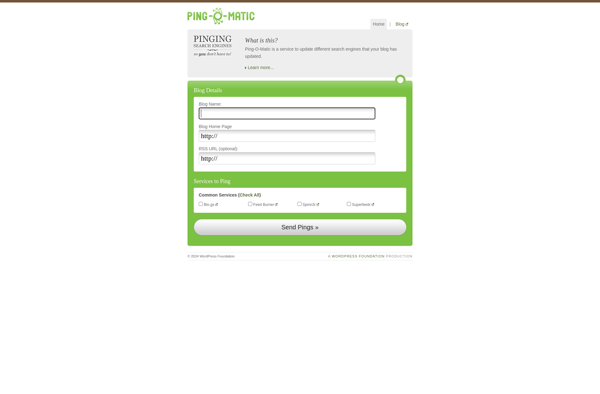
Ping-O-Matic is a free online service that enables webmasters to efficiently notify multiple search engines about updates to their websites. When webpages are added or updated, search engines can't always detect these changes immediately. Ping-O-Matic sends a ping (an update notification) to leading search engines and directories to ask them...
Ping-O-Matic image
TotalPing! icon

TotalPing!

TotalPing! is a comprehensive network and website monitoring software designed to track the uptime, performance, and responsiveness of websites, servers, and network devices. It works by sending regular pings to specified URLs and IP addresses and measuring the response times.Some key features of TotalPing! include:Uptime Monitoring - Regular pings check...
TotalPing! image
Pingoat icon

Pingoat

Pingoat is a comprehensive website and application monitoring platform designed to help businesses track, monitor, and improve the performance of their online assets. The software provides a suite of monitoring tools including:Uptime monitoring - Regular checks that alert you if your site goes down.Page speed tests - Test site load...
Pingoat image
Ping.in icon

Ping.in

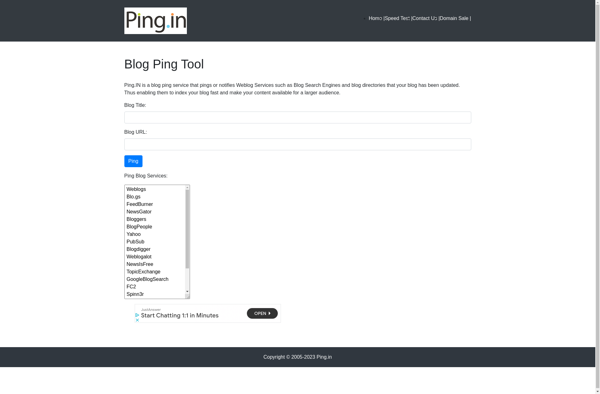
Ping.in is a simple yet powerful website and server monitoring service. It allows you to enter URLs that you want to monitor, set a check interval (e.g. every 5 minutes), and then it will continuously ping those URLs to check if they are up and responsive.If any of the monitored...
Ping.in image