Be My Eyes
Be My Eyes: Free Visual Assistance App
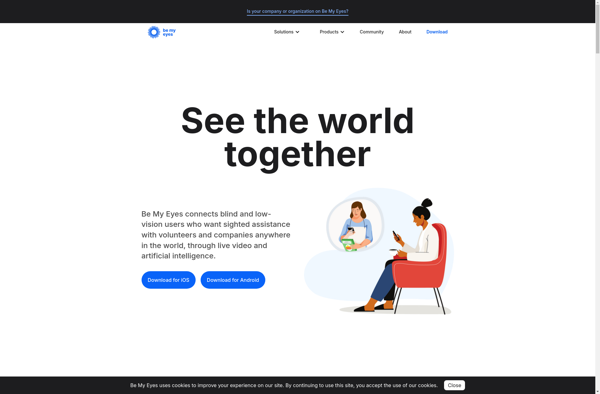
Be My Eyes is a free app that connects blind and low vision people with sighted volunteers for visual assistance through a live video call.
What is Be My Eyes?
Be My Eyes is a free mobile app launched in 2015 that enables blind and low vision people to connect via a live video call with sighted volunteers for assistance with everyday tasks that require sight. It was created by Hans Jørgen Wiberg who was inspired by wanting to help a blind friend tell the expiration date on a bottle of milk.
Some examples of ways Be My Eyes can help include reading text, distinguishing colors, matching outfits, navigating unfamiliar places, organizing spaces, fixing tech issues, and identifying objects. Users simply open the app and request live assistance. The call connects within minutes to the first available volunteer.
Over 300,000 blind and low vision users are registered on the app and it has over 4.5 million volunteer “eyes” located around the world. The app is available on iOS and Android and has over 500,000 downloads. It is free to use and operate for both blind users and volunteers. An optional donation section does help keep it running.
Key features include quick connection times, smart routing based on languages spoken, and complete anonymity for users. Ratings help ensure positive and helpful experiences. Overall, Be My Eyes aims to harness the power of technology and human compassion to lend a helping hand to those needing visual assistance.
Be My Eyes Features
Features
- Allows blind and low vision users to connect with sighted volunteers via live video call
- Users can request help with a variety of visual tasks like reading labels, distinguishing colors, navigating new environments, etc.
- Large network of sighted volunteers available around the clock
- Volunteers can indicate languages spoken to be matched with users who need help in those languages
- Completely free for blind and low vision users
Pricing
- Free
Pros
Cons
Official Links
Reviews & Ratings
Login to ReviewThe Best Be My Eyes Alternatives
View all Be My Eyes alternatives with detailed comparison →
Top Social & Communications and Accessibility and other similar apps like Be My Eyes

Seeing AI

Vizwiz
TapTapSee