Blur Wallpaper
Blur Wallpaper: Customizable Blur Effect
Desktop software for a visually appealing wallpaper experience with customizable blur amounts and types, creating a frosted glass effect
What is Blur Wallpaper?
Blur Wallpaper is a lightweight desktop software application that allows you to easily apply a blur or frosted glass effect to your existing wallpaper. This creates a more modern, visually appealing background for your computer desktop.
Some key features of Blur Wallpaper include:
- Supports applying customizable blur effects or frosted glass effects to any image you set as your wallpaper
- Lets you adjust the blur amount and blur type (gaussian, box, etc.)
- Applies the effect in real-time - sees changes instantly as you adjust settings
- Very lightweight program with minimal impact on system resource usage
- Set specific images to exclude from getting blurred, like taskbar and sidebar gadgets
- Works on Windows 7, Windows 8, and Windows 10
By adding a subtle blur effect, Blur Wallpaper can make your desktop background more aesthetically pleasing and modern looking. The ability to customize the blur settings and exclude areas from getting blurred gives you lots of control.
Overall, if you want to easily apply a frosted glass or blur effect to your existing wallpaper without slowing down your computer, Blur Wallpaper is a great option to check out.
Blur Wallpaper Features
Features
- Applies blur/frosted glass effect to desktop wallpaper
- Lets you customize blur amount and type
- Works with static images and slideshows
- Has hotkeys for quick access
- Supports multi-monitor setups
Pricing
- Freemium
Pros
Cons
Reviews & Ratings
Login to ReviewThe Best Blur Wallpaper Alternatives
View all Blur Wallpaper alternatives with detailed comparison →
Top Os & Utilities and Desktop Customization and other similar apps like Blur Wallpaper
Here are some alternatives to Blur Wallpaper:
Suggest an alternative ❐
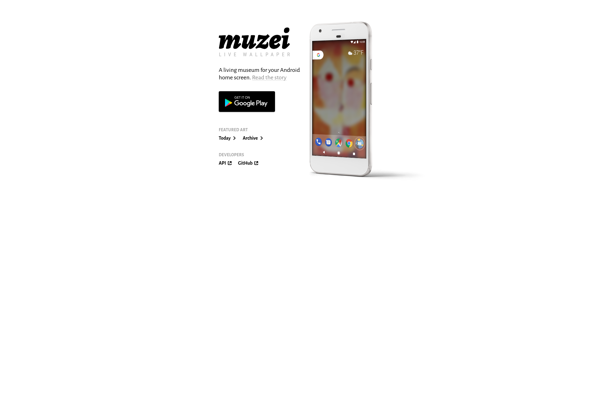
Muzei

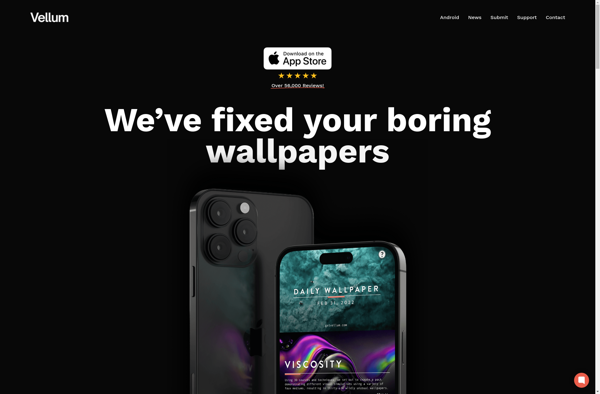
Vellum - Artistic Wallpapers and Backgrounds
Artpip
Blurone
Tholotis - Blur