
Borderless Gaming
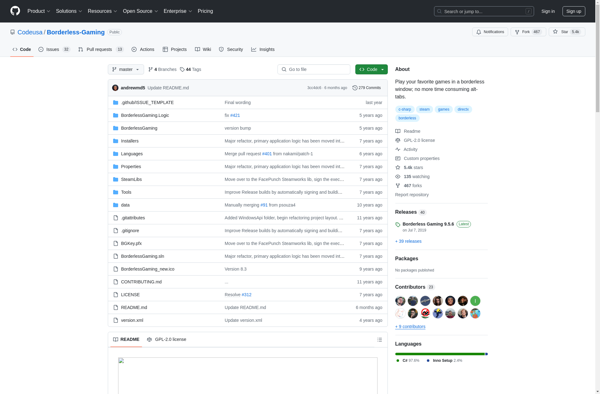
Borderless Gaming: Borderless Window & Multi-Monitor Support
Small, free utility for borderless gaming on a secondary monitor, centering games and removing frame rate caps.
What is Borderless Gaming?
Borderless Gaming is a lightweight third-party application that provides more control and customization options when running games in windowed or borderless window mode. Some of the key features include:
- Forcing games into borderless windowed mode, even if the game does not natively support it.
- Running games in a borderless window on a secondary monitor in multi-monitor setups.
- Centering games perfectly on monitors, which is useful for asymmetric or multi-monitor gaming setups.
- Removing frame rate caps from games that have them.
- Adding custom resolutions to games that don't support specific resolutions natively.
- Compatibility with a wide range of games using DirectX 9, 10, 11, and 12.
Borderless Gaming is often used by PC gamers who want to avoid the distraction of constant alt-tabbing or task switching. By running games in a borderless window, you can easily move your mouse between the game and other desktop applications. It also helps optimize games across multiple monitors. The app is free, open source, and lightweight with no ads or bloatware.
Borderless Gaming Features
Features
- Runs games in a borderless window or true fullscreen on a secondary monitor
- Forces games into a borderless window
- Centers games on multi-monitor setups
- Removes frame rate caps
Pricing
- Free
Pros
Cons
Reviews & Ratings
Login to ReviewThe Best Borderless Gaming Alternatives
View all Borderless Gaming alternatives with detailed comparison →
Top Gaming Software and Window Management and other similar apps like Borderless Gaming
Here are some alternatives to Borderless Gaming:
Suggest an alternative ❐
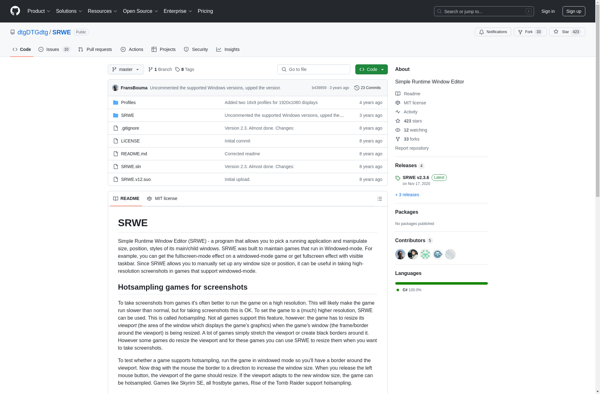
Simple Runtime Window Editor (SRWE)

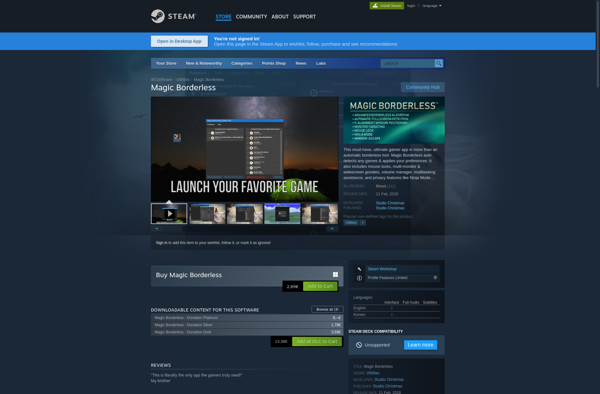
Magic Borderless
Windowed Borderless Gaming

ShiftWindow