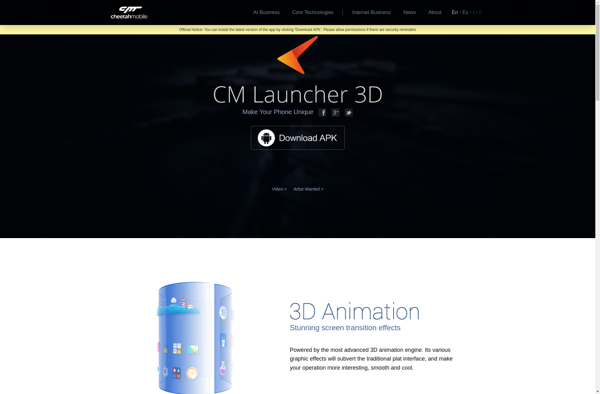
CM Launcher 3D is a customizable Android launcher that allows you to personalize your home screens with 3D effects, themes, icons and widgets. It features gesture controls, icon packs and various customization options to tailor the look and feel of your device.
What is CM Launcher 3D?
CM Launcher 3D is a highly customizable Android launcher and home screen replacement app that allows you to fully personalize the look and feel of your device's interface. It comes packed with features like 3D transitions, themes, icon packs, widgets and various customization options.
Some key features of CM Launcher 3D include:
3D effects - Unique 3D transitions when scrolling between home screens or accessing the app drawer
Themes - Tons of free and premium themes to change icons, wallpapers, styles etc.
Gestures - Customizable gestures for quick actions like opening the notification panel
Icon packs - Support for popular third-party icon packs from the Play Store
Widgets - Add useful widgets like Google Search, calendar, clock etc.
Customizations - Options for hide apps, adjust grid size, change scroll effects and more
CM Launcher aims to provide an intuitive and visually appealing user interface without compromising on customizability or performance. If you're looking to customize the look of your Android device beyond just wallpapers, CM Launcher 3D is a great choice to consider with its huge catalog of personalization assets.
CM Launcher 3D Features
Features
3D parallax wallpapers and effects
Customizable home screen layouts
Variety of 3D themes and icon packs
Gesture and motion controls
Widget support
App hiding and app locking
Customizable app drawer
Battery saving mode
Pricing
Freemium
Pros
Highly customizable interface
Smooth 3D effects and animations
Lots of themes and icons to choose from
Good performance
Intuitive gesture controls
Cons
Can be resource intensive
Some features may not work on all devices
Occasional bugs or glitches
Limited customization options compared to other launchers
Google Pixel Launcher is the proprietary home screen interface developed by Google for their Pixel series of Android smartphones. It aims to provide a clean, intuitive, and seamless experience by deeply integrating with other Google services.Key features of Pixel Launcher include:Integration with the Google Search bar for quick access to...
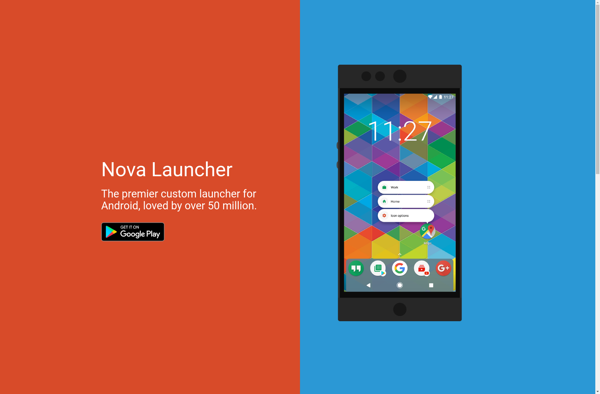
Nova Launcher is one of the most popular and highly customizable home screen replacement apps for Android. It offers a variety of advanced features and customization options to enhance the way you interact with your Android device.With Nova Launcher, you can completely customize the home screen layout with various icon...
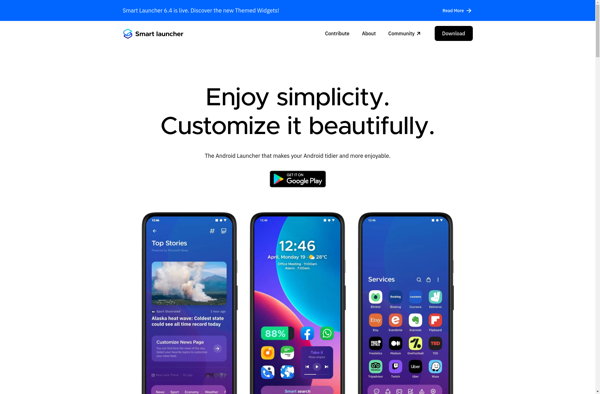
Smart Launcher is a highly customizable home screen replacement app for Android that focuses on simplifying and decluttering your home screen experience. Some key features of Smart Launcher include:Simplified home screen with an app search bar and favorites tray for quick access to frequently used appsVariety of themes and icon...
Lawnchair is a lightweight client-side JSON document store designed for simplicity and ease of use. It allows you to save and retrieve JavaScript objects locally in the browser using a simple key-value interface, similar to localStorage. However, Lawnchair improves on localStorage by allowing you to store more complex structured JSON...
Microsoft Launcher is a free mobile app launcher and personalization app made by Microsoft Corporation for Android devices. It offers Android users quick access to Microsoft products and services along with personalized customization options to enhance productivity.The key features of Microsoft Launcher include:A clean, customizable home screen with resizable widgets...
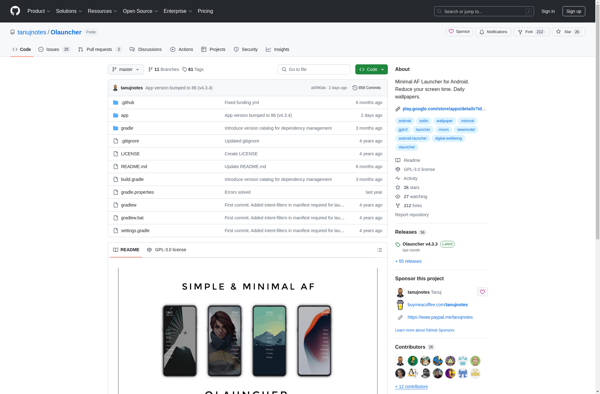
Olauncher is an open-source home screen and launcher replacement application for Android devices. Developed by Franz Silva, Olauncher focuses on providing customization options and performance improvements over stock Android launchers.Some key features of Olauncher include:Support for icon packs and themes - Customize the look and feel with different icon styles...
Trebuchet is an open-source desktop web browser that is built on the Chromium web browser project. It aims to provide an enhanced browsing experience focused on privacy, security, and customization.As it is Chromium-based, Trebuchet offers compatibility with Chrome extensions and synchronization features. However, it blocks ads, trackers, and malware automatically...
KISS Launcher is a popular open source Android launcher app focused on providing a simple, fast and lightweight experience. Some key features include:Clean and intuitive interface - Easy to navigate menu with basic customization options to suit your preferences.Blazing fast performance - Very low memory usage compared to other launchers,...
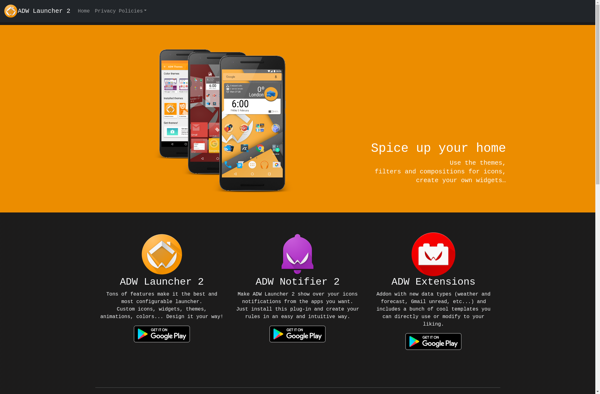
ADW.Launcher is a popular and highly customizable home screen replacement application for Android devices. It offers many options for customizing the look and feel of your Android home screens.Some key features of ADW.Launcher include:Customizable home screen grids - Set the number of home screen pages and the layout of apps/widgets...
Tesla Unread is a browser extension for Gmail that aims to improve the email reading and management experience. It works by modifying the look and feel of Gmail to highlight unread emails, allow for easier searching and filtering, and provide a cleaner, less cluttered inbox view.Some key features of Tesla...
Simple App Launcher is a free, open-source application launcher for Windows that focuses on simplicity and performance. It provides a clean and intuitive interface to access your most frequently used applications, documents, folders, and web links.Some key features of Simple App Launcher include:Lightweight design that uses minimal system resourcesCustomizable shortcuts...
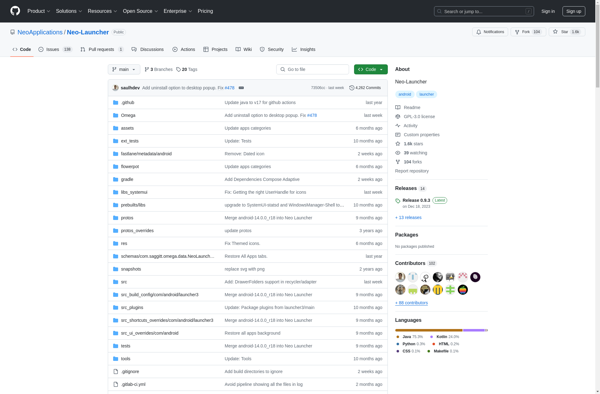
Neo Launcher is a feature-rich and customizable home screen replacement application for Android devices. Developed by Parallel Space team, Neo Launcher aims to enhance the Android experience by providing greater flexibility and personalization options for the home screen.Some of the key features of Neo Launcher include:Fully customizable interface - Choose...
Slim Launcher is a popular home screen replacement app for Android that focuses on providing a fast, lightweight, and highly customizable experience. Here are some key details about Slim Launcher:Very small app size (<1MB) which leads to quick loading times and little drain on system resourcesModern, minimalist user interface with...
Pear Launcher is a free and open-source launcher and home screen replacement application for Android. It offers extensive customization options to personalize the look and feel of your home screens, as well as smart features and enhancements to improve your productivity.Some of the key features of Pear Launcher include:A clean,...