CodeBine
CodeBine is an online code editor and compiler that allows you to write, run and share code snippets in over 20 programming languages. It offers features like syntax highlighting, themes, auto-completion and collaboration.
CodeBine: Online Code Editor and Compiler
Write, run and share code snippets in over 20 programming languages with syntax highlighting, themes, auto-completion and collaboration features.
What is CodeBine?
CodeBine is an online code editor and IDE that allows users to write, compile and run code in over 20 programming languages including Java, Python, C++, JavaScript, PHP and more. It offers a rich code editing experience with features such as syntax highlighting, auto-completion, themes and customization options.
Some key features of CodeBine:
- Real-time code collaboration - allows developers to collaboratively edit and debug code.
- Code snippets and gists - enables users to save, organize and share code snippets.
- Supports 20+ languages - including Java, Python, JavaScript, C++, PHP, Ruby, C#, Go etc.
- Compiler and runtimes - programs can be compiled and executed from within the IDE with inputs and outputs.
- Import from GitHub and Google Drive - seamlessly import projects from source control and cloud drives.
- Developer tools - like debugger, version control integration, code linting and intelligent code completion.
- Customizable interface - including themes, layouts, keybindings and preferences.
- Browser based - accessible from any device through a web browser with no installations.
- Community driven - features voted on and driven by the developer community.
CodeBine aims to provide developers a simple but powerful cloud based IDE for coding on the go across various programming languages and platforms.
CodeBine Features
Features
- Online code editor
- Supports over 20 programming languages
- Real-time collaboration
- Syntax highlighting
- Themes & customization
- Code autocompletion
- Code sharing and embedding
- Compiler to run code snippets
- Browser-based - no installation needed
Pricing
- Freemium
Pros
Easy to use interface
Good for quickly testing code snippets
Collaborate on code in real-time
Variety of languages supported
Completely free to use
Cons
Limited features compared to full IDEs
Limited file management capabilities
No Git/version control integration
No advanced debugging capabilities
Limited customization options
Official Links
Reviews & Ratings
Login to ReviewThe Best CodeBine Alternatives
View all CodeBine alternatives with detailed comparison →
Top Development and Code Editors and other similar apps like CodeBine

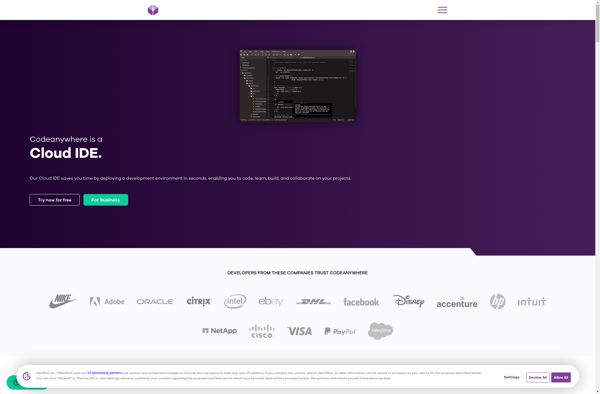
Codeanywhere
Codeanywhere is a cloud-based integrated development environment (IDE) designed for web developers and programmers. It provides a full-featured online code editor that runs directly in the web browser, allowing developers to code, test and deploy web applications from any device with an internet connection.Some key features of Codeanywhere include:Browser-based IDE...

AWS Cloud9
AWS Cloud9 is a cloud-based integrated development environment (IDE) service that provides developers a web-based code editor, debugger, and terminal to build, run, test, debug and review software within an internet browser. Key features of Cloud9 include:Code editor with syntax highlighting, code completion, and code foldingReal-time collaborative coding and sharingRun...


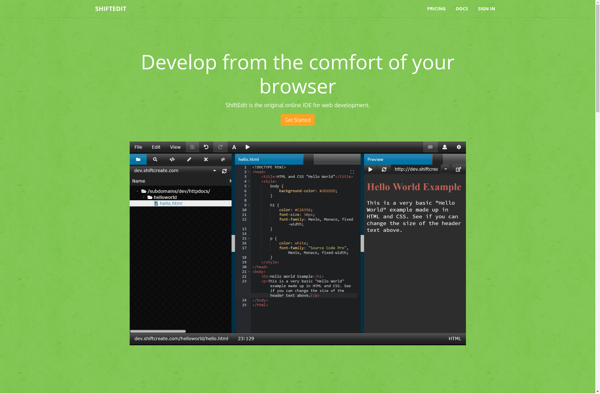
ShiftEdit
ShiftEdit is a feature-rich text editor and code editor for Windows. It is designed to be lightweight, responsive, and easy to use while still providing powerful features for programmers and writers.Some key features of ShiftEdit include:Fast and lightweight with low memory usageSyntax highlighting for many programming languages including C, C++,...