
DocsApp is a document creation and editing software. It allows users to create, view, edit, collaborate on, and organize text documents, spreadsheets, presentations, and more online. Key features include real-time collaboration, version control, commenting tools, templates, offli
DocsApp is a document creation and editing software. It allows users to create, view, edit, collaborate on, and organize text documents, spreadsheets, presentations, and more online. Key features include real-time collaboration, version control, commenting tools, templates, offline access, and integrates with G Suite.
What is DocsApp?
DocsApp is an online document editing and creation software that is very similar to Microsoft Word. It is part of a productivity suite that includes software for documents, spreadsheets, presentations, forms, and more. Key features and benefits of DocsApp include:
Real-time collaboration - Multiple users can edit documents at the same time and see each other's changes instantly
Version control - Docs are saved automatically and users can view revision history and revert back to earlier versions
Advanced editing and formatting tools - Similar capabilities to Word for fonts, paragraph styles, page layout, inserting images/tables, etc.
Hundreds of templates - Wide range of templates for letters, reports, resumes, legal documents, brochures, and more
Integrates with Google Drive - Organize, access and share DocsApp files like any other Drive file
Works offline - Users can view and edit documents even without an internet connection
Add-ons for more features - Extend functionality with add-ons for grammar checks, text expansions, analyze docs with AI, and more
Secure and private - Multiple layers of permissions, encryption, and security
In summary, DocsApp makes it easy for teams and individuals to create, edit, organize and collaborate on text documents online from anywhere on any device.
DocsApp Features
Features
Create, view, edit, and organize text documents, spreadsheets, presentations, and more online
Real-time collaboration
Version control
Commenting tools
Templates
Offline access
Integration with G Suite
Pricing
Freemium
Subscription-Based
Pros
Intuitive and user-friendly interface
Collaborative features enable efficient teamwork
Offline access allows work to continue even without an internet connection
Integration with G Suite provides seamless workflow
Cons
Limited customization options compared to desktop-based office suites
Potential concerns about data privacy and security in a cloud-based solution
May not have the full range of features found in more robust office productivity software
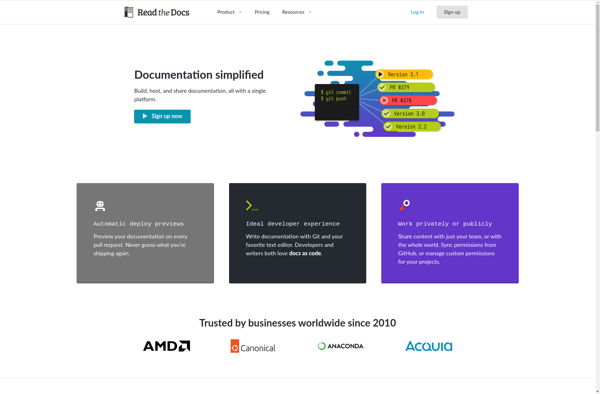
Read The Docs is an open source platform for software documentation, allowing developers to easily create, host and manage documentation for their open source projects. It supports building documentation with Sphinx for Python projects, MkDocs for Markdown-based projects, and other static site generators.Some key features of Read The Docs include:Free...
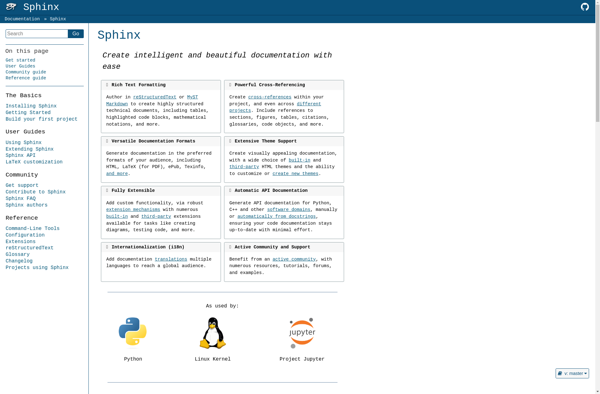
Sphinx is an open-source software project focused on generating documentation and building static websites. It is written in Python and was originally created to build documentation for the Python programming language.Some key features and benefits of Sphinx include:Uses reStructuredText markup language which is easy to read and writeAutomatically generates API...
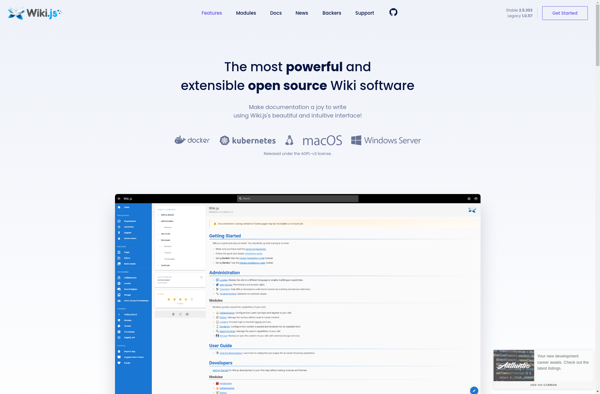
Wiki.js is an open-source, modern and powerful wiki app built on Node.js, Git and Markdown. It offers many advantages over traditional wiki software:Fast and secure - Wiki.js uses a simple flat-file format to store pages and has built-in protection against attacks like XSS and code injections.Easy installation - Can be...
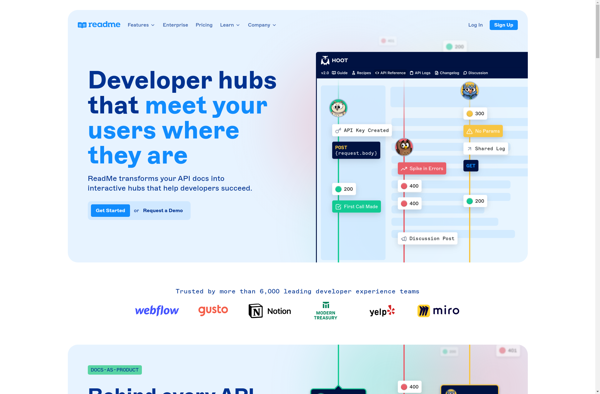
ReadMe is a modern documentation platform built specifically for technical teams to store, manage, and retrieve information about their products. It serves as a single source of truth for product knowledge by consolidating documentation, reference guides, FAQs, release notes, and more onto a fast, customizable, and easy-to-use platform.Key features of...
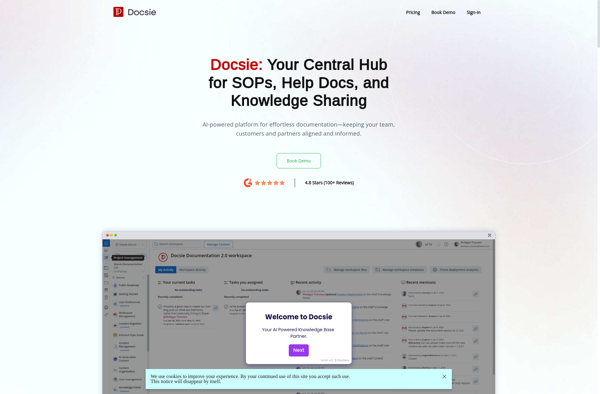
Docsie is an innovative developer documentation software designed to help software teams create, manage, and publish technical documentation with ease. It provides a modern documentation platform focused on simplicity and flexibility.Key features of Docsie include:Intuitive editor with live preview - Write documentation in real-time with formatting options and see changes...
Apiary is a cloud-based API design, development and documentation platform. It provides the following key features:Interactive API documentation - Apiary generates beautiful API documentation from API description files. The docs let you try out API calls directly in the browser.API mock servers - It creates mocked API servers based on...
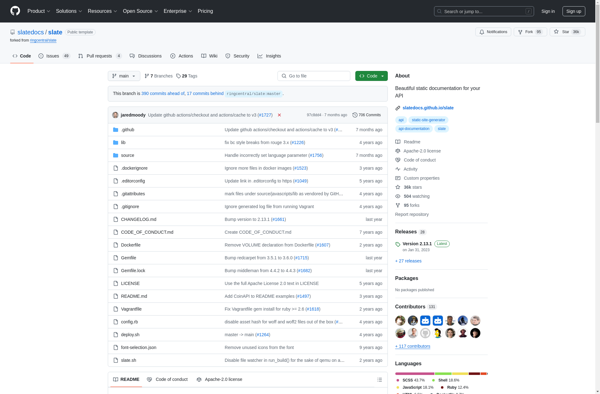
Slate is an open-source API documentation generator created by Tripit that allows developers to create beautiful, customizable API documentation easily. It takes Markdown files that document an API and turns them into static HTML pages with responsive design that can be hosted anywhere.Some key features of Slate include:Write docs in...
Docuie is a cloud-based document management solution designed to help teams store, organize, collaborate on, and govern documents efficiently. Here are some of the key features Docuie provides:Secure cloud storage and file sharing allowing teams to access documents from anywhereIntuitive folder structure and organization tools like tagging and metadata to...
Postkit is an open-source WordPress plugin used to create forms and surveys for your WordPress website. Some key features include:Drag-and-drop interface to easily build formsCreate multi-page forms with conditional logicAccept file uploads from usersIntegrates with services like Mailchimp, Slack, ZapierCollect payments with Stripe, PayPalView detailed submissions and analyticsSpam protection and...
DeveloperHub is an all-in-one project management and developer collaboration platform. It brings together key development tools like version control, task boards, documentation, bug/issue tracking into a single intuitive interface to improve team productivity.Some of the main features of DeveloperHub include:Git and GitHub integration - seamlessly connect DeveloperHub to GitHub repositories...