elRTE is a free, open source rich-text editor written in JavaScript. It allows users to format text, add images and tables, and edit HTML in a WYSIWYG interface. It's lightweight, customizable and cross-browser compatible.
What is ElRTE?
elRTE is a free, open-source rich text editor written in JavaScript that runs in the browser. It provides users with a graphical WYSIWYG (what you see is what you get) interface for formatting text, inserting images and tables, and editing the underlying HTML.
Some key features of elRTE include:
Lightweight codebase that can be easily customized or extended
Cross-browser compatibility supporting all modern browsers
Toolbar with icons for common formatting options like bold, italic, lists, etc.
Ability to create editor themes and skins for custom styling
Plugins for adding extra functionality like symbols, emoticons, etc.
Output filtering to allow only permitted HTML tags and attributes
Interface localization into over 50 languages
Open source under the GPLv2 license so it's free to use
elRTE is implemented entirely in JavaScript without any server-side dependencies. This means it can be easily integrated into any web application to add rich text editing capabilities quickly. It's highly customizable through configuration options, plugins, CSS styles, and its API. elRTE provides a solid rich text editing solution for developers looking for a lightweight JavaScript-based WYSIWYG editor.
ElRTE Features
Features
WYSIWYG text editor
Formatting tools (bold, italic, underline, etc.)
Insert images, links, tables
Edit HTML source code
Lightweight and customizable
Cross-browser compatibility
Pricing
Open Source
Pros
Free and open source
Easy to use interface
Good text formatting options
Allows raw HTML editing
Customizable and extensible
Works across browsers
Cons
Limited features compared to paid editors
Less intuitive than some WYSIWYG editors
Lacks advanced features like collaboration
Requires some HTML/CSS knowledge for customization
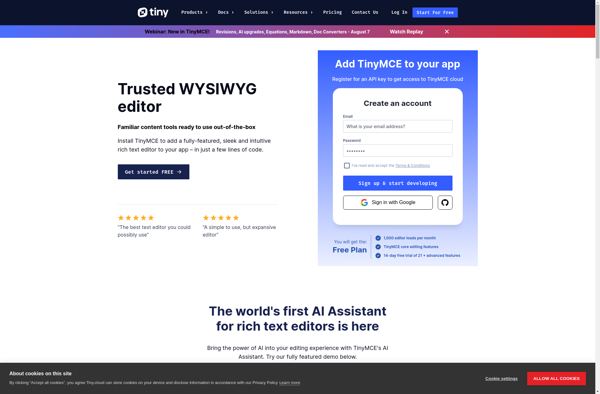
TinyMCE is a free and open source web-based WYSIWYG (What You See Is What You Get) text editor and rich text editor control that allows users to format text and add images, links, videos and more without needing to know HTML. It functions as a rich text editor that can...
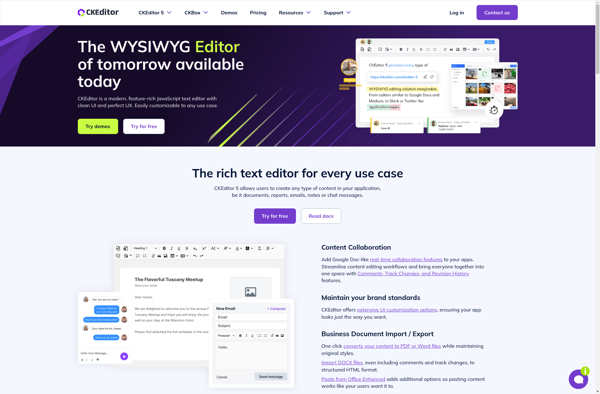
CKEditor is a popular open source WYSIWYG text editor for web applications. It allows developers to easily integrate a visual editor into their sites to enable rich text editing and formatting. Some key features of CKEditor include:Toolbar with options for text styling like bold, italics, underline, text color, background color,...
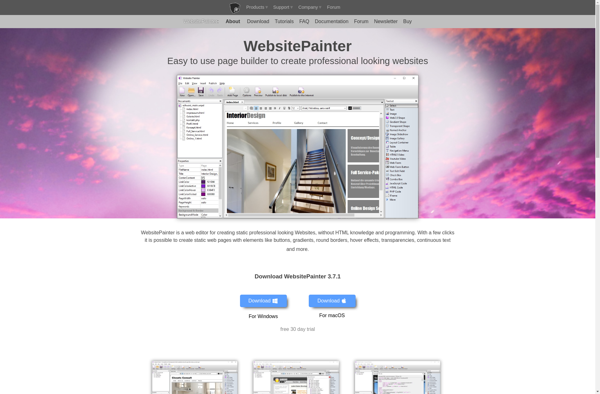
WebsitePainter is a powerful yet easy-to-use website builder designed for businesses, organizations, and individuals who want to create a professional online presence without learning how to code. It features an intuitive drag-and-drop interface that allows you to easily add and customize different elements like text, images, videos, contact forms, menus,...
WebsiteBaker is an open source content management system (CMS) that allows users to build full-featured websites without needing to write any code. It was first released in 2004 by Christoph Braun and programmers from the WebsiteBaker Project.Some key features of WebsiteBaker include:Drag and drop interface for adding page elements like...
WYMeditor is an open source XHTML editor designed to make content creation easy for users without web development experience. It features a What-You-Mean editing interface that allows users to visually style and format content using toolbars and menus, instead of having to manually write HTML markup.Some key features of WYMeditor...
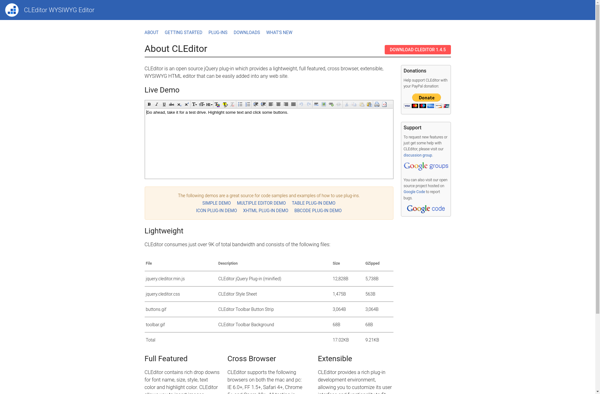
CLEditor is an open source, lightweight WYSIWYG HTML text editor for web applications. It allows users to format and style text easily without needing to know HTML. Some key features of CLEditor include:Lightweight design - entire script is less than 19KB minifiedDoes not require Flash, Java, or other pluginsCross-browser support...
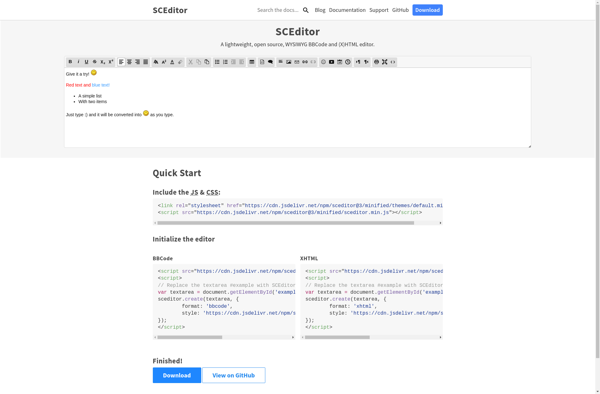
SCEditor is a lightweight, open source, cross-browser compatible WYSIWYG text editor for web applications. Developed in JavaScript, it allows for basic text formatting options including fonts, colors, links, lists, and alignment.Key features of SCEditor include:Small file size (around 150KB)Extensible with pluginsSupports IE7+, Firefox, Chrome, Safari, and OperaActive development and maintenanceReleased...
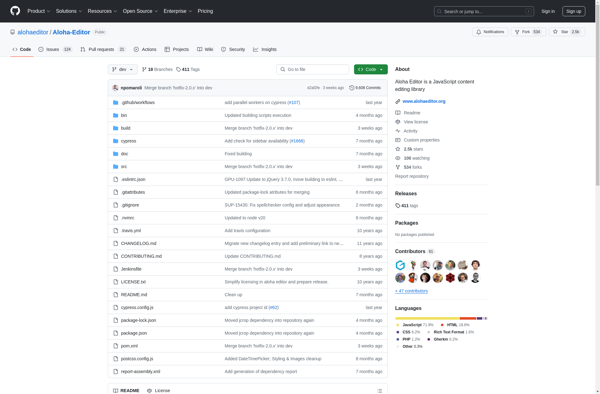
Aloha Editor is an open source, browser-based WYSIWYG (What You See Is What You Get) editor that allows users to format text and add content within a webpage without needing to know HTML. It was launched in 2010 by Gentics, an Austrian software company.Some key features of Aloha Editor include:In-line...
openWYSIWYG is an open source, web-based What You See Is What You Get (WYSIWYG) text editor. It allows users to visually format text, insert images, create lists, and add hyperlinks while editing content directly in the browser.As an open source project, openWYSIWYG is free to download and use. It is...
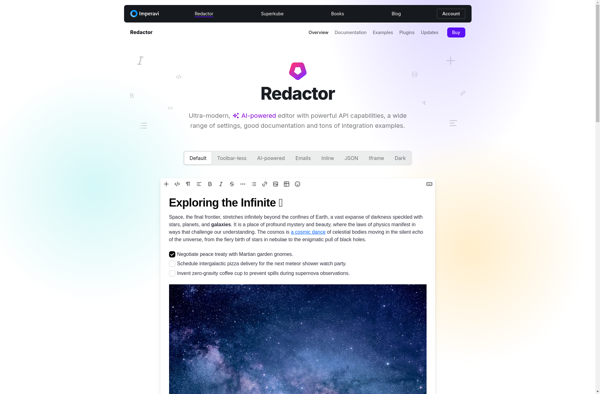
Redactor is a popular open source text and HTML editor optimized for quickly creating and editing web content. Developed with usability and minimalism in mind, Redactor provides a clean, distraction-free writing space with just the essential formatting tools.Key features of Redactor include:Intuitive, easy-to-use WYSIWYG interfaceIn-line formatting for text styles like...
OpenScholar is an open-source platform for academics and researchers to share their work, connect with others, and build an online presence. Developed by the Public Knowledge Project, OpenScholar aims to be an ethical, community-driven alternative to commercial academic social networks like Academia.edu or ResearchGate.Some key features of OpenScholar include:Researcher profiles...
MarkMyWords is a free, open-source writing and text editor application designed for authors. It provides a clean, minimalist interface that removes unnecessary buttons and menus to eliminate distractions while writing.Key features of MarkMyWords include:Basic text formatting tools for bold, italics, underlining, strikethrough, headings, lists, links, and quotesFull screen writing mode...