EncryptPad
EncryptPad is an open-source end-to-end encrypted text editor. It allows users to securely create, store, and share text documents and code. EncryptPad uses client-side encryption so only the user has the encryption keys.

EncryptPad: Open-Source End-to-end Encrypted Text Editor
An open-source text editor with end-to-end encryption, allowing secure creation, storage, and sharing of text documents and code.
What is EncryptPad?
EncryptPad is an open-source end-to-end encrypted text editor developed by SpiderOak. It allows users to securely create, store, and share text documents, code, and notes. Some key features of EncryptPad include:
- End-to-end encryption using 256-bit AES in CBC mode to protect files and prevent unauthorized access
- Zero-knowledge architecture - only the user has the encryption keys, not even the EncryptPad server
- Real-time collaborative editing for securely working on documents with others
- Version history so users can revert back to older versions of a document
- User authentication optional - users can use EncryptPad without creating an account
- Attachments allowed for adding files to documents
- Available as a local Electron app for Linux, Mac and Windows as well as a web app
With its focus on privacy and security along with collaborative features, EncryptPad is a good option for those seeking an encrypted alternative to mainstream office suites and text editors. The zero-knowledge architecture ensures private documents remain confidential.
EncryptPad Features
Features
- End-to-end encryption
- Zero-knowledge architecture
- AES-256 and RSA-2048 encryption
- Encrypted cloud storage integration
- Collaborative editing
- Code syntax highlighting
- Multi-language support
Pricing
- Open Source
- Free
Pros
Strong security and privacy
Easy to use interface
Works across devices
Free and open source
Cons
Limited features compared to paid alternatives
Requires both parties to use EncryptPad to collaborate
No mobile app
Official Links
Reviews & Ratings
Login to ReviewThe Best EncryptPad Alternatives
View all EncryptPad alternatives with detailed comparison →
Top Security & Privacy and Encryption and other similar apps like EncryptPad
Here are some alternatives to EncryptPad:
Suggest an alternative ❐
Notepad++
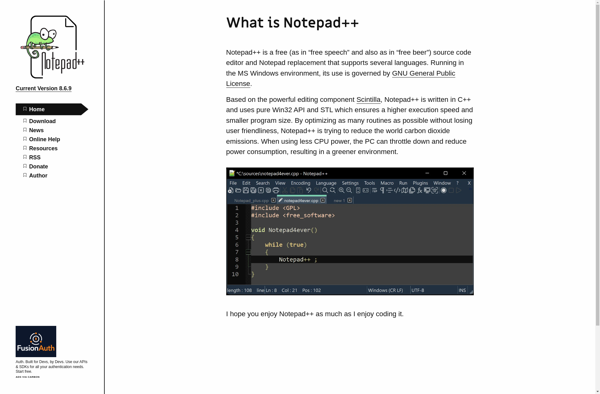
Notepad++ is a popular open-source text and source code editor for Windows. It supports a wide variety of programming languages and markup languages with syntax highlighting, code folding, macro abilities and more. Some key features of Notepad++ include:Syntax highlighting for over 100 programming languages like C++, Java, HTML, XML and...

GNU Emacs
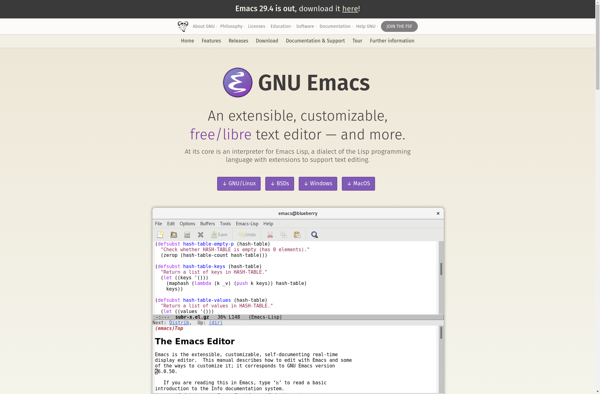
GNU Emacs is a powerful, customizable, open source text editor and more. At its core is an interpreter for Emacs Lisp, a dialect of the Lisp programming language with extensions to support text editing. This extensibility allows Emacs to provide far more than your average text editor.Beyond text editing, Emacs...

Graviton Editor
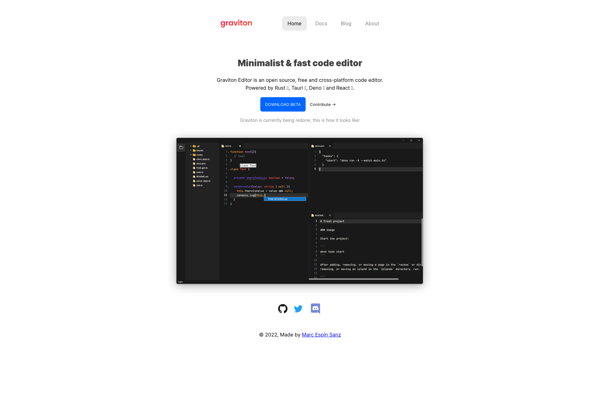
Graviton Editor is a free and open source code and text editor that offers a feature-rich development environment for programmers and writers. Built with web technologies, it runs as a desktop app on Windows, Mac and Linux platforms. For developers, Graviton Editor provides syntax highlighting and auto-completion support for over...

QOwnNotes
QOwnNotes is a free, open source note taking and todo list application for Windows, Linux and macOS. It uses plain text files for storing notes, so there is no vendor lock in or proprietary file formats to worry about.Key features include:Markdown formatting support for notes along with a markdown previewTodo...


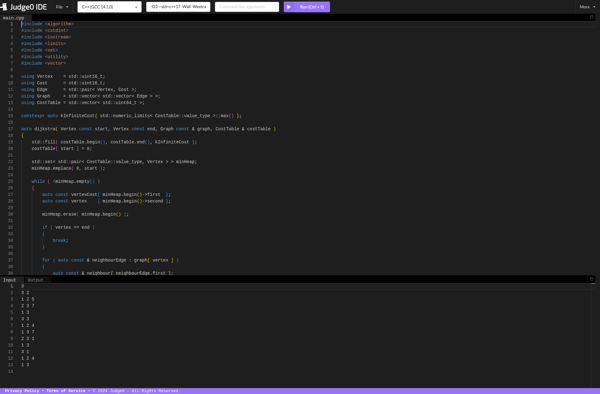
Judge0 IDE
Judge0 IDE is a versatile online integrated development environment (IDE) that allows developers to write, compile, run, and debug code in over 40 programming languages. It provides a code editor with syntax highlighting and other helpful features to improve productivity.Some highlights of Judge0 IDE include:Supports major languages like C, C++,...
Little Transformer: Text Editor with TTS
Little Transformer is a free text editor for Windows that includes useful text-to-speech (TTS) capabilities. It provides a simple, no-frills interface for writing documents, while also allowing users to have the text read aloud to assist with proofreading or accessibility.One of the standout features of Little Transformer is its built-in...