HTML5 Snippet
HTML5 Snippet: Lightweight Code Editor for HTML, CSS, and JavaScript
A browser-based code editor for quick testing and prototyping of HTML, CSS, and JavaScript snippets, no setup required.
What is HTML5 Snippet?
HTML5 Snippet is a free online code playground for web developers. It provides an in-browser text editor where you can write HTML, CSS, and JavaScript code snippets to test ideas and see live results. Key features include:
- Supports HTML5, CSS3, and JavaScript ES6
- Live preview updates as you type
- Color coding and syntax highlighting
- Auto-completion and error checking
- Export snippets to files
- Embeddable iframes to share creations
- No software install required
HTML5 Snippet removes the barrier and friction from quickly testing code ideas. The integrated browser preview eliminates the need to manually refresh pages. It's perfect for learning web development, trying CSS style ideas, experimenting with HTML layouts, testing JavaScript functions, sharing code examples, and web design prototyping. With its easy-to-use interface and instant visual feedback, HTML5 Snippet helps accelerate development workflows.
HTML5 Snippet Features
Features
- Code editor
- Syntax highlighting
- Autocompletion
- Emmet support
- Multiple cursors
- Keyboard shortcuts
- Tabs
- Zen mode
- Preview pane
- Shareable snippets
- Local storage
- GitHub integration
- Themes
- Extensions
Pricing
- Open Source
Pros
Cons
Official Links
Reviews & Ratings
Login to ReviewThe Best HTML5 Snippet Alternatives
View all HTML5 Snippet alternatives with detailed comparison →
Top Development and Code Editors and other similar apps like HTML5 Snippet

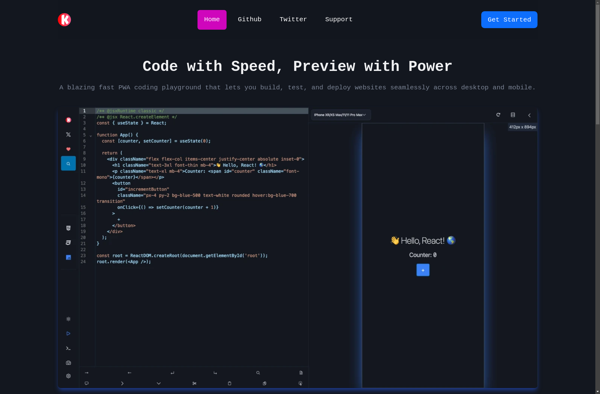
KodeWeave

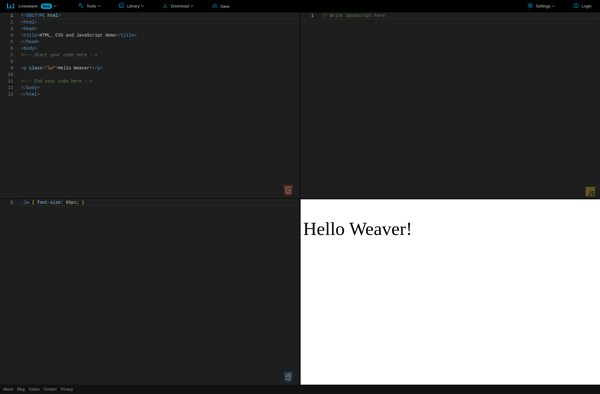
Liveweave

Rendera