Java Launcher

Java Launcher: Lightweight Java Management
Manage Java installations, switch JDK/JRE versions, set PATH and environment variables with Java Launcher, a lightweight application for smooth Java app launching.
What is Java Launcher?
Java Launcher is a small utility program designed to help manage Java installations and launch Java applications on Windows. Here are some key features:
- Automatically detects all JDK/JRE versions installed on your system
- Lets you easily switch between different Java versions
- Sets PATH and other environment variables required to run Java apps
- Provides shortcuts to launch common Java IDEs and tools
- Lightweight and fast - small footprint and starts up quickly
- Free and open source software
- Actively developed and supported
Java Launcher aims to simplify development workflows by eliminating the need to manually configure Java environment variables every time you want to work with a different Java version. It improves productivity for Java developers who work with multiple JDKs/JREs on the same machine.
By handling all the environment setup, Java Launcher lets you focus on writing and testing code. It's perfect for developers, QA engineers, Java enthusiasts and programmers working in education/academia.
Java Launcher Features
Features
- Manages multiple JDK/JRE installations
- Sets PATH and other environment variables automatically
- Allows easy switching between Java versions
- Launches Java applications
- Lightweight and fast
Pricing
- Open Source
Pros
Cons
Reviews & Ratings
Login to ReviewThe Best Java Launcher Alternatives
View all Java Launcher alternatives with detailed comparison →
Top Development and Java Tools and other similar apps like Java Launcher
Here are some alternatives to Java Launcher:
Suggest an alternative ❐
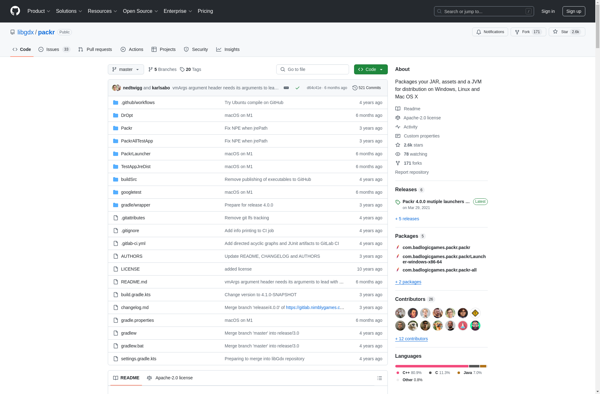
Packr

JarToExeJni and JarToExeProc

Jar2Exe