Javascript Packer is a tool that minifies and obfuscates Javascript code to reduce file size and protect source code. It removes whitespaces, shortens variable names, and optimizes code without changing functionality.
Javascript Packer: Minify and Obfuscate JavaScript Code
A tool that reduces file size and protects source code by removing whitespaces, shortening variable names, and optimizing JavaScript code without changing functionality.
What is Javascript Packer?
Javascript Packer is a software utility used by web developers to minify and obfuscate Javascript code. It works by analyzing the Javascript code and applying a series of transformations to reduce the overall file size while preserving full functionality.
Some of the key features of Javascript Packer include:
Removing excess whitespace, newlines and comments
Shortening variable and function names
Safely renaming local variables and parameters to single letters
Encoding string literals as numeric tokens
Optimizing code without changing behavior
The main benefits of using a Javascript Packer are faster page load times due to smaller script size and preventing others from copying or reverse engineering code by making it difficult to read and understand. It's commonly used to protect intellectual property and reduce bandwidth usage.
Popular Javascript Packer tools include Google's Closure Compiler, UglifyJS, jsminimizer, and javascript-obfuscator among others. They provide options to customize the level of minification and obfuscation as needed.
Javascript Packer Features
Features
Minifies Javascript code by removing whitespaces, comments and unused code
Obfuscates code by renaming variables and functions to make it unreadable
Supports ES6 syntax
Integrates with build tools like Grunt and Gulp
Offers browser extensions to pack code on the fly
Provides statistics on compression ratio
Pricing
Open Source
Pros
Reduces Javascript file size significantly
Makes code harder to copy or reverse engineer
Easy to integrate into build process
Free and open source
Cons
Minified code is harder to debug
Obfuscated variable names make code harder to understand
Not ideal for frequently changing code
Limited configuration options compared to other tools
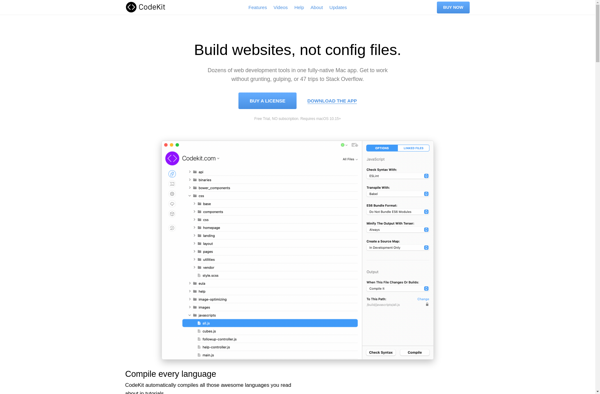
CodeKit is a Mac application designed to streamline and automate front-end web development workflows. It brings together a number of common tasks and processes into one intuitive application:Compiles preprocessor code from languages like SASS, LESS and Stylus into CSSMinifies and concatenates JavaScript and CSS filesOptimizes images and icons by compression...
SiteFlow is a powerful yet easy-to-use website builder suited for businesses, organizations, and individuals looking to establish an online presence. With SiteFlow, you can create a stunning website in minutes thanks to its intuitive drag-and-drop editor and collection of professionally designed templates.Some key features that make SiteFlow stand out include:Drag-and-drop...
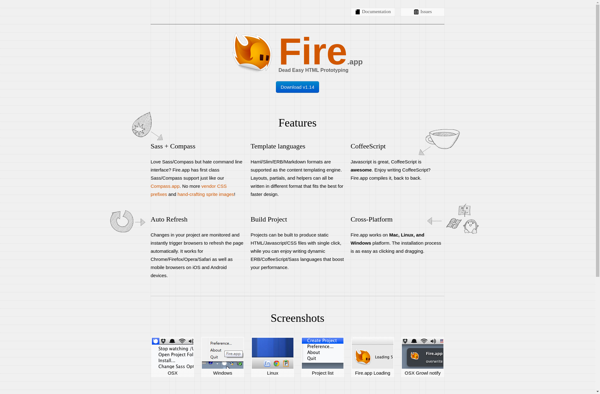
Fire.app is a universal calculator app designed exclusively for macOS. It provides a clean, ad-free interface for quickly and easily performing various calculations and conversions.At its core, Fire.app includes a basic and scientific calculator capable of standard arithmetic, trigonometric, exponential, logarithmic and other advanced math functions. The large, nicely spaced...
Smalify is an easy-to-use image optimization tool designed to reduce image file sizes for web and mobile apps. It employs advanced compression algorithms to shrink JPEG, PNG, GIF, and SVG files while preserving quality.Smalify features a drag-and-drop interface that makes it simple to import images and export compressed versions. It...
Smaller is a free, open-source music player for Windows that focuses on providing a lightweight and easy-to-use interface. Despite its simplicity, Smaller still includes all the essential features you would expect from a modern music player.At its core, Smaller allows you to easily browse and play the music files stored...
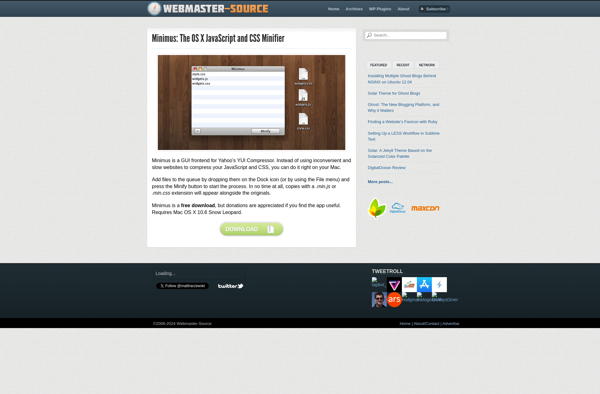
Minimus is a free, open-source note taking application developed by MinSoft. It has a clean, minimalist interface that allows users to quickly create, organize, and find notes.Some of the key features of Minimus include:Basic text formatting like bold, italics, headings, lists, etc.Tagging notes for easy searching and filteringAttaching images and...