LEX - The LDAP Explorer
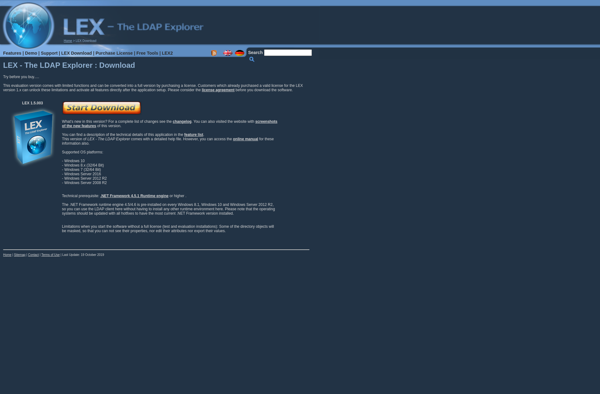
LEX: Open-Source LDAP Client and Browser for Windows
LEX is an open-source LDAP client and browser for Windows. It allows users to easily navigate, search, and modify LDAP directories. Key features include LDAP tree browsing, search filters, entry editing, access control, and more.
What is LEX - The LDAP Explorer?
LEX - The LDAP Explorer is an open-source, feature-rich LDAP client and browser for Windows. It enables users to easily navigate, search, and modify LDAP directories. Some of the key features of LEX include:
- Intuitive LDAP tree browsing for navigating directory structures
- Flexible search filter construction with syntax checking
- Convenient editing of LDAP entries and attributes
- Access control for managing user permissions on directory objects
- Customizable interface with themes and layout options
- Connectivity to LDAP and Active Directory servers
- Logging and trace options for troubleshooting
- Scripting capabilities to automate tasks
- Exporting LDAP content to files
- Multi-language support
With its user-friendly interface and wealth of features for interfacing with LDAP directories, LEX is aimed at administrators, developers, and end users looking for a capable free alternative to commercial LDAP tools.
LEX - The LDAP Explorer Features
Features
- LDAP tree browsing
- Search filters
- Entry editing
- Access control
Pricing
- Open Source
Pros
Cons
Reviews & Ratings
Login to ReviewThe Best LEX - The LDAP Explorer Alternatives
View all LEX - The LDAP Explorer alternatives with detailed comparison →
Top Network & Admin and Directory Services and other similar apps like LEX - The LDAP Explorer
Here are some alternatives to LEX - The LDAP Explorer:
Suggest an alternative ❐
Ldap Admin


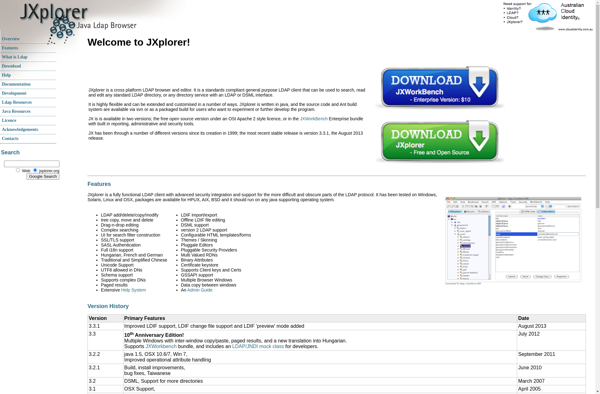
JXplorer

LDAP Tool Box White Pages

LDAP Administrator

Ldap Admin Tool