Ldap Admin Tool is an open-source Windows application for managing LDAP directories and entries. It provides a graphical interface for common LDAP administration tasks like adding, editing and deleting entries, modifying schemas, and managing access control.
LDAP Admin Tool: Open-Source Directory Management for Windows
A free and powerful LDAP admin tool for managing LDAP directories and entries on Windows, with features like graphical interface, schema modification, and access control management.
What is Ldap Admin Tool?
Ldap Admin Tool is an open-source Windows desktop application designed for managing and administering LDAP directories. It provides a graphical user interface to perform common LDAP administration tasks without needing to use the LDAP command line tools.
With Ldap Admin Tool, users can easily browse, search and modify LDAP directory entries, define new objectClasses and attributes, import and export LDIF data, handle access control by managing ACLs, set up replication and more. Some key features include:
Intuitive tree-view for browsing LDAP directory contents
Forms for adding, editing and deleting LDAP entries
Schema editor for modifying objectClass and attribute definitions
LDIF import and export functions
User, group and access control management
Replication setup between LDAP servers
Logging and notification options
Ldap Admin Tool aims to make routine LDAP directory management easier for IT teams and administrators. With its graphical interface and menu-driven options, users can manage LDAP without learning complex command syntax. It runs on Windows platforms and offers both installable and portable versions. The tool is released under an open source license.
Ldap Admin Tool Features
Features
Graphical interface for LDAP administration
Add, edit, and delete LDAP entries
Modify LDAP schemas
Manage access control
Support for multiple LDAP servers
Pricing
Open Source
Pros
Open-source and free to use
Intuitive and user-friendly interface
Supports common LDAP administration tasks
Provides a centralized management tool for LDAP directories
Cons
Limited functionality compared to enterprise-level LDAP management tools
May not have the same level of support and documentation as commercial tools
Ldap Admin is an open-source, cross-platform LDAP client application used for managing and administrating LDAP directories and servers. It provides a graphical user interface to perform common LDAP administration tasks without needing to use the LDAP command line tools.With Ldap Admin, users can easily browse, search and modify the data...
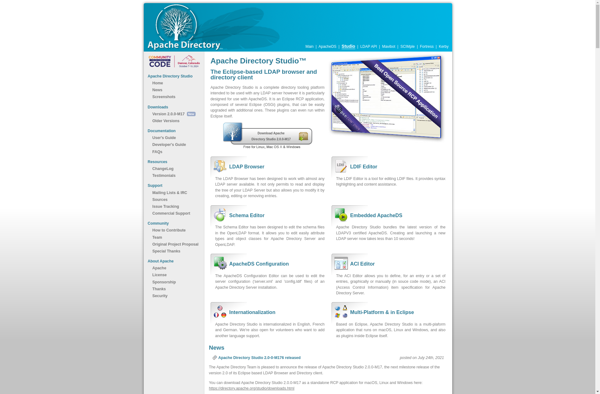
Apache Directory Studio is a complete directory tooling platform intended to be used with any LDAP server however it is particularly designed for use with ApacheDS. It is an Eclipse RCP application, composed of several Eclipse (OSGi) plugins, that can be easily upgraded with additional plugins. These plugins can come...
phpLDAPadmin is a popular open source web-based LDAP client written in PHP. It provides an easy-to-use graphical interface that allows you to manage and administer LDAP directories without having to use the LDAP command line tools.With phpLDAPadmin you can easily browse your LDAP tree, search for entries, modify existing entries...
FusionDirectory is an open source identity management and authentication solution designed for enterprises. It integrates with LDAP and Active Directory to provide a unified interface for managing identities, access controls, and policies across an organization's IT infrastructure.Key features of FusionDirectory include:Centralized user account management - Create, manage and delete user...
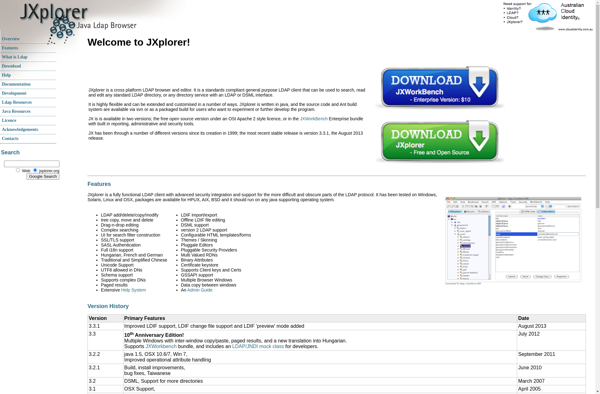
JXplorer is an open source, cross-platform LDAP browser and editor. It provides a graphical user interface to query, browse, edit, and manage LDAP directories. Some of the key features of JXplorer include:Intuitive tree-view browsing of LDAP directory contentsCustomizable search forms for querying LDAP dataEditing and modification of LDAP entries and...
LDAP Tool Box White Pages is an open source, cross-platform LDAP client application that allows administrators and power users to easily manage entries in an LDAP directory server. It provides an intuitive graphical user interface to perform common LDAP tasks such as adding, modifying, and deleting LDAP entries, importing and...
LEX - The LDAP Explorer is an open-source, feature-rich LDAP client and browser for Windows. It enables users to easily navigate, search, and modify LDAP directories. Some of the key features of LEX include:Intuitive LDAP tree browsing for navigating directory structuresFlexible search filter construction with syntax checkingConvenient editing of LDAP...
LDAP Administrator is an open source, cross-platform tool for managing LDAP directories and servers. It provides a graphical user interface to perform common LDAP administration tasks without needing to use the LDAP command line tools.With LDAP Administrator, you can easily add, edit, and delete LDAP entries like users, groups, organizational...