Make Me Admin
Make Me Admin: Grant Administrator Access on Windows
A software solution allowing regular users to easily elevate account privileges to admin access, modifying system settings for enhanced security and flexibility.
What is Make Me Admin?
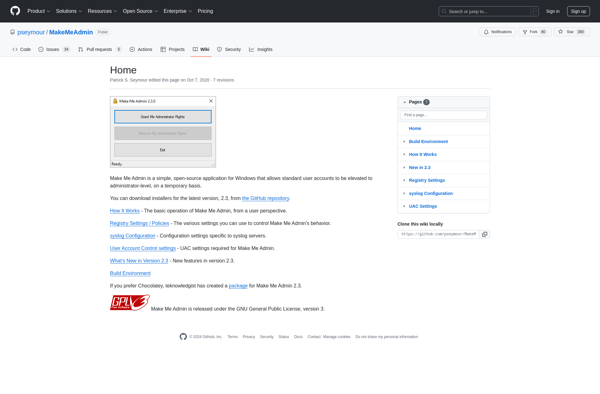
Make Me Admin is a small utility program for Windows that gives normal user accounts administrative privileges on the computer. It works by modifying some internal Windows settings that control user access levels.
Once installed, Make Me Admin adds a new option to the user account context menu that says "Make Me Admin". Clicking this will toggle the admin rights for that user. So regular users can easily give themselves admin access without needing the login password of an existing admin account.
This makes it useful for situations when the only administrator account on a PC is unknown or inaccessible. It gives a way for normal users to install software, make system changes, access protected folders etc. by temporarily escalating their own permissions.
However, it also means that Make Me Admin undermines normal Windows user security. Anyone with access to the computer could potentially give themselves full admin access. So it should only be used with caution and on private home PCs rather than business networks or multi-user machines.
The software works on Windows XP right up to recent Windows 10 and 11 versions. It is free to use but closed source from the small developer Easter Egg Software.
Make Me Admin Features
Features
- Elevates regular user account privileges to admin access
- Works on Windows XP, Vista, 7, 8, 8.1 and 10
- No installation required, portable executable
- Simple one-click interface
- Temporarily grants admin rights, reverts after restart
Pricing
- Free
Pros
Cons
Official Links
Reviews & Ratings
Login to ReviewThe Best Make Me Admin Alternatives
View all Make Me Admin alternatives with detailed comparison →
Top Network & Admin and System Utilities and other similar apps like Make Me Admin

RunAsTool
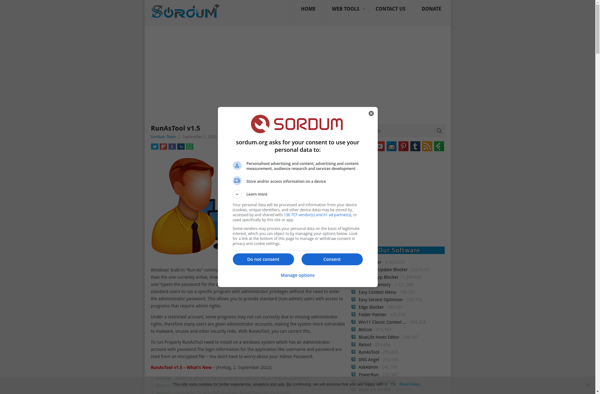

RunAsRob