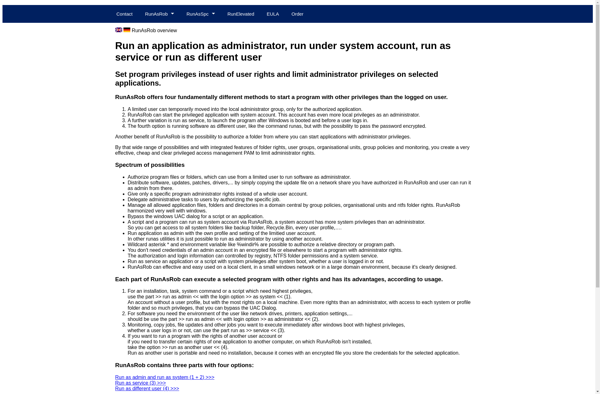
RunAsTool
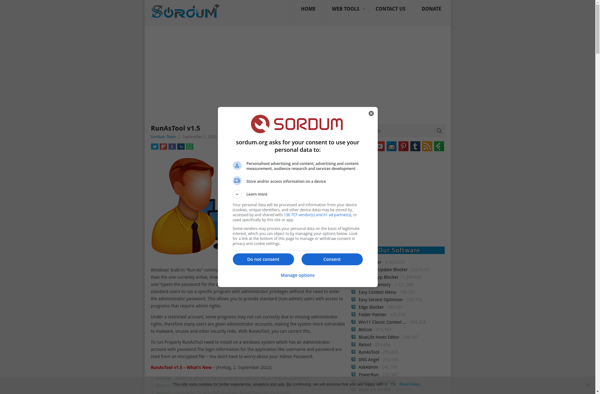
RunAsTool: Lightweight Windows Utility
RunAsTool is a lightweight Windows utility that allows you to run programs under different user profiles to troubleshoot issues. It's useful for testing software under various user environments.
What is RunAsTool?
RunAsTool is a handy utility for Windows that enables you to launch applications and programs under alternate user credentials on your system. It provides an easy way to troubleshoot user-specific software and configuration problems by running the program as another user.
Some key features of RunAsTool:
- Lightweight and portable - easily launch it from a USB drive without needing installation
- Supports running processes as different users without needing to log out/switch users
- Handy for testing apps and systems under different user environments
- Helpful for troubleshooting user-specific software and configuration issues
- Free and open-source
RunAsTool works by allowing you select a target executable you want to launch, then specifying the alternate Windows user credentials to run that program under. It launches a separate instance of the app using those credentials, allowing you to test out user-specific settings, app data folders, registry values, and more.
It's invaluable for support teams, system administrators, and developers to easily simulate an end user's environment for debugging. It saves considerable time compared to switching logged in users or setting up virtual machines. If you need to test or troubleshoot user-centric programs and settings, RunAsTool is simple and effective.
RunAsTool Features
Features
- Run programs under different user profiles
- Troubleshoot software issues related to user environments
- Lightweight and easy-to-use Windows utility
- Supports both standard and administrative user profiles
Pricing
- Free
Pros
Cons
Official Links
Reviews & Ratings
Login to ReviewThe Best RunAsTool Alternatives
View all RunAsTool alternatives with detailed comparison →
Top Os & Utilities and System Utilities and other similar apps like RunAsTool

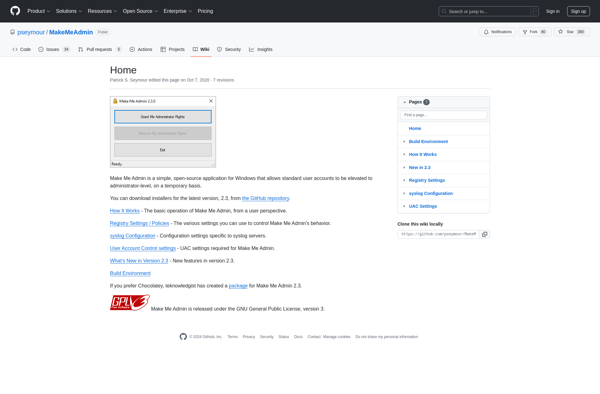
Make Me Admin

RunAsRob