Masonry
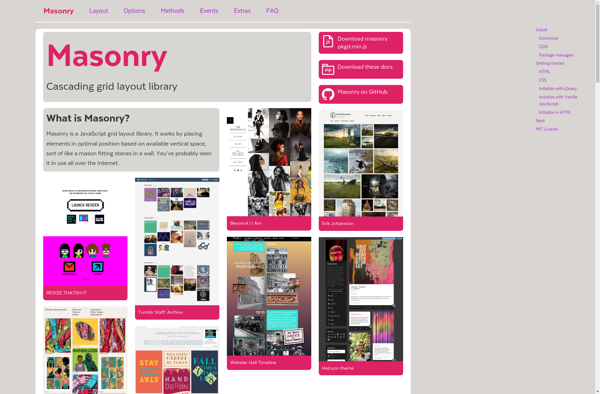
Masonry: Cascading Grid Layout Library
A web development library arranging elements in a staggered grid layout, suitable for image galleries, Pinterest-style layouts, and responsive designs.
What is Masonry?
Masonry is a JavaScript grid layout library created by David DeSandro. It enables developers to easily create cascading grid layouts, arranging elements vertically first then positioning each element in the next open horizontal space. This creates the popular staggered grid or pinterest-style layout.
Some key features of Masonry include:
- Cascading grid layout - Elements are positioned based on available vertical space, not a predefined grid.
- Resizes dynamically - Masonry layouts work with any screen size or device.
- Animations - Items can transition smoothly into place with CSS transitions.
- Images loaded sequentially - Images are loaded in correct order, preventing layout breaks as images load.
- Flexible item elements - Masonry works with elements of varying sizes and proportions.
- Customizable - Works well with any front-end framework and easy to extend with plugins.
Masonry is a good choice for building responsive image galleries, pinterest-style pinboards, or any design where a cascading staggered grid is desired. It's lightweight, flexible, and easy to implement. Masonry continues to be popular in modern web design and works seamlessly with most JavaScript libraries and CSS frameworks.
Masonry Features
Features
- Cascading grid layout
- Vertical arrangement first
- Horizontal filling of spaces
- Staggered grid
- Works for image galleries
- Works for Pinterest-style layouts
- Responsive design capabilities
Pricing
- Open Source
Pros
Cons
Official Links
Reviews & Ratings
Login to ReviewThe Best Masonry Alternatives
View all Masonry alternatives with detailed comparison →
Top Development and Web Development and other similar apps like Masonry
Here are some alternatives to Masonry:
Suggest an alternative ❐
Salvattore


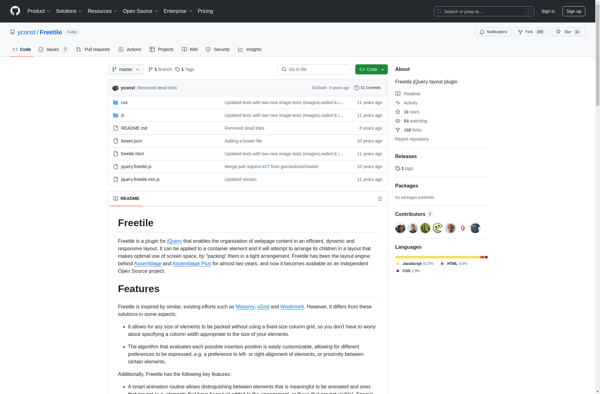
Freetile

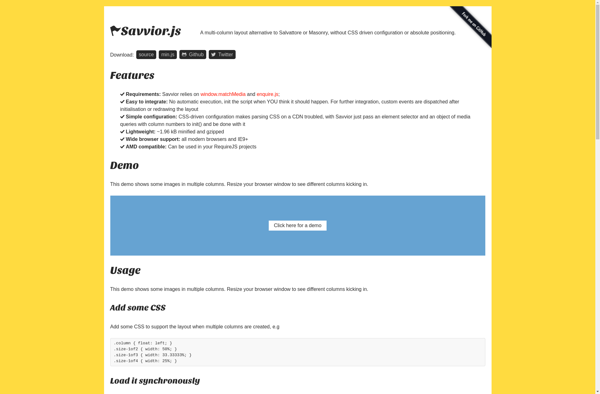
Savvior

Wookmark jQuery


MixItUp