
PacketCheck
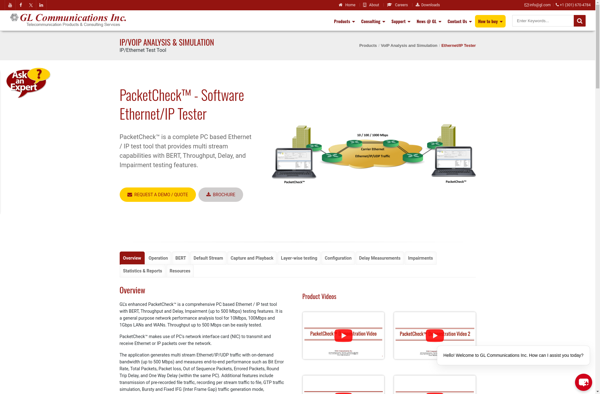
PacketCheck: Free Network Monitoring Software
A free network monitoring software for Windows to monitor network activity, detect bandwidth hogs and intruders, analyze traffic, view logs, and troubleshoot network issues.
What is PacketCheck?
PacketCheck is a free and open source network monitoring software for Windows. It provides home and small business users with insightful tools to monitor and analyze network traffic, troubleshoot connectivity issues, identify bandwidth hogs or intruders, log events, and more.
Some key features of PacketCheck include:
- Real-time display of network traffic and bandwidth usage statistics
- Graphs and logs detailing bandwidth usage by application, protocol, or IP address
- Ability to detect suspicious traffic, malware, or intrusion attempts
- Packet capture and inspection to analyze traffic in depth
- Notification alerts for bandwidth threshold exceeding
- Export reports on network usage
- Lightweight software with an intuitive UI designed for non-technical users
PacketCheck can help users identify applications, devices or users that are consuming too much network bandwidth and potentially slowing down connectivity. Its intrusion detection capabilities also aid in spotting and investigating suspicious traffic or attacks. For a basic network monitoring tool, PacketCheck is highly flexible and offers solid functionality free of cost.
PacketCheck Features
Features
- Network activity monitoring
- Bandwidth usage tracking
- Intruder detection
- Network traffic analysis
- Log viewing
- Network troubleshooting
Pricing
- Free
Pros
Cons
Official Links
Reviews & Ratings
Login to ReviewThe Best PacketCheck Alternatives
View all PacketCheck alternatives with detailed comparison →
Top Network & Admin and Network Monitoring and other similar apps like PacketCheck
Here are some alternatives to PacketCheck:
Suggest an alternative ❐
IPerf3

JPerf


OpenSpeedTest-Server








