Piconion is an open-source, privacy-focused alternative to Pinterest. It allows users to create boards, pin content, and browse pins shared by others. As it is open-source, Piconion emphasizes user privacy and control over data.
A free, privacy-focused platform for creating boards, pinning content, and discovering pins shared by others, built on open-source principles.
What is Piconion?
Piconion is an open-source, privacy-focused alternative to Pinterest that allows users to create inspiration boards, pin content such as images and links to those boards, and discover new content shared by others. It has a similar user interface and core pinning functionality to Pinterest.
As an open-source platform, Piconion places a strong emphasis on user privacy and giving users control over their own data. Unlike Pinterest, it does not track users across the web or sell data to third parties. Piconion also allows users to delete their account and data permanently at any time.
Some key features of Piconion include:
Creating public and private boards to curate content
Browsing content shared by others in a visually-appealing stream
Repinning and liking others' pins
Following other users and boards
Powerful search to discover new content
Browser extensions to easily pin content from around the web
Open-source codebase that is community-driven
As an ethical, privacy-first alternative, Piconion aims to serve as a replacement for users seeking a Pinterest-like service without the privacy downsides. With active development driven by user input and donations, Piconion offers a promising pinboard platform focused on user control.
Piconion Features
Features
Open-source codebase
User account creation
Creating boards to organize pins
Pinning images, videos, links, etc
Browsing content pinned by others
Searching for pins
Liking and commenting on pins
User profiles and ability to follow others
Pricing
Open Source
Pros
Emphasis on privacy and user control of data
Customizable and extensible due to open-source model
No ads or monetization of user data
Active development community
Cons
Smaller user base than proprietary options like Pinterest
Less polished UI/UX compared to more established platforms
Limited native mobile apps
Less content discovery compared to larger networks
Adobe Photoshop stands as the unrivaled powerhouse in the realm of image editing and manipulation. Widely recognized as the industry standard, Photoshop provides a comprehensive suite of tools and features that cater to the diverse needs of graphic designers, photographers, and digital artists. At its core, Photoshop offers a robust...
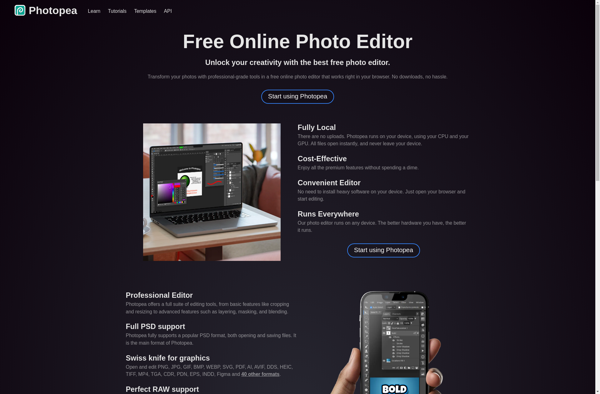
Photopea is a free browser-based graphic design and image editing software that aims to be an alternative to paid applications like Adobe Photoshop. It provides an impressive range of powerful tools for working with images and graphics right in the browser.Some of the key features of Photopea include:Layers and masks...
Pixlr is a free online photo editing application that runs in the browser. It provides basic to advanced photo editing capabilities without needing to download and install desktop software.Some key features of Pixlr include:Cropping and resizing imagesRotating and flippingAdjustment tools for exposure, color, hue/saturationRed eye removalBlemish and wrinkle removalDrawing tools...
Spotiplus is an enhanced, premium version of the popular music streaming service Spotify. It builds on Spotify by offering additional features and improvements while maintaining the same intuitive interface.The main benefits of Spotiplus include:Unlimited skips - No restrictions on skipping tracks, you can freely listen to whatever song you wantHigher...
Colourtone is a free online tool that helps designers, artists, and anyone working with color palettes to visualize and generate color schemes for their projects. It works by allowing the user to input an initial color, and then uses that as the basis to suggest a full palette of colors...
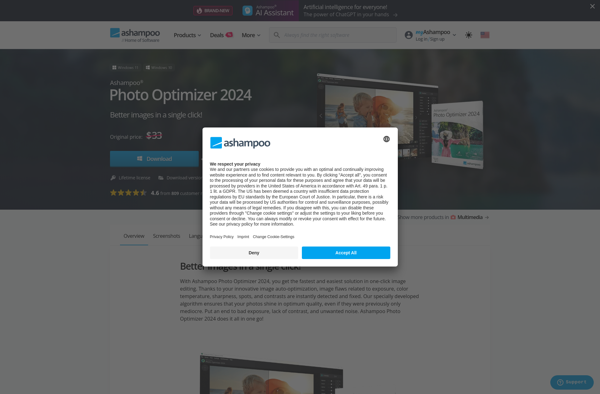
Ashampoo Photo Optimizer is an easy-to-use application for optimizing and compressing images on your Windows PC. It allows you to significantly reduce the file size of your image collection while maintaining excellent picture quality.The software uses advanced compression algorithms to shrink images like JPEGs, PNGs, BMPs and TIFFs. By stripping...
Image Plus is an easy-to-use yet full-featured image editing application for Windows. Developed by Serif, it competes directly with entry-level graphics editors like Paint.NET and GIMP.Image Plus comes packed with an array of useful image editing tools and effects. You can crop, resize, and rotate images. Adjust brightness, contrast, hue,...