PuTTYCS
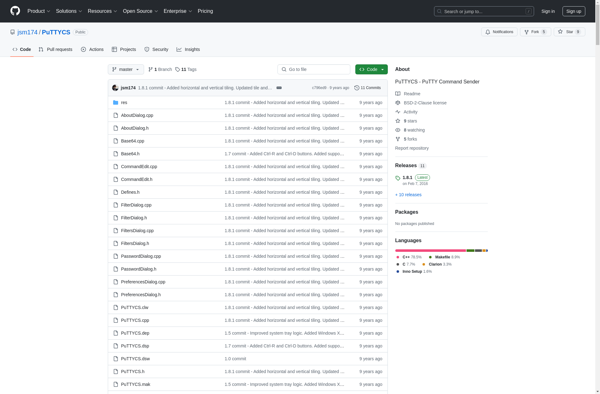
PuTTYCS: Free Open-Source SSH Client for Windows
An open-source SSH client for Windows with features like remote connections, file transfers, and terminal sharing, ideal for command line interface access.
What is PuTTYCS?
PuTTYCS is a popular open-source and free SSH, Telnet and Rlogin client for Windows operating systems. It provides a simple and user-friendly graphical interface to establish connections with remote servers over SSH, Telnet and Rlogin protocols for purposes like remote command line access, file transfers or terminal sharing.
Some of the key features of PuTTYCS include:
- Support for SSH, Telnet and Rlogin protocols
- Automatic SSH key generation and authentication
- Tabbed interface to handle multiple sessions
- Scrollback buffer to view previous output text
- Macro recorder to automate repetitive tasks
- Local serial port connections and sharing
- Proxy and tunneling support
- Configurable with many settings for fine-tuned control
PuTTYCS works on various Windows platforms like Windows 7, Windows 8, Windows 10 and Windows Server. It is very lightweight, does not require installation and fits usage scenarios ranging from programmers, network admins to hobbyists. The active open source development ensures it stays up to date with latest security practices.
PuTTYCS Features
Features
- SSH client
- Telnet client
- Rlogin client
- SCP and SFTP support for file transfers
- Proxying support for tunneling connections through HTTP or SOCKS proxies
- Public key authentication support
- Session logging
- Configurable keyboard shortcuts
- Customizable color schemes
Pricing
- Free
- Open Source
Pros
Cons
Official Links
Reviews & Ratings
Login to ReviewThe Best PuTTYCS Alternatives
View all PuTTYCS alternatives with detailed comparison →
Top Network & Admin and Remote Access and other similar apps like PuTTYCS

ClusterSSH

Solar-PuTTY


CPuTTY 2