cPuTTY 2 is an enhanced telnet and SSH client for Windows. It is based on the open source PuTTY application but adds additional functionality like tabbed sessions, easy logon scripts, session filtering, and more. It aims to improve usability and productivity for system administra
cPuTTY 2 is an enhanced telnet and SSH client for Windows, offering additional functionality like tabbed sessions, easy logon scripts, session filtering, and more, aiming to improve usability and productivity for system administrators and power users.
What is CPuTTY 2?
cPuTTY 2 is a feature-rich SSH and telnet client for Windows that builds upon the popular open source application PuTTY. It provides numerous enhancements and additional functionality to improve usability.
Key features of cPuTTY 2 include:
Tabbed interface allows multiple sessions in a single window
Advanced session filtering and search makes it easy to access saved sessions
Automatic logon scripts let you run commands on connection
Tweaked UI elements like font options, anti-aliased fonts, fullscreen mode
Port forwarding manager
Convenient session launcher with groups
Automatic session duplication
And more
While the open source PuTTY is a great SSH client, cPuTTY 2 adds UI tweaks and power user features on top of it. The tabbed interface makes it easy to connect to multiple hosts simultaneously without opening separate windows. Filters and logon scripts save time for common tasks. Overall cPuTTY 2 aims to be a highly efficient SSH client for tech professionals, administrators, and power users who need to manage multiple servers.
PuTTY is a widely used terminal emulator and SSH client that provides a user-friendly interface for connecting to remote servers and devices. It was initially developed for Microsoft Windows but has been adapted for other platforms as well. PuTTY is known for its simplicity, reliability, and support for various network...
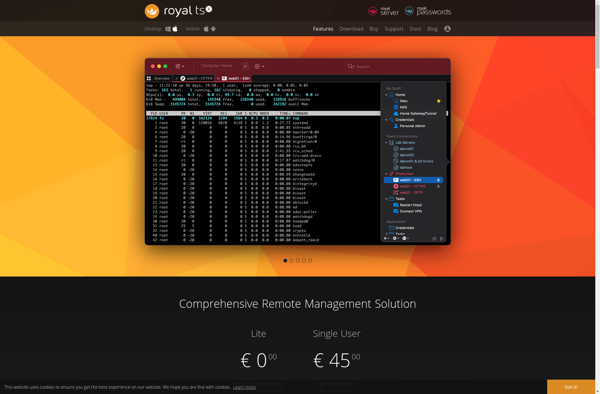
Royal TSX is a powerful Windows application designed specifically for managing remote connections and automating routine tasks. With an intuitive tabbed interface and support for a wide range of protocols like RDP, VNC, SSH, Telnet, and more, Royal TSX aims to be the all-in-one solution for IT administrators, developers, and...
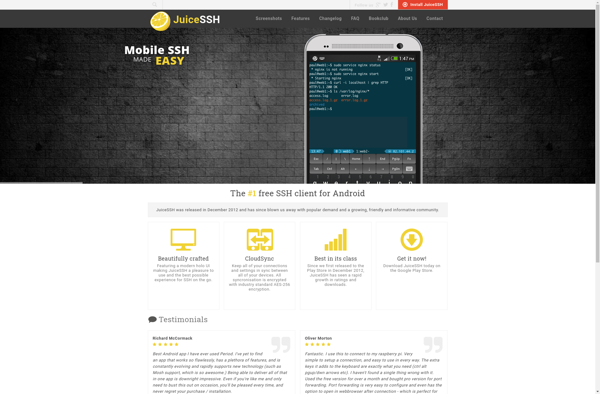
JuiceSSH is a popular SSH and terminal client app for Android. It enables you to securely connect to Linux or Unix servers, routers, switches, or other devices directly from your Android phone or tablet.Some key features of JuiceSSH include:Clean and intuitive interface with tabbed terminalsSupports multiple simultaneous SSH connectionsKeyboard shortcuts...
ClusterSSH is an open-source terminal emulator and cluster admin tool designed for simultaneous administration of multiple Linux servers. It allows sysadmins and DevOps engineers to execute commands on multiple remote hosts at the same time through a single terminal window.Some key features of ClusterSSH include:Ability to open connections to multiple...
Solar-PuTTY is an enhanced, open-source version of the popular PuTTY SSH and telnet client for Windows. It provides all the functionality of PuTTY, allowing you to securely connect to Linux/UNIX servers, routers, and other devices via SSH or telnet protocols.The key advantages of Solar-PuTTY over standard PuTTY are:Cloud storage for...
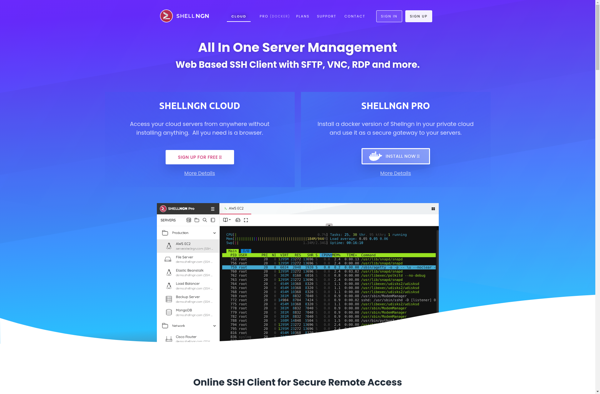
Shellngn is an open-source web shell and administration tool for managing Linux servers. It provides a browser-based interface for executing shell commands, editing files, managing services, monitoring systems, and automating tasks.Some key features of Shellngn include:Executing shell commands through a web terminalEditing files and directories with syntax highlightingManaging systemd services...
PuTTYCS is a popular open-source and free SSH, Telnet and Rlogin client for Windows operating systems. It provides a simple and user-friendly graphical interface to establish connections with remote servers over SSH, Telnet and Rlogin protocols for purposes like remote command line access, file transfers or terminal sharing.Some of the...