TackTracker
TackTracker is project management software designed for small teams to plan and track tasks. It has an intuitive interface, Gantt chart views, time tracking, and reporting features.
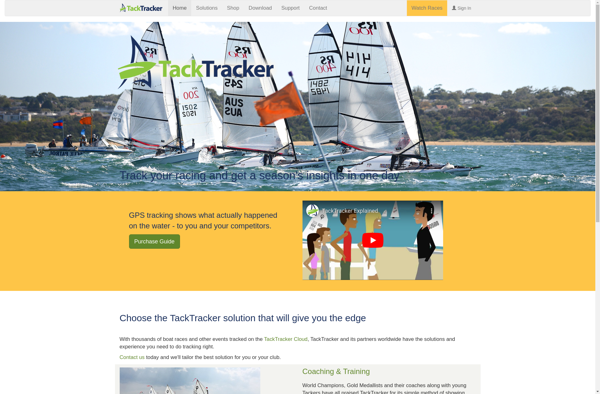
TackTracker: Project Management Software
TackTracker is project management software designed for small teams to plan and track tasks. It has an intuitive interface, Gantt chart views, time tracking, and reporting features.
What is TackTracker?
TackTracker is an easy-to-use project management and team collaboration software designed for small businesses. It provides tools for planning projects, assigning tasks, tracking time, reporting, and more.
Key features of TackTracker include:
- Intuitive interface - The software has a simple, visually appealing interface that is easy for teams to learn and use.
- Gantt charts - View projects and tasks on interactive Gantt charts to visualize schedules and timelines.
- Task management - Break down projects into smaller tasks, set due dates, assign to team members, add descriptions and checklists.
- Time tracking - Track time on tasks for billing and productivity reporting.
- Progress reporting - Monitor project, task, and user progress with auto-generated reports.
- Team collaboration - Team members can comment on tasks, upload files, and stay up-to-date through notifications.
- Access control - Manage user roles and permissions.
- API and integrations - Integrate with other software like CRMs, billing systems, and more.
- Mobile apps - Access TackTracker on iOS and Android devices to manage projects on-the-go.
TackTracker aims to provide an affordable, easy-to-use solution for startups, agencies, professional services firms, creative teams, and other small businesses to plan and execute projects more efficiently.
TackTracker Features
Features
- Intuitive interface
- Gantt chart views
- Time tracking
- Task management
- Project planning
- Reporting features
Pricing
- Freemium
- Subscription-Based
Pros
Easy to use
Visual task scheduling
Monitor time spent on tasks
Organize projects and tasks
Plan project timelines
Generate reports to analyze progress
Cons
Limited integrations
Less features than larger PM tools
Not suitable for large or complex projects
Basic reporting functionality
Official Links
Reviews & Ratings
Login to ReviewThe Best TackTracker Alternatives
View all TackTracker alternatives with detailed comparison →
Top Business & Commerce and Project Management and other similar apps like TackTracker
Here are some alternatives to TackTracker:
Suggest an alternative ❐
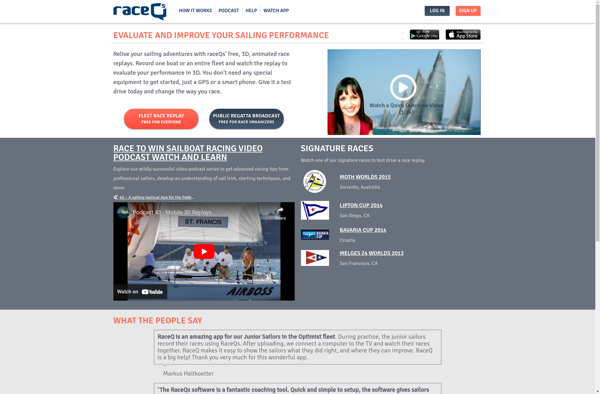
RaceQs
RaceQs is an online software that allows quantitative researchers and academics to easily create and conduct online surveys, questionnaires, and experiments without needing any technical or programming skills.It provides a user-friendly drag-and-drop builder interface that walks researchers step-by-step through the process of creating studies. Researchers can add and customize a...

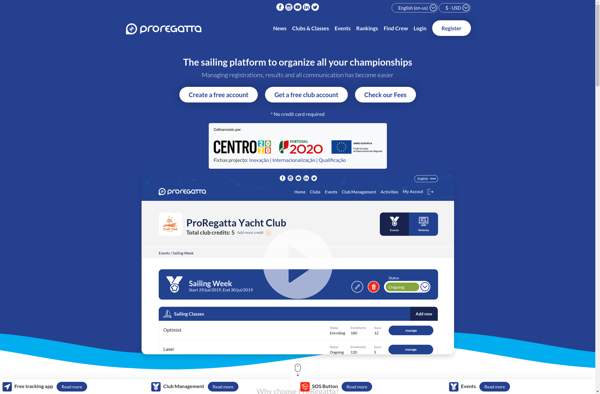
ProRegatta
ProRegatta is a comprehensive sailing regatta and race management software designed specifically for sailboat racing clubs and organizations. It helps manage all the key tasks involved in planning and running sailboat races and regattas.With ProRegatta, sailing clubs can easily handle race entries including competitor details, boat specifics, handicaps, crew information,...

I-Sail
I-Sail is an open source, web-based sailing logbook and boat management solution for sailors and yacht clubs. It provides essential tools to record and analyze sailing trips, boat maintenance, inventory management and more in one integrated platform.With I-Sail, sailors can log the specifics of each sailing trip including dates, locations,...

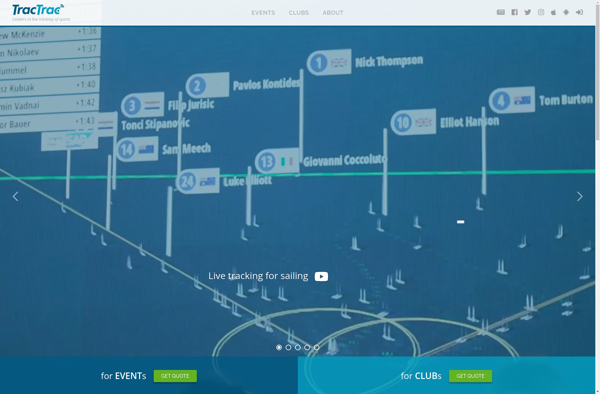
TracTrac
TracTrac is an open-source, web-based project management and bug/issue tracking system. It is written in Python and uses a Web Server Gateway Interface (WSGI) web application server. Some key features of TracTrac include:Ticket tracking system to report bugs/issuesVersion control integration with systems like Subversion and GitWiki to provide documentation and...
KWINDOO
KWINDOO is an open-source desktop environment and graphical user interface for Linux operating systems. It was originally created as part of the K Desktop Environment (KDE) project, but is now independently developed and maintained.Some key features of KWINDOO include:Customizable interface - Users can arrange widgets, panels, desktop effects, and more...