TcpView For Linux
TcpView For Linux: Network Monitoring Tool
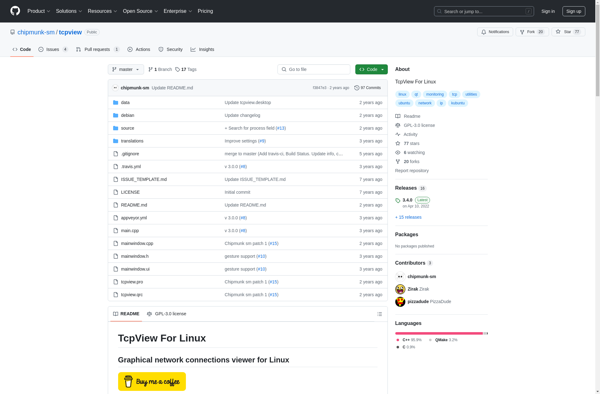
TcpView is a network monitoring tool for Linux that shows detailed listings of all TCP and UDP endpoints on a system. It provides information on the process using each connection and its IP address and port.
What is TcpView For Linux?
TcpView for Linux is an open-source alternative to the TcpView network monitoring tool available on Windows. It provides a graphical user interface for viewing detailed information on all TCP and UDP connections on a Linux system.
Some of the key features of TcpView for Linux include:
- Real-time display of all open TCP and UDP endpoints
- Ability to end undesirable connections with a click
- Detailed data on each connection including the process name, PID, IP addresses, ports, and state
- Support for IPv4 and IPv6
- Filtered and searchable views
- Export connection data to a CSV file
TcpView for Linux gives administrators visibility into all network connections on a system. It can help identify suspicious connections, troubleshoot connectivity issues, monitor network usage by process/application, and more. The graphical interface makes it easy to inspect connections and terminate rogue processes.
As an open source tool, TcpView for Linux is free to use and can be customized to specific needs. It runs on most Linux distributions and is useful for troubleshooting networks on Linux servers, desktops, and IoT/embedded devices.
TcpView For Linux Features
Features
- Displays active TCP and UDP connections
- Shows the process using each connection
- Shows IP addresses and port numbers
- Can filter connections by process or IP address
- Can end unwanted connections
- Shows network statistics
Pricing
- Open Source
Pros
Cons
Official Links
Reviews & Ratings
Login to ReviewThe Best TcpView For Linux Alternatives
View all TcpView For Linux alternatives with detailed comparison →
Top Network & Admin and Network Monitoring and other similar apps like TcpView For Linux

TCPView


Netactview