Trunk Version Control

Trunk Version Control: Manage Code Changes
A version control system for solo developers to track and deploy code changes, featuring commit history, branch management, and integrations with GitHub and Bitbucket.
What is Trunk Version Control?
Trunk is a modern version control system optimized for solo developers working on small-to-medium-sized projects. Unlike traditional VCS tools like Git and SVN which are built for large, collaborative teams, Trunk is designed to help individual developers manage, track, and deploy code changes without the complexity required by larger teams.
Key features of Trunk include:
- Intuitive commit history for tracking code changes over time
- Lightweight branches to work on features or fixes in isolation
- Powerful integrations with GitHub, Bitbucket, and other popular code hosting services to push and pull commits
- A beautiful changelog view to clearly communicate changes to stakeholders
- Easy setup with binary installers available for Mac, Windows, and Linux
With its simple but customizable workflows, solo developers can enjoy the key benefits of version control like history tracking and collaboration enablement without the burden of manual configuration and command lines. Trunk aims to help individual programmers focus on writing code rather than version control management.
Trunk Version Control Features
Features
- Local version control
- Commit history
- Branch management
- Integrations with GitHub and Bitbucket
Pricing
- Free
- Open Source
Pros
Cons
Official Links
Reviews & Ratings
Login to ReviewThe Best Trunk Version Control Alternatives
View all Trunk Version Control alternatives with detailed comparison →
Top Development and Version Control and other similar apps like Trunk Version Control
Here are some alternatives to Trunk Version Control:
Suggest an alternative ❐
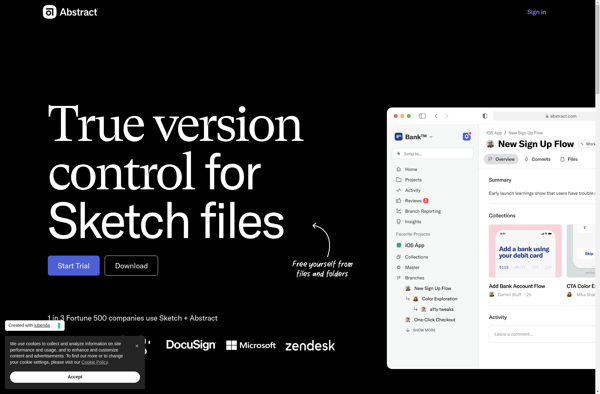
Abstract
Folio for Mac


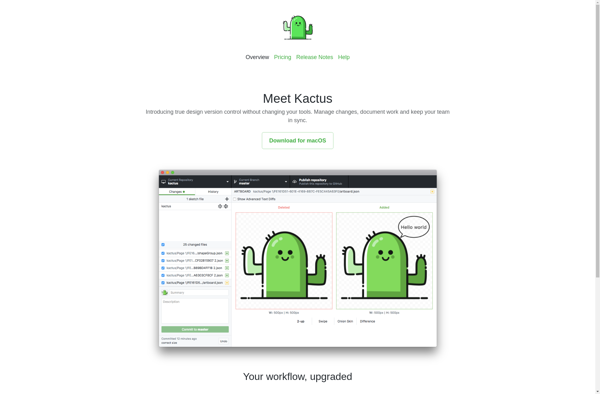
Kactus