
Kactus
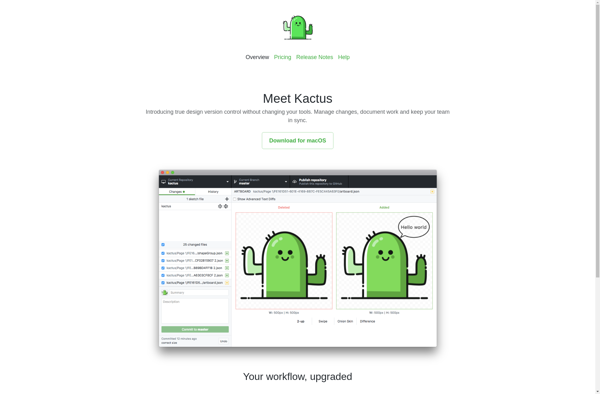
Kactus: Open-Source Electronic System Design Tool
Kactus is an open-source tool for designing electronic systems. It enables creating schematics and PCB layouts. Kactus is lightweight, customizable, and supports industry-standard file formats.
What is Kactus?
Kactus is an open-source Electronic Design Automation (EDA) tool used for designing electronic systems. It allows engineers and designers to create schematics, PCB layouts, and integrate various EDA tools seamlessly.
Some key features of Kactus include:
- Lightweight and fast, optimized for large and complex designs
- Highly customizable interface using Python scripts
- Supports industry-standard file formats like ODB++, IPC-2581, Gerber, etc.
- Integrated schematic editor and PCB layout editor
- Design rule checking and footprint compatibility checking
- Supports HDI designs with blind and buried vias
- Imports netlists from various EDA tools for PCB layout
- Version control integration
Kactus is written in C++ and Python and works on Linux and Windows. Its open-source nature allows customizations and integration support. Overall, Kactus is an efficient, customizable EDA tool for professional electronics design.
Kactus Features
Features
- Schematic capture
- PCB layout design
- Design rule checking
- Netlist generation
- BOM generation
- Gerber and drill file generation
Pricing
- Open Source
Pros
Cons
Official Links
Reviews & Ratings
Login to ReviewThe Best Kactus Alternatives
View all Kactus alternatives with detailed comparison →
Top Development and Electronics Design and other similar apps like Kactus
Here are some alternatives to Kactus:
Suggest an alternative ❐
Abstract
Folio for Mac

Trunk Version Control