UPLOADS.TO
Uploads.to: File Hosting Service
Uploads.to offers free 1GB storage and premium plans for more space, allowing users to store, share, and manage files online
What is UPLOADS.TO?
Uploads.to is an online file hosting service and cloud storage platform that allows users to store, share, and manage their files and documents. Founded in Switzerland in 2020, Uploads.to has quickly become a popular choice for those looking for a simple yet robust way to handle their file storage and transfer needs.
A key highlight of Uploads.to is the generous free tier. Users get 1GB of free storage when they sign up for a free account. This space can be used to upload any type of file up to 2GB in individual file size. Everything from documents, photos, videos, audio files, archives, and more are supported.
For those needing more than 1GB of space, Uploads.to offers premium paid plans that remove storage limits and maximize upload file sizes up to 10GB per file. Premium users also get faster upload/download speeds. Other features include an option to password protect and expire shared files, remote upload via FTP/SFTP, and more.
Overall, Uploads.to stands out as an easy-to-use and full-featured cloud storage locker that puts strong emphasis on security and privacy. With apps for all major desktop and mobile platforms, Uploads.to makes accessing stored files convenient from anywhere.
UPLOADS.TO Features
Features
- 1GB of free storage
- Ability to upload any file type
- File sharing and links
- Drag and drop uploads
- Mobile app available
- SSL encryption
- Remote upload via FTP/SFTP
- Version history and restore
- Customizable branding
Pricing
- Freemium
- Subscription-Based
Pros
Cons
Official Links
Reviews & Ratings
Login to ReviewThe Best UPLOADS.TO Alternatives
View all UPLOADS.TO alternatives with detailed comparison →
Top File Sharing and Cloud Storage and other similar apps like UPLOADS.TO
Here are some alternatives to UPLOADS.TO:
Suggest an alternative ❐
MEGA


Dropbox


Seedr


Pixeldrain


MediaFire


4Shared


Volafile


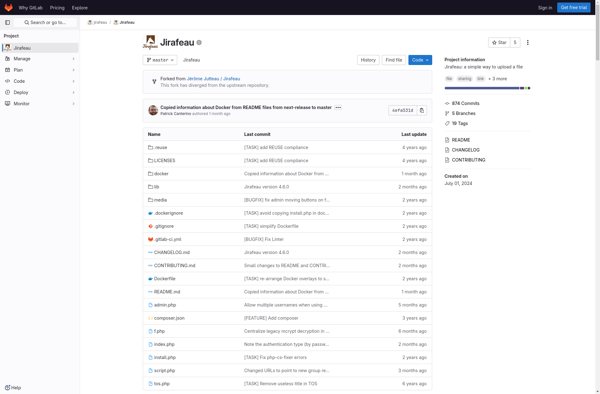
Jirafeau

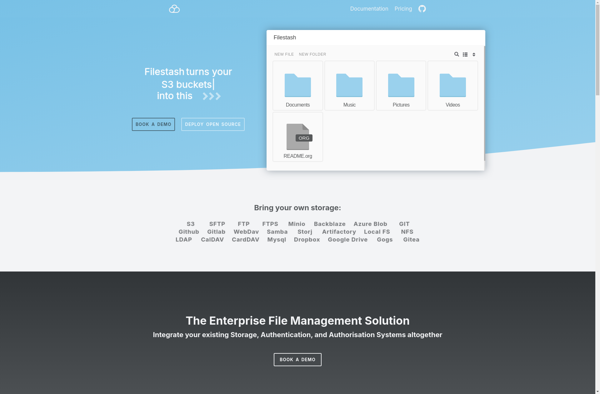
Filestash

FileTransfer.io

Yandex Disk