UX Timeline
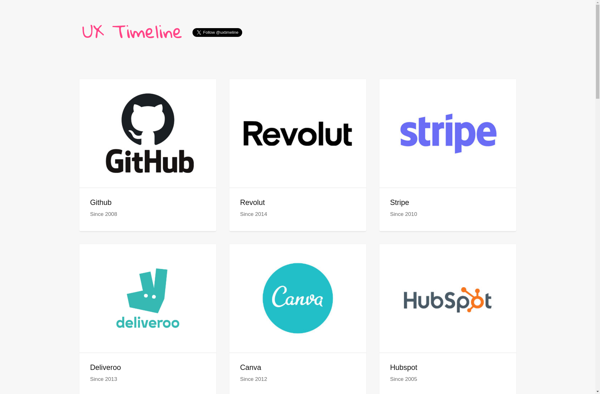
UX Timeline: User Experience Design Tool
UX Timeline is a user experience design tool that allows you to create interactive prototypes and user flows. It has a simple drag-and-drop interface to map out user journeys across platforms.
What is UX Timeline?
UX Timeline is a user experience design software that allows designers and product teams to easily create interactive prototypes and user flows. Its key features include:
- Intuitive drag-and-drop interface to map user journeys across desktop, mobile, tablet, and more
- Pre-designed UI libraries and components for rapid prototyping
- Built-in collaboration tools to get feedback and approvals
- Link flows together to show complex user paths
- Clickable prototypes to simulate interaction
- Record user tests videos to gather insight
- Integrates with other design tools like Sketch and Figma
UX Timeline makes it simple for anyone to put together a working prototype in minutes. Its flexibility supports a wide range of fidelity, from low-fid wireframes to high-polish interactive demos. Product teams can quickly validate concepts and ideas before development. With real-time collaboration, it's easy to get stakeholders aligned and confident in the final design direction.
UX Timeline Features
Features
- Drag-and-drop interface to create user flows
- Interactive prototypes and wireframes
- Pre-built UI kits and components
- Real-time collaboration
- Version history and branching
- Export designs as images, PDFs or code snippets
Pricing
- Subscription-Based
Pros
Cons
Official Links
Reviews & Ratings
Login to ReviewThe Best UX Timeline Alternatives
View all UX Timeline alternatives with detailed comparison →
Top Design and Prototyping and other similar apps like UX Timeline
Here are some alternatives to UX Timeline:
Suggest an alternative ❐
Great Apps Timeline

Startups Timelines