Video Comparer
Video Comparer: Compare Multiple Videos Side-by-Sides
Compare multiple videos in a single window, synchronizing clips for easy side-by-side viewing, with support for various video formats.
What is Video Comparer?
Video Comparer is a free and open-source software application that enables easy and convenient side-by-side comparison of video files. It is designed specifically for tasks like comparing video quality, examining differences in footage, and analyzing video compression artifacts.
Some key features of Video Comparer include:
- Supports a wide range of video codecs and file formats including MP4, MOV, AVI, MKV, WMV, and more.
- Allows an unlimited number of video clips to be loaded for comparison.
- Includes tools for synchronizing clips by timecode or by audio waveform.
- Offers a split-screen view with resizable windows and multiple layout options.
- Allows zooming and panning of synced clips frame-by-frame.
- Can generate side-by-side and blended difference videos for further analysis.
- Completely free and open-source software with no ads or upsells.
With its intuitive interface and useful comparison tools, Video Comparer is extremely helpful for tasks like assessing compression quality, examining VFX shots, reviewing camera footage, and other side-by-side video analysis needs.
Video Comparer Features
Features
- Side-by-side video comparison
- Support for various video formats
- Synchronization of video clips
- Zooming and panning
- Frame-by-frame comparison
- Adding text annotations
- Exporting comparison projects
Pricing
- Free
Pros
Cons
Official Links
Reviews & Ratings
Login to ReviewThe Best Video Comparer Alternatives
View all Video Comparer alternatives with detailed comparison →
Top Video & Movies and Video Editing and other similar apps like Video Comparer

Video Duplicate Finder
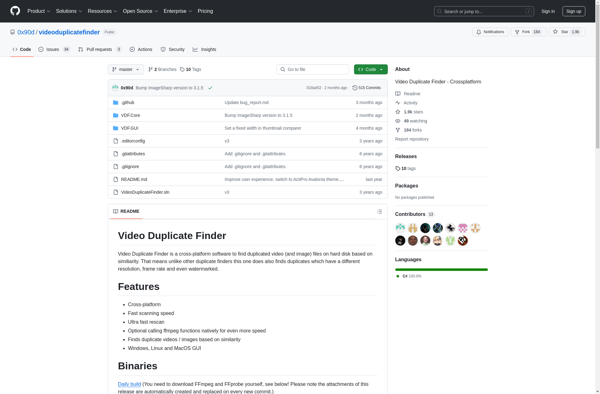

Duplicate Media Finder
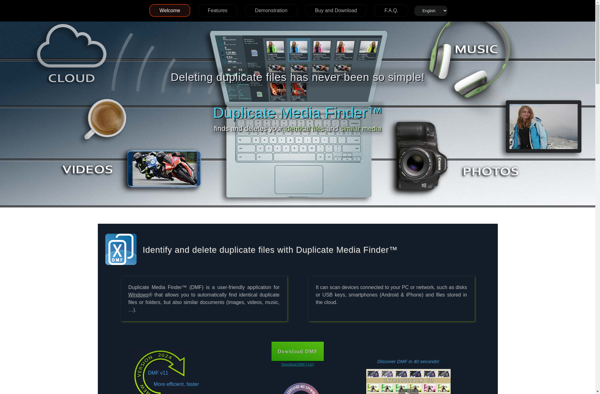

Teemoon Video Matching

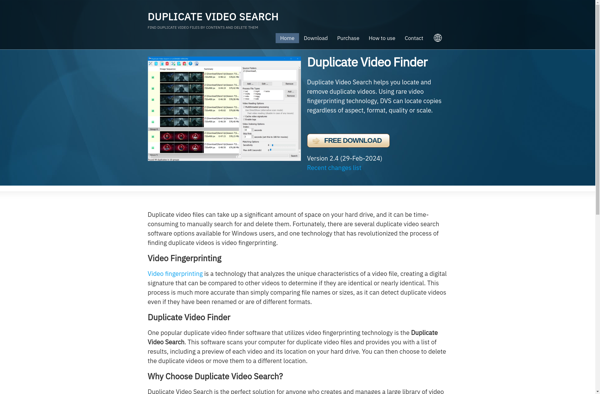
Duplicate Video Search

Duplicate Video Remover Free

Video Simili Duplicate Cleaner

Duplicate File Finder Plus