
Why Can't I Connect?
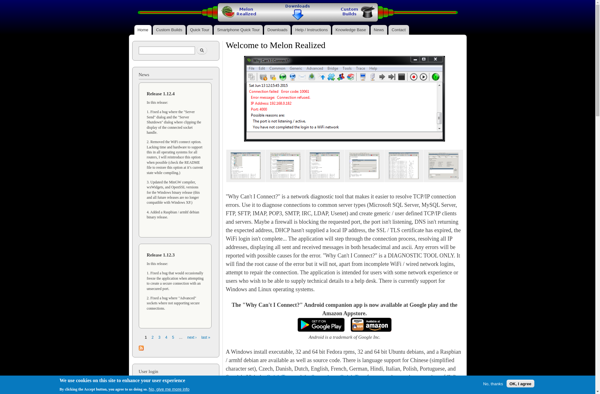
Why Can't I Connect?: Free Network Troubleshooting for Windows
A free troubleshooting application for Windows, helping diagnose network connectivity issues by running tests on internet connections, firewalls, DNS, and other aspects.
What is Why Can't I Connect??
Why Can't I Connect? is a handy network diagnostics utility for Windows that helps identify connectivity issues and their causes. Developed by Resplendence Software Projects, this free tool performs an array of tests on various network components to determine what may be preventing a proper internet connection.
When launched, Why Can't I Connect? runs checks on the network adapters, WiFi signal strength, internet connectivity via multiple geographically diverse servers, DNS configuration, HTTP/HTTPS accessibility, firewall rules, proxy settings, and more. It displays all the results in an easy-to-understand visual interface, clearly indicating areas that passed or failed the diagnostics.
Some key features of Why Can't I Connect? include:
- Ability to log and export detailed diagnostic reports
- One-click fixes for common issues like DNS, Winsock, network resets, and flushing caches
- Testing of both IPv4 and IPv6 connections
- Simple user interface requiring no technical expertise to operate
Why Can't I Connect? is useful for identifying the root cause of problems reaching the internet or connecting to local networks. With its detailed logs and one-click repair options, it can resolve many typical networking issues automatically or provide the necessary details to further troubleshoot complex problems.
Why Can't I Connect? Features
Features
- Network diagnostic tests
- Connectivity issue troubleshooting
- Firewall and DNS checks
- Internet and network settings overview
Pricing
- Free
Pros
Cons
Official Links
Reviews & Ratings
Login to ReviewNo reviews yet
Be the first to share your experience with Why Can't I Connect?!
Login to ReviewThe Best Why Can't I Connect? Alternatives
View all Why Can't I Connect? alternatives with detailed comparison →
Top Network & Admin and Troubleshooting and other similar apps like Why Can't I Connect?
No alternatives found for Why Can't I Connect?. Why not suggest an alternative?







