WinDiff
WinDiff: Visual File Comparison Tool for Windows
WinDiff is a free visual file and directory comparison tool for Windows. It allows users to visually compare text files, HTML files, PDFs, Word documents, Excel spreadsheets, and directories side-by-side to see the differences highlighted.
What is WinDiff?
WinDiff is a visual file and directory comparison tool for the Windows operating system. It was originally developed by Microsoft and released in 1996 as part of the Microsoft Windows NT 4.0 Resource Kit Tools package.
WinDiff allows users to visually compare two text files, two directories, or two binary files side-by-side. Differences between the files are highlighted in various colors, with additions, deletions and changes indicated by different color codes. This allows the user to quickly identify where files differ and manually reconcile the differences.
In addition to comparing text files, WinDiff can also compare HTML files, PDF documents, Word documents, Excel spreadsheets, XML files, and various types of source code files. Users can customize the appearance and behavior of WinDiff through various options and settings.
Key features of WinDiff include:
- Side-by-side comparison with visual difference highlighting
- Support for comparing text, HTML, PDF, Word, Excel, directories and more
- Multiple file encodings supported
- Printing and reporting capabilities
- Portable standalone executable
- Integration with Windows shell and Explorer
- Lightweight and fast
WinDiff is aimed primarily at developers and power users for reconciling changes between versions of files and identifying coding issues. It continues to be updated and is still available from Microsoft free of charge.
WinDiff Features
Features
- Visual side-by-side comparison of text files
- Highlights differences between files or directories
- Supports comparing text files, HTML, PDF, Word, Excel, directories
- Synchronized scrolling between compared files
- Editing directly within WinDiff
- 3-way merge of text files
- Reporting of differences
Pricing
- Free
Pros
Cons
Reviews & Ratings
Login to ReviewThe Best WinDiff Alternatives
View all WinDiff alternatives with detailed comparison →
Top Office & Productivity and File Comparison and other similar apps like WinDiff
Here are some alternatives to WinDiff:
Suggest an alternative ❐
Beyond Compare

WinMerge

Diffchecker


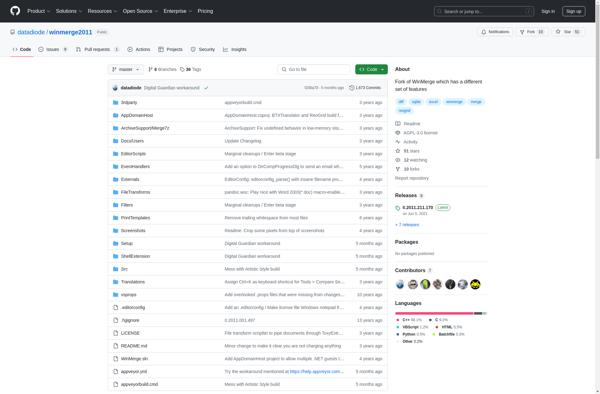
WinMerge 2011

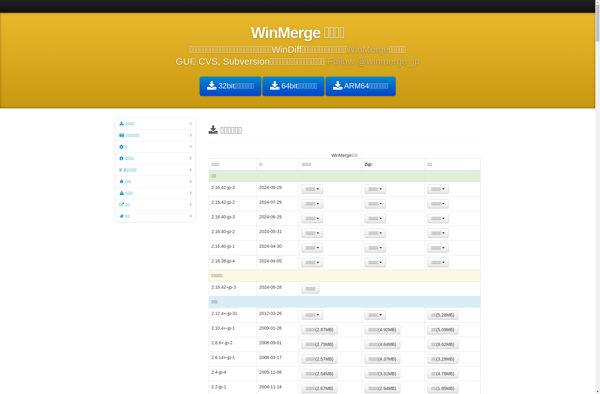
WinMerge JP

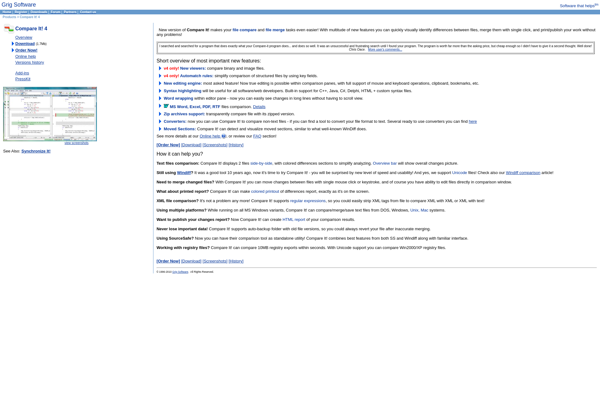
Compare It!

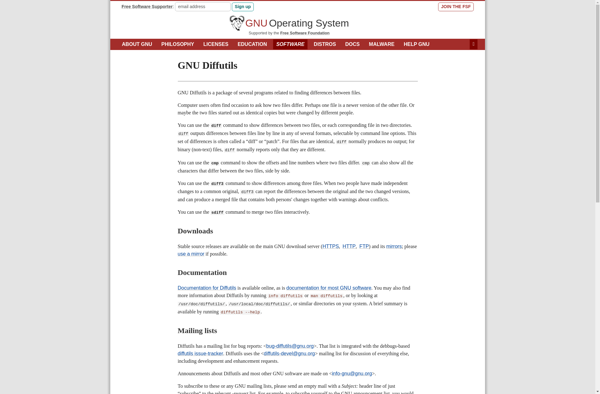
GNU Diff Utilities

Mergely


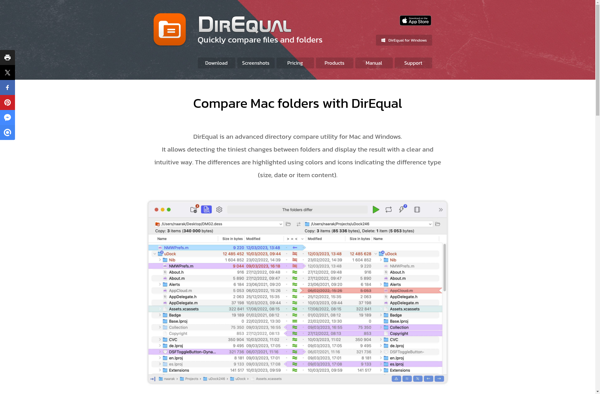
DirEqual

AptDiff