Yoodu is a simple, easy-to-use database software solution for individuals and small businesses. It provides an intuitive interface to create custom databases, tables, forms and reports without any coding required.
Easy-to-use database solution for individuals and small businesses, with intuitive interface for creating custom databases, tables, forms and reports without coding required.
What is Yoodu?
Yoodu is a user-friendly database application designed for non-technical users. It makes it easy to create custom databases to store, organize and manage data without any programming or database experience required.
With an intuitive drag-and-drop interface, Yoodu allows you to visually build databases, tables, forms, reports, charts and more in just a few clicks. You can easily customize fields, layouts, filters, calculations and other elements to meet your specific needs.
Some key features include:
Visually build databases, tables, forms and reports
Intuitive drag and drop interface requiring no coding
Customize fields, filters, calculations, relationships and more
Easily import and export data from Excel, CSV and other sources
Generate custom reports, charts and visualizations
Securely share data with team members
Integrates with many business apps and services
Scales from individual to small business use cases
With an affordable yearly subscription, Yoodu makes custom database creation accessible to small businesses, entrepreneurs, consultants and many other non-technical users. It provides versatile data management without the cost or complexity of enterprise database software.
Yoodu Features
Features
Simple and intuitive interface
Drag-and-drop database design
Custom forms and reports
Relationships between tables
Import/export capabilities
Access controls and permissions
Data validation and input masks
Charts and graphs
Email integration
APIs and automation
Pricing
Freemium
Pros
Easy to learn and use, no coding required
Great for non-technical users
Inexpensive compared to other database platforms
Good for small databases and simple needs
Lots of templates and customization options
Cons
Limited features compared to more robust platforms
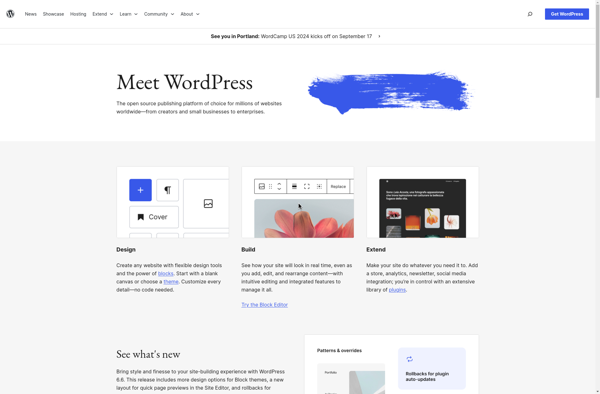
What Is WordPress?WordPress is the world's most popular content management system, powering over 40 percent of all websites on the internet. Originally created as a blogging platform in 2003, it has evolved into a full website builder and application framework used for everything from personal blogs to enterprise websites and...
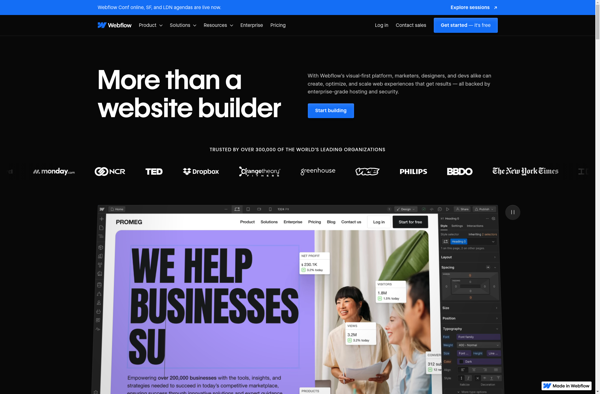
Webflow is a web design and web development software that allows users to build responsive, professional websites visually without needing to write any code. It features a drag-and-drop interface, design templates, animations, interactions and hosting capabilities.Some key features of Webflow include:Visual drag-and-drop builder - Build websites by dragging and dropping...
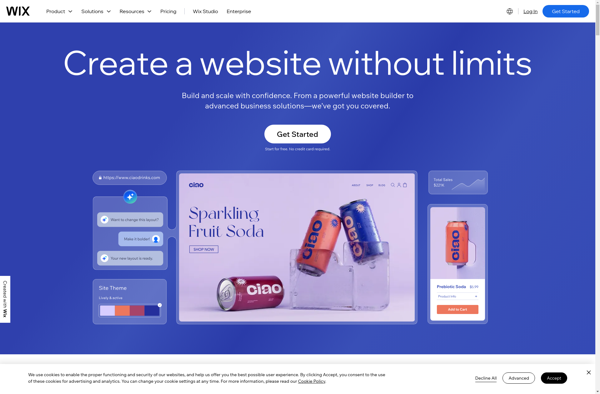
Wix is a leading website builder platform that makes it easy for anyone to create a professional looking website without needing to know how to code. Founded in 2006, Wix aims to provide an accessible yet powerful web design solution for individuals and businesses alike.Some key features of Wix include:Intuitive...
Carrd is a free website builder designed for creating simple, one-page websites. Some key features of Carrd include:Intuitive drag-and-drop interface for adding text, images, videos and other media to your siteCustomizable themes and layouts to control the look and feel of your siteNo coding required - Carrd uses a block...
What Is Squarespace?Squarespace is a website builder and hosting platform known for its design-forward templates and all-in-one approach. It provides everything needed to build and run a website — hosting, domains, templates, e-commerce, email marketing, and analytics — without requiring any coding.Key FeaturesSquarespace offers over 100 professionally designed templates that...
Google Sites is a free and easy-to-use website builder from Google. It allows anyone to quickly create simple websites without needing to know how to code. Some key features of Google Sites include:Drag-and-drop interface that makes it simple to add and customize pagesNumerous customizable themes to choose fromIntegrates with other...
Silex is a PHP microframework that makes it easy to build simple yet powerful web applications and APIs. It is built on top of Symfony components and Pimple dependency injection container.Some key features of Silex:Lightweight and fast - Silex has very little overhead which results in good performance for small...
ispmanager is an open source control panel designed for managing web servers and hosting services. It provides a graphical interface and automation tools to help hosting providers manage domains, websites, email accounts, databases, and more on their servers.Some key features of ispmanager include:Virtual hosting management - Create unlimited hosting packages...
Weebly is a popular website builder and hosting platform ideal for small businesses, online stores, portfolios, and more. With an easy-to-use drag-and-drop interface, Weebly makes it simple for anyone to create a professional-looking website without needing to know HTML or CSS.Some key features of Weebly include:Intuitive drag-and-drop site builder -...
Neocities is a free and open source web hosting platform optimized for hosting static web pages. It was created in 2013 by Kyle Drake as an easy, fast, and free alternative to GeoCities which was closed down in 2009.Some key features of Neocities include:Free subdomain hosting (yoursite.neocities.org)Easy web page builder...
Directus is an open-source headless content management system and API for managing SQL databases. It features:An intuitive admin app interface allowing non-technical users to manage content, users, permissions, flows, and more without codingA GraphQL and REST API for accessing and modifying dataSupport for PostgreSQL, MySQL, SQL Server, SQLite, and Oracle...
DEV Community is a free and open source software development community platform launched in 2019. It allows software developers and programmers to publish technical articles, take part in discussions, ask questions, and generally connect with other developers.Some key features of DEV Community include:Article publishing - Developers can publish articles on...