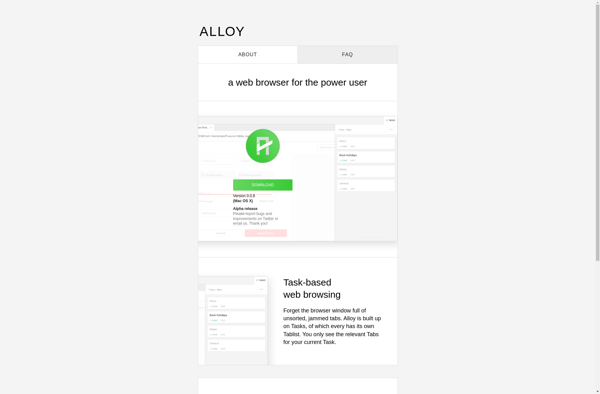
Alloy browser
Alloy Browser is a minimal, open source web browser focused on speed and ease of use. It is lightweight, has a clean interface, and is built on modern web technology
Alloy Browser: Fast and Easy Web Browsing
Minimalistic open source browser for speed and ease of use, featuring a lightweight interface and modern web technology
What is Alloy browser?
Alloy Browser is an open source, minimal web browser that focuses on speed, simplicity, and ease of use. It is lightweight and fast thanks to its stripped down interface and use of modern web technologies.
Some key features of Alloy Browser include:
- Minimal, clean interface without unnecessary menus or buttons
- Lightning fast page loading and browsing due to optimization
- Supports all major web standards like HTML5, CSS3, and JavaScript
- Open source codebase allows advanced customization
- Available as portable app to take browsing experience anywhere
- Strong privacy features like tracking protection and ad blocking
- Uses Chromium rendering engine for compatibility and performance
Alloy Browser aims to deliver the best browsing experience by cutting out the bloat. Its focus on speed and minimalism makes daily web tasks lighter and faster. The browser is great for low-powered PCs thanks to its smaller memory footprint versus rivals.
Alloy browser Features
Features
- Minimal interface
- Open source
- Built on WebKit engine
- Supports extensions
- Private browsing mode
- Sync across devices
- Dark mode
- Customizable themes
Pricing
- Free
- Open Source
Pros
Lightweight and fast
Clean and simple interface
Good privacy controls
Active development and updates
Support for latest web standards
Cons
Limited customization options
Lacks some advanced features of major browsers
Smaller extension ecosystem
May not be compatible with some niche web apps
Official Links
Reviews & Ratings
Login to ReviewThe Best Alloy browser Alternatives
View all Alloy browser alternatives with detailed comparison →
Top Web Browsers and Lightweight Browsers and other similar apps like Alloy browser
Here are some alternatives to Alloy browser:
Suggest an alternative ❐
Vivaldi
Vivaldi is a feature-rich, customizable web browser that places user control and privacy at its core. It is developed by Vivaldi Technologies, a company founded by Jon von Tetzchner who was also a co-founder of the Opera browser.Some key features of Vivaldi include:Customizable user interface - Users can tweak toolbars,...

Firefox Developer Edition
Firefox Developer Edition is a version of the Firefox web browser created specifically for web developers. It comes with a variety of built-in tools and features aimed to improve the workflow of anyone developing for the web.Some key features of Firefox Developer Edition include:Built-in JavaScript Debugger for setting breakpoints and...

Google Chrome
Google Chrome stands as a leading web browser, known for its speed, simplicity, and security. Engineered by Google, Chrome offers users a seamless and efficient online experience, setting the standard for web browsing in the modern digital landscape. At the core of Chrome's appeal is its rapid page loading and...

Microsoft Edge
Microsoft Edge represents the evolution of web browsing, offering users a modern and feature-rich experience. Developed by Microsoft, Edge combines speed, security, and customization to create a browser that caters to the diverse needs of users in today's digital era. Speed is at the forefront of Edge's design, with efficient...

Mozilla Firefox
Mozilla Firefox stands as a beacon of user-centric web browsing, championing the values of openness, privacy, and customization. Developed by the Mozilla Foundation, Firefox is an open-source browser that empowers users with a fast, secure, and personalized online experience. Speed is a hallmark of Firefox, with a robust rendering engine...

Brave
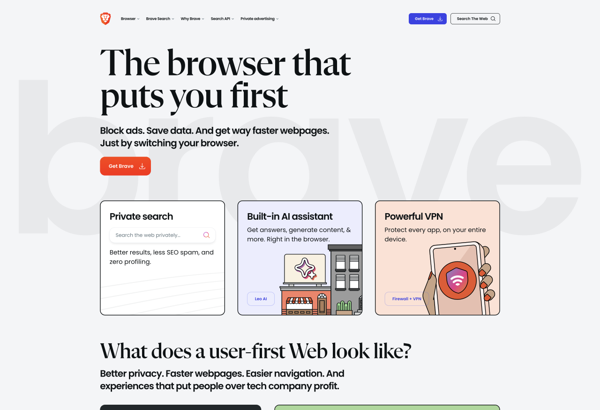
What Is Brave Browser?Brave is a privacy-focused web browser built on Chromium that blocks ads and trackers by default. It offers a unique revenue model where users can opt into privacy-respecting ads and earn Basic Attention Token (BAT) cryptocurrency for viewing them.Key FeaturesBrave Shields blocks ads, trackers, fingerprinting, and third-party...

Tor Browser
Tor Browser is a free, open source web browser that allows users to access the internet anonymously and protect their privacy. It is based on Firefox but has been modified to route internet traffic through the Tor network, which encrypts data and bounces communications around a distributed network of relays...


Opera
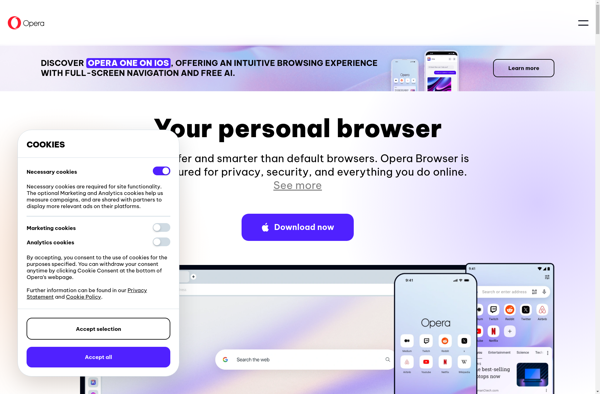
What Is Opera?Opera is a web browser with built-in features that other browsers require extensions for — including a free VPN, ad blocker, messenger sidebar, and cryptocurrency wallet. Built on Chromium, it supports all Chrome extensions while adding its own unique capabilities.Key FeaturesOpera's built-in free VPN encrypts traffic without bandwidth...

Chromium
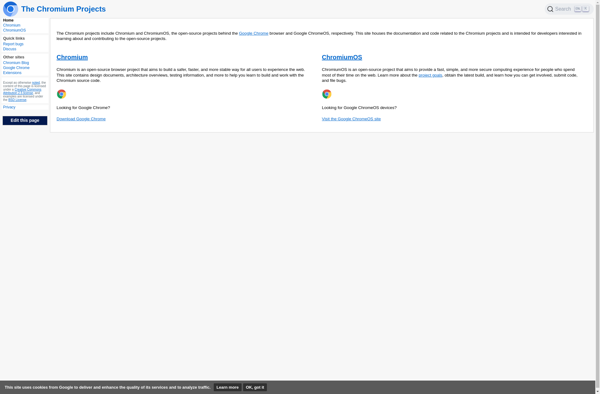
Chromium is an open-source web browser project that is the basis for Google's Chrome browser. It is developed as an open source project by volunteers and Google developers, allowing anyone to contribute code and improvements.Some key features of Chromium include:Speed - Chromium utilizes Google's V8 JavaScript engine and other performance...

Waterfox
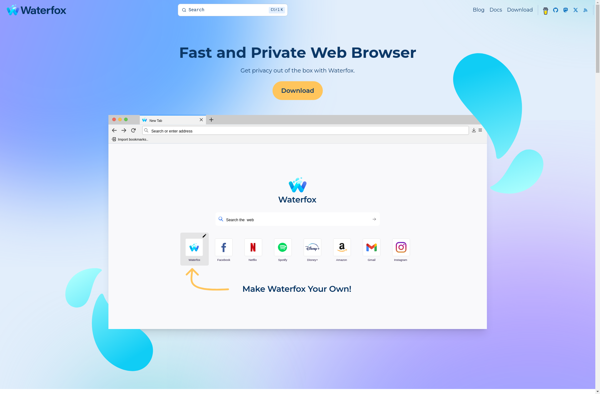
Waterfox is an open-source web browser that is based on Firefox but developed independently with a focus on power users, customization options, speed, and privacy. Unlike Firefox, Waterfox does not include any telemetry or data collection and strives to provide a lean and efficient browsing experience out of the box...

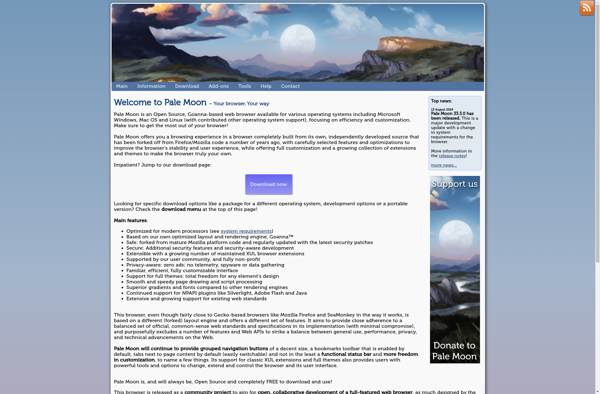
Pale Moon
Pale Moon is an open-source web browser developed by M.C. Straver. It is based on the Firefox source code from several years ago and aims to continue the spirit of classic Firefox by focusing on speed, efficiency, and customization.Some key features of Pale Moon include:Uses Firefox's old and fast Gecko...

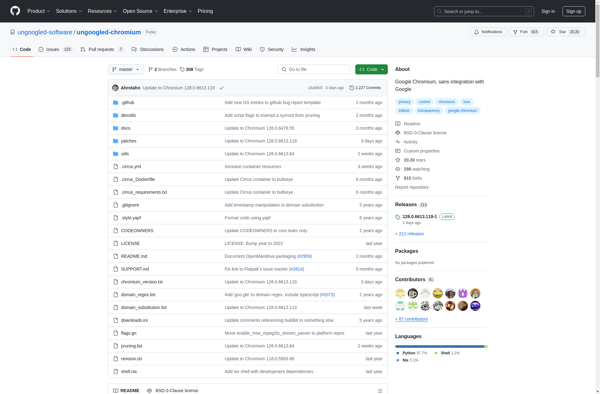
Ungoogled Chromium
What Is Ungoogled Chromium?Ungoogled Chromium is a set of patches applied to the Chromium source code that systematically removes all Google web service dependencies and telemetry. The result is a browser that looks and works like Chrome but sends zero data to Google.Key FeaturesEvery connection to Google servers is removed...