Apowersoft Free Online Audio Converter
Apowersoft Free Online Audio Converter: Convert Audio Files in Your Browser
Apowersoft Free Online Audio Converter is a free web-based tool that allows you to convert audio files between various formats like MP3, WAV, WMA, OGG, AAC, FLAC, etc. directly in your browser. No need to download any software. Very simple to use, just upload an audio file, select the target format, and download the converted file. Works quickly, supports batch conversion and has many other useful features.
What is Apowersoft Free Online Audio Converter?
Apowersoft Free Online Audio Converter is a free online audio file conversion tool that can convert between various audio formats without requiring users to download and install any software. It works completely in the browser, saving users time and effort.
This tool accepts many popular audio formats for conversion including MP3, WAV, WMA, M4A, OGG, AAC, FLAC, AIFF, AU, RA, VOC, APE, DSD, M4R, OPUS, etc. Users can simply upload audio files up to 200MB in size per file, select a desired output format, and download the converted files with no limits. The conversion process is very fast and efficient.
Some key features of Apowersoft Free Online Audio Converter include:
- Converts between all popular audio formats
- No download or installation required
- Simple drag-and-drop interface
- Supports batch conversion for multiple files
- Preserves audio quality and metadata
- Online service provided for free without any limits
- Fast and reliable conversion
- User-friendly interface with tutorials available
By leveraging state-of-the-art audio transcoding technology, this free online tool enables users to quickly and seamlessly convert audio files for playback across devices and platforms. And requiring no setup, it's an accessible option for any type of user from music enthusiasts to professionals. With support for over a dozen formats, batch processing, and unlimited free usage, Apowersoft meets a wide variety of audio conversion needs.
Apowersoft Free Online Audio Converter Features
Features
- Convert audio files between various formats like MP3, WAV, WMA, OGG, AAC, FLAC, etc.
- Web-based, no need to download software
- Simple drag and drop interface
- Supports batch conversion
- Fast conversion speed
- Extract audio from video files
- Audio editing tools like trim, merge, split files
- Add effects like fade in/out, amplify, normalize audio
- Supports ID3 tag editing
- Free with no limits on files or length
Pricing
- Free
Pros
Cons
Reviews & Ratings
Login to ReviewNo reviews yet
Be the first to share your experience with Apowersoft Free Online Audio Converter!
Login to ReviewThe Best Apowersoft Free Online Audio Converter Alternatives
View all Apowersoft Free Online Audio Converter alternatives with detailed comparison →
Top Audio & Music and Audio Conversion and other similar apps like Apowersoft Free Online Audio Converter

Format Factory

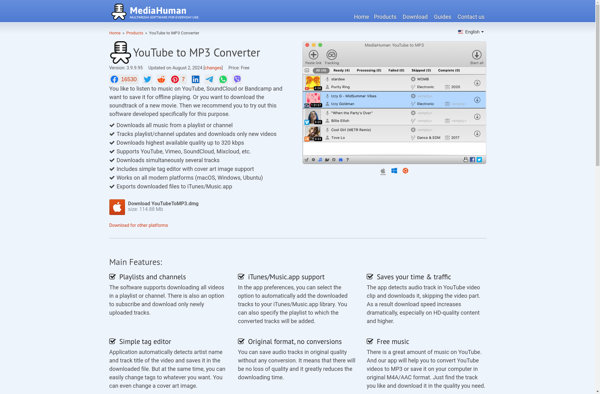
MediaHuman YouTube To MP3 Converter

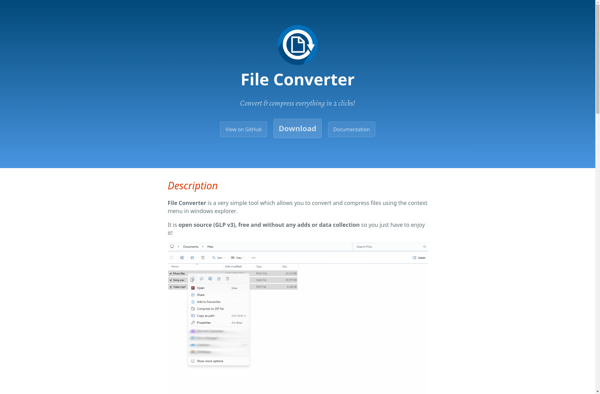
File Converter

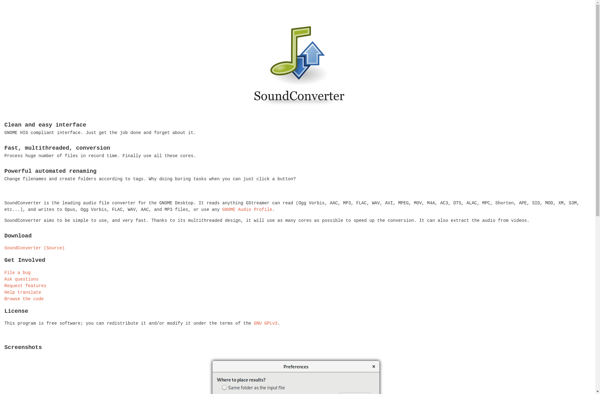
SoundConverter

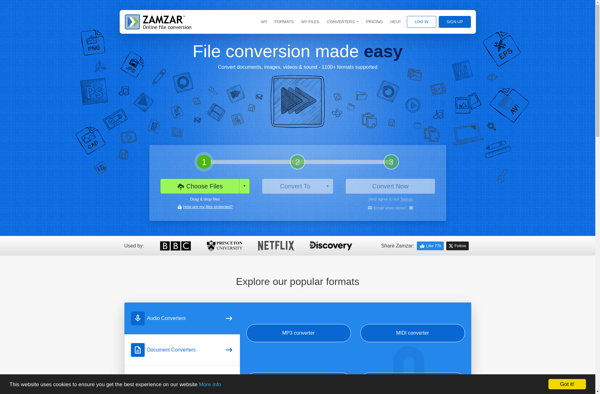
Zamzar

Free Audio Converter

Fre:ac

Freemake Audio Converter

Online Convert

QWinFF

TAudioConverter

Song Cutter and Ringtone Maker

Video to Audio


Create Ringtones!


I39

Switch