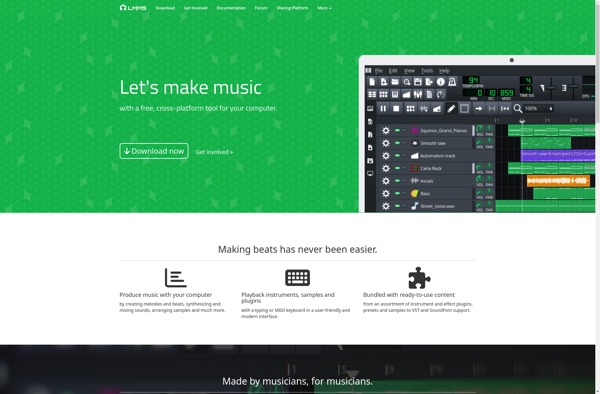
LMMS is an open source digital audio workstation that allows you to produce music and sounds using virtual instruments, audio samples, and effects plugins. It has features like an easy-to-use interface, VST support, MIDI editor, and automation.
LMMS offers virtual instruments, audio samples, effects plugins, an easy-to-use interface, VST support, MIDI editor, and automation for music production.
What is LMMS?
LMMS (Linux MultiMedia Studio) is a free, open source digital audio workstation (DAW) application that runs on Linux, Mac, and Windows. It allows you to produce music and other sounds using virtual instruments, audio samples, and effects plugins.
Some key features of LMMS include:
User-friendly graphical interface for easy music creation
Support for VST instruments and effect plugins
Inbuilt instruments like synthesizers, samplers, drum machine, and more
MIDI editor for editing and arranging MIDI files and patterns
Automation for parameter changes over time
Tools for mixing, mastering, and editing audio
Export songs and projects to common formats like MP3, OGG, WAV
With its flexible workflow and extensive feature set, LMMS is aimed at musicians, producers, and podcasters who want a capable DAW solution without spending money. Its community-driven development also means regular updates and additions to improve the software over time.
LMMS Features
Features
User-friendly and intuitive graphical user interface
Support for VST plugins
Built-in instruments and effect plugins
Piano roll editor for editing MIDI
Automation of plugin parameters
Audio file importing and exporting
MIDI keyboard support
Multi-track audio mixing and editing
Pricing
Open Source
Pros
Free and open source
Cross-platform (Windows, Mac, Linux)
Lightweight and low resource usage
Active community support
Constant development and updates
Cons
Limited built-in instruments compared to paid DAWs
I really wanted to like LMMS, especially as a free DAW, but my experience has been plagued with issues. The interface feels clunky and dated compared to modern alternatives, and I've encountered frequent crashes, especially when loading VSTs. While the …
Frustrating for beginners, unstable for serious work
As a hobbyist trying to get into music production, LMMS felt more like fighting software than creating music. The interface is cluttered and unintuitive, especially the piano roll and mixer, making simple tasks a chore. It crashed twice during a …
LMMS is incredibly powerful for a free, open-source DAW, and I love its VST support and robust piano roll editor. However, the interface can feel clunky and dated compared to commercial software, and I've encountered occasional stability issues with larger …
I wanted to love LMMS as a free alternative to other DAWs, but the workflow feels clunky and unintuitive. The interface is dated and often crashes when loading multiple VSTs, losing unsaved work. While feature-rich on paper, the actual implementation …
A fantastic, free alternative that's perfect for beginners
As a hobbyist musician on a budget, LMMS has been a game-changer. The interface is surprisingly intuitive for a free DAW, and being able to use my own VST instruments opens up endless creative possibilities. While the built-in synths are …
What Is FL Studio?FL Studio (formerly FruityLoops) is a digital audio workstation (DAW) developed by Image-Line for music production. It is one of the most popular DAWs worldwide, particularly for electronic music, hip-hop, and beat-making.Key FeaturesFL Studio provides a pattern-based workflow with a step sequencer, piano roll, mixer, and playlist....
Ableton Live is a digital audio workstation (DAW) software that allows users to create, produce, and perform electronic music. First released in 2001, Live has become one of the most popular DAWs for electronic musicians due to its user-friendly interface and innovative features.Unlike traditional DAWs that use a linear, timeline-based...
Cubase is a complete digital audio workstation (DAW) software solution for music production, arranging, recording, editing and mixing. Originally created by German musical software and equipment company Steinberg, Cubase is now a core product line of Steinberg Media Technologies GmbH.With its fully integrated environment and advanced set of virtual instruments,...
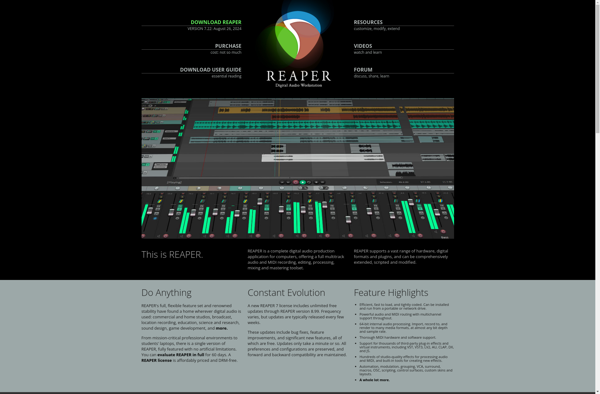
Reaper is a complete digital audio production application for Windows, macOS and Linux. It provides an extensive set of features for recording, editing and mixing audio and MIDI projects.Some key features of Reaper include:Flexible track routing with multi-channel supportA wide range of included effects and virtual instrumentsSupport for VST, AU...
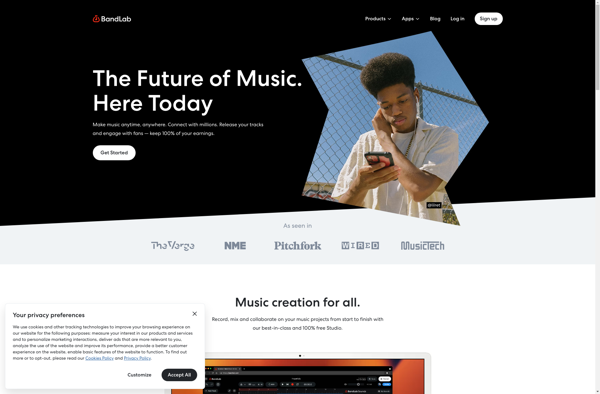
Bandlab is a full-featured, free online digital audio workstation (DAW) that provides tools for musicians and podcasters to record, edit and collaborate on music and audio projects. It runs directly in a web browser so there is no software to install.Some key features of Bandlab include:Multi-track recorder for capturing vocals,...
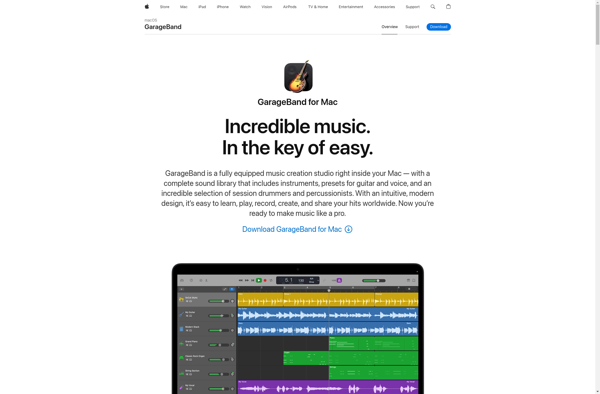
GarageBand is a digital audio workstation and music sequencer app developed by Apple. First released in 2004, GarageBand aims to be an accessible and user-friendly music production software for amateurs and novice music creators. It comes pre-installed on all new Mac computers and iOS devices.A key feature of GarageBand is...
Logic Pro is a professional digital audio workstation and MIDI sequencer software application developed by Apple Inc. Originally created by German software developer C-Lab in the early 1990s as Notator Logic, Apple acquired the software in 2002 and transformed it into Logic Pro. Since then, Logic Pro has become one...
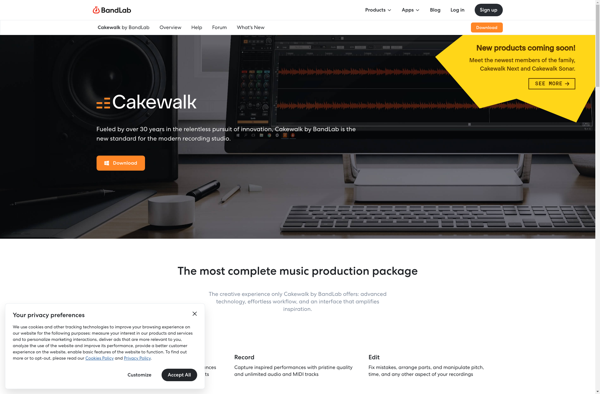
Cakewalk is a complete digital audio workstation (DAW) that allows users to record, edit, arrange, mix and master audio and MIDI. Originally developed by Twelve Tone Systems in the 1990s, it was acquired by BandLab Technologies in 2018.Some key features of Cakewalk include:Multi-track audio and MIDI sequencing and recordingPowerful audio...
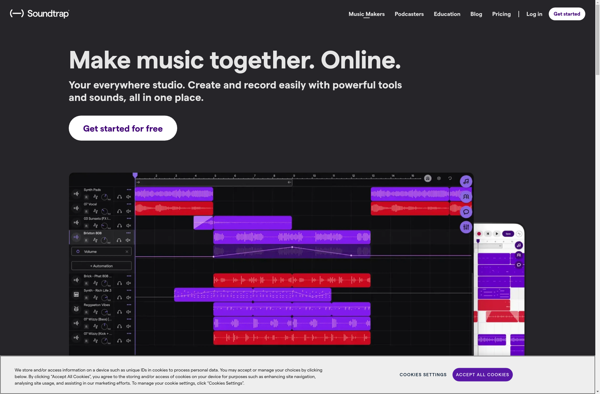
Soundtrap is an online digital audio workstation designed to make music production accessible for all skill levels. As a cloud-based platform, Soundtrap allows users to create, record, edit, and collaborate on songs and podcasts from any device with an internet connection.Some key features of Soundtrap include:Intuitive drag-and-drop interface for fast...
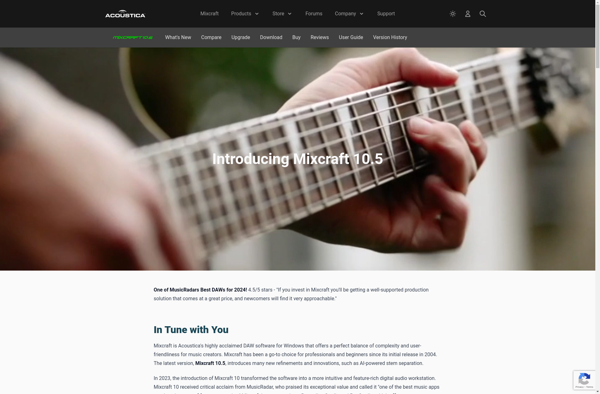
Mixcraft is a digital audio workstation (DAW) software developed by Acoustica for music production. It allows users to record, edit, and mix audio and MIDI. Some key features of Mixcraft include:User-friendly and intuitive interface designed for beginners and hobbyistsSupport for audio recording, MIDI sequencing, virtual instruments, and audio effectsA library...
Caustic is a professional music creation app for mobile devices like Android and iOS. Developed by Single Cell Software, Caustic enables users to create full-fledged electronic music songs using a variety of built-in synthesizers, samplers, effects and sequencers. It covers the main areas of music production like:Synthesizers including substractive, FM,...
Walk Band is a full-featured music creation app for Android and iOS devices. It provides a suite of virtual music instruments such as guitar, piano, drums, bass, and more that users can play using their touchscreen. The sounds are realistic and respond to touch pressure and speed.Users can combine these...
Studio One is a popular, full-featured digital audio workstation (DAW) software application designed for music production and recording. Initially released by PreSonus in 2009, Studio One has gained significant traction in the music production industry thanks to its intuitive interface, powerful tools, and professional-grade audio engine.Some key features and benefits...
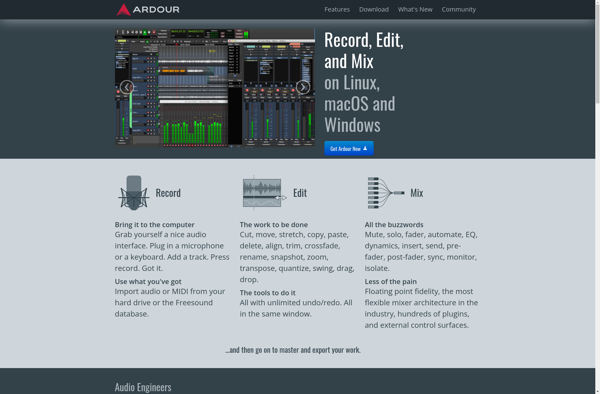
Ardour is an open source digital audio workstation (DAW) application designed for audio recording, editing, and mixing. It is a powerful yet flexible platform that runs on Linux, macOS, and Windows.Some key features of Ardour include:Unlimited audio and MIDI tracksExtensive mixing capabilities with an unlimited number of mix busesNon-linear, non-destructive...
G-Stomper Studio is a comprehensive digital audio workstation and music production software for Android. It is designed to provide mobile music creators, producers, and performers with a flexible environment to compose, record, edit, and export musical ideas or full songs.Some key features of G-Stomper Studio include:Multi-track audio recording and editingA...
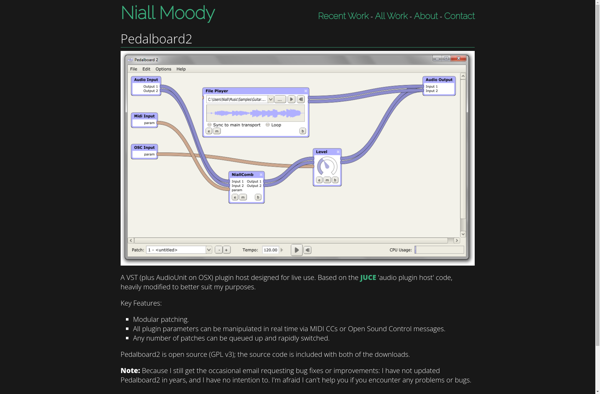
Pedalboard 2 is an open-source digital guitar effects software for Windows, macOS and Linux operating systems. It is designed specifically for guitarists to simulate guitar amps, cabinets, stompboxes and rack effects virtually using plugins called impulse responses (IRs).With Pedalboard 2, guitar players can create custom pedalboards using a drag-and-drop interface...
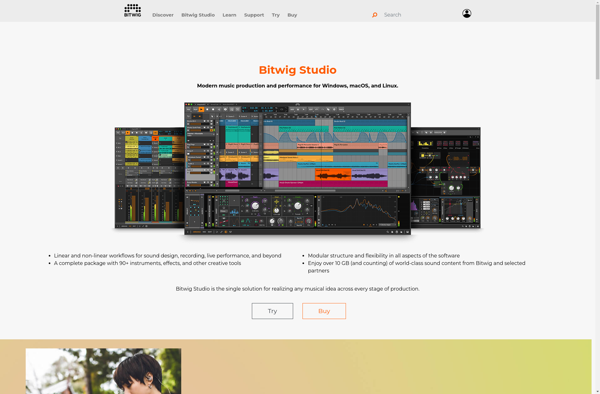
Bitwig Studio is a digital audio workstation (DAW) developed by Bitwig GmbH in Berlin, Germany. First released in 2014, Bitwig Studio competes directly with other major DAWs like Ableton Live, FL Studio, Logic Pro, and Cubase.Some key features of Bitwig Studio include:Flexible workflow for music production, sound design, performance and...
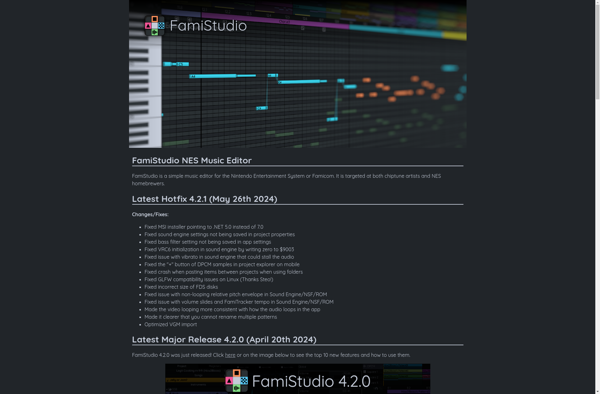
FamiStudio is a feature-rich, cross-platform chiptune tracker for composing music for the NES/Famicom audio processor. As an open-source DAW tailored for writing authentic 8-bit music, FamiStudio aims to strike a balance between usability and accuracy to the hardware's capabilities.Key features include:Emulation of the Ricoh 2A03 sound chip found in the...
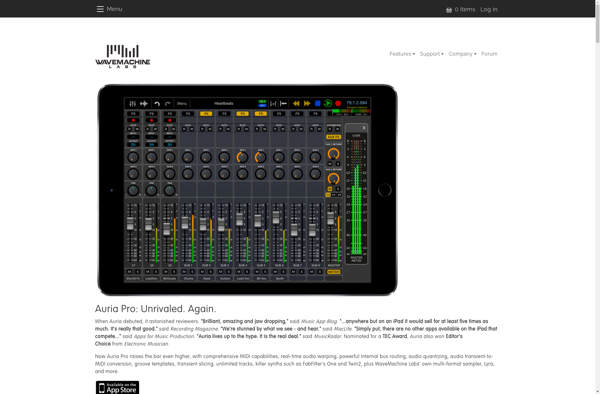
Auria is a full-featured digital audio workstation (DAW) designed specifically for iPad. Developed by WaveMachine Labs, Auria provides professional-grade audio recording, editing, and production capabilities on iOS.Some key features of Auria include:Up to 24-track audio recording with 32-bit floating point resolutionPowerful non-linear audio editing tools like crossfades, fades, volume and...
Frinika is an open-source digital audio workstation (DAW) software designed for music production. It provides tools for MIDI sequencing and arranging, software synthesis and sampling, audio recording and editing, effect processing, mixing, automation, and more.Some key features of Frinika include:Full-featured piano roll MIDI sequencer for writing and editing musicSupport for...
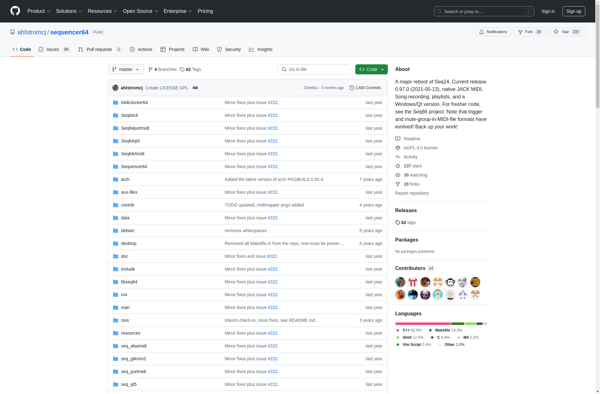
Sequencer64 is an open-source digital audio workstation application designed for creating and editing multi-track musical scores using MIDI. It runs on Linux platforms and is released under the GPL license.Some key features of Sequencer64 include:Unlimited MIDI tracks and effects per song projectPiano-roll editor for graphical editing of MIDI note dataSupport...
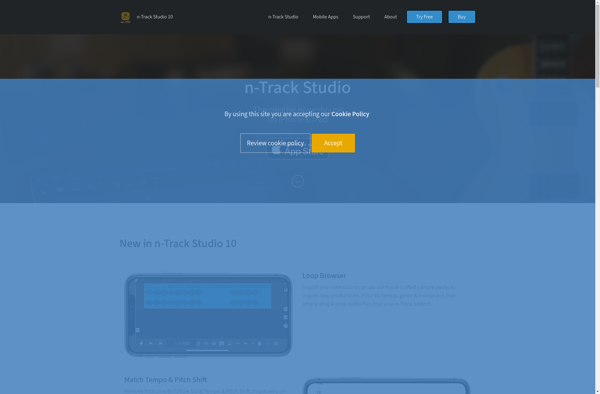
n-Track Studio is a full-featured digital audio workstation (DAW) and MIDI sequencer software for Windows. Developed by Ntone, n-Track Studio provides an intuitive interface and powerful tools for music production.With n-Track Studio, you can record, edit, and mix audio and MIDI. It supports VST instruments and effects, allowing you to...
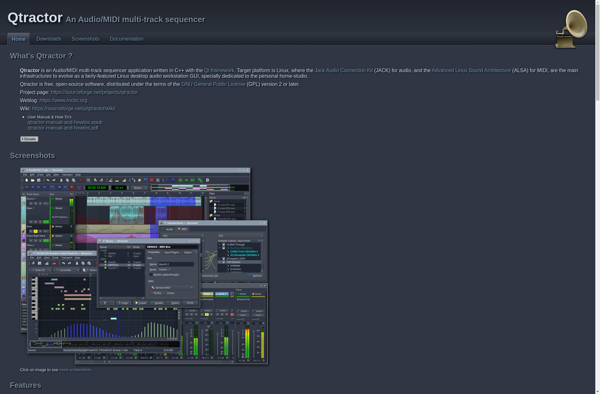
Qtractor is an open-source, cross-platform digital audio workstation (DAW) application designed for audio recording, editing, mixing and managing MIDI and audio sequencer tracks. It features an unlimited number of audio and MIDI tracks, supporting a wide variety of plugins such as LADSPA, DSSI, LV2 and VST instruments and effects. Qtractor...
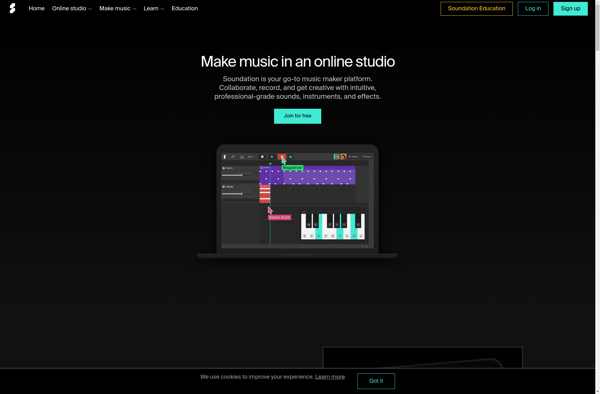
Soundation Studio is a feature-rich online digital audio workstation (DAW) that provides tools for audio recording, MIDI sequencing, arranging, editing, and mixing completely in the browser. It allows users to produce professional-sounding music without needing to install any software or purchase expensive equipment.Some key features of Soundation Studio include:Intuitive drag-and-drop...
Amadeus Pro is a professional digital audio workstation (DAW) and MIDI sequencer application developed by HairerSoft specifically for macOS. It enables music producers, composers, audio engineers and performers to record, edit and mix music productions.Key features of Amadeus Pro include:Multi-track audio and MIDI recording and editingSupport for VST and Audio...
Zquence Studio is a full-featured digital audio workstation (DAW) and MIDI sequencer application for Windows, Mac, and Linux operating systems. Developed by Tracktion Software Corporation, Zquence provides professional tools for music production, audio recording, MIDI sequencing, and live performance.At the core of Zquence is an intuitive and flexible single-window interface...
J4T Multitrack Recorder is a powerful yet affordable digital audio workstation for Windows and Mac. Designed for recording studios, musicians, podcasters and audio engineers, it features unlimited tracks, VST plugin support, a mixer view, built-in effects and more.Key features include:Unlimited audio and MIDI tracks per projectUp to 128 tracks simultaneous...
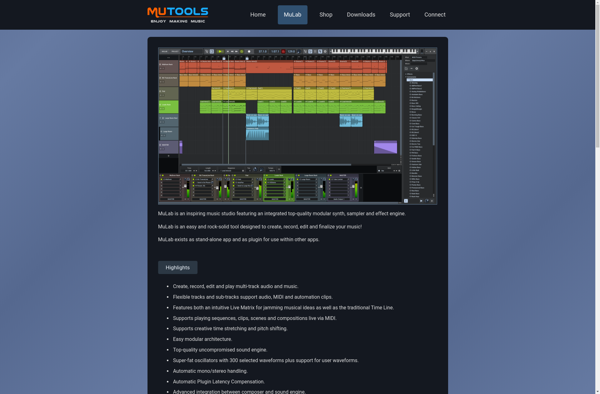
MuLab is a full-featured digital audio workstation (DAW) that provides tools for creating and manipulating audio and MIDI. It has an intuitive, single-window interface that allows you to easily record, edit, arrange and mix audio, MIDI, and virtual instruments.Key features of MuLab include:Unlimited audio and MIDI tracksPowerful editing tools like...
Skale Tracker is an open-source web-based project management and bug/issue tracking tool. It provides a simple and intuitive interface for organizing tasks, features, bugs, and other items that need tracking across multiple projects and teams.Some key features of Skale Tracker include:Flexible issue tracking with custom fields and statusesProject overviews with...
AudioSauna is a free and open-source digital audio workstation (DAW) software available for Windows, Mac, and Linux operating systems. It provides a complete set of tools for audio production, including multi-track recording, audio editing, mixing, effects processing, and basic mastering.Some of the key features of AudioSauna include:Unlimited audio and MIDI...
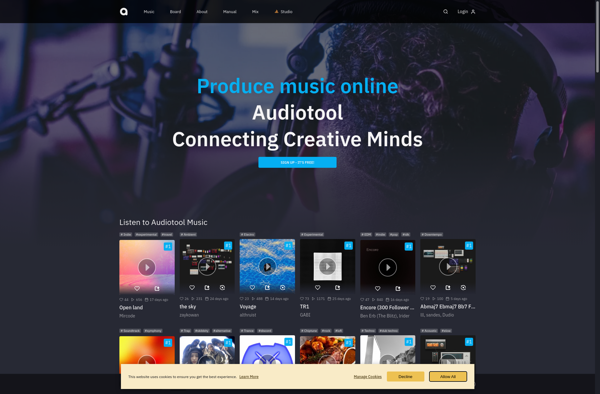
AudioTool is a versatile digital audio workstation (DAW) and audio editor software for Windows and Mac. It provides a complete set of tools for recording, editing, mixing, and mastering audio. Some key features of AudioTool include:Multi-track audio recording and editingHundreds of professional audio effects like reverb, equalizer, compressor, etc.Audio restoration...
A hip hop beat maker software is designed specifically to help producers, songwriters, and musicians craft high-quality hip hop instrumentals and beats. At its core, it is a digital audio workstation (DAW) with features tailored for hip hop music creation including:Huge library of original hip hop drum samples and loops...
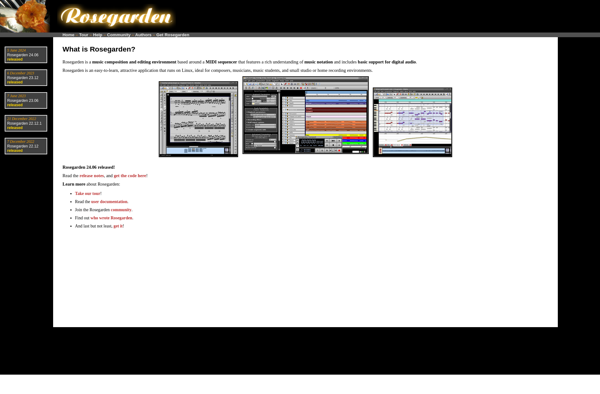
Rosegarden is a feature-rich open-source digital audio workstation (DAW) and music notation program. It provides tools for audio and MIDI sequencing, including a multi-track sequencer interface, virtual instruments, and audio effects processing. Rosegarden allows users to compose, record, edit, and mix musical scores and arrangements.Key features include:- Music notation editing...
Hydrogen is an open-source, Atom-based text editor created specifically for data science and machine learning workflows. It allows users to write and execute code interactively via language-specific kernels, eliminating the need to constantly switch between separate applications.As an Atom package, Hydrogen provides all the benefits of the hackable Atom editor...
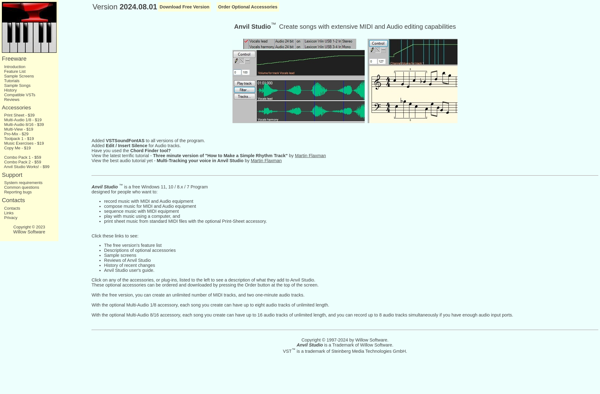
Anvil Studio is a full feature music composition, scoring, and audio/MIDI editing software for Windows. It offers a user-friendly and straightforward graphical interface geared towards making music composition accessible for musicians of all skill levels.Key features of Anvil Studio include:Multi-track digital audio/MIDI sequencing and editingSupport for VST instruments and effectsA...
RD4 Groovebox is a versatile digital music creation software specialized for electronic beatmaking, groove sequencing, and live performance. At its core, it functions as an advanced drum machine and sequencer featuring a library of quality drum and percussion samples spanning acoustic kits, electronic drums, and exotic instruments.Users can intuitively build...
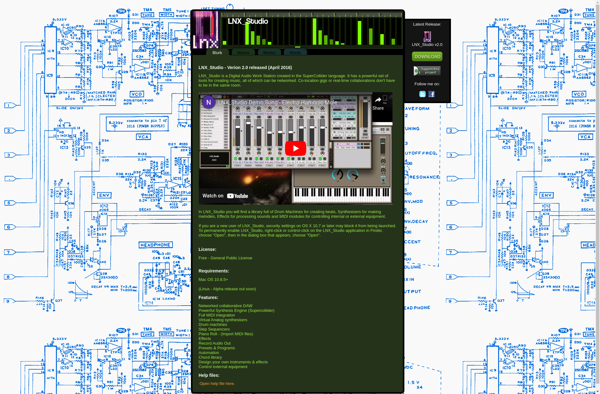
LNX Studio is a free and open source digital audio workstation software for Windows, Mac and Linux. It provides an integrated solution for audio production tasks including multitrack audio recording, effects processing, audio editing, MIDI sequencing and more.As an open source DAW, LNX Studio places no restrictions on its use...
Stagelight is a comprehensive digital audio workstation (DAW) application for Windows and Mac that allows users to create, record, edit and share their own music. Developed by Open Labs, Stagelight provides an easy-to-use interface and powerful features to cater to both beginner and advanced music producers.Some key features of Stagelight...
uFXloops Music Studio is a full-featured digital audio workstation (DAW) application for Windows and Mac. Designed primarily for music production, songwriting, and audio editing, uFXloops Music Studio provides users with a complete set of virtual instruments, loops, effects, and professional mixing and mastering tools.Key features of uFXloops Music Studio include:Unlimited...
Audio Evolution is a full-featured digital audio workstation (DAW) software for Windows. It provides a complete music production environment for recording, editing, mixing, and mastering audio.Some key features of Audio Evolution include:Multi-track audio recording and editingSupport for VST plugins, virtual instruments, and effectsA MIDI piano roll editor and sequencerTools for...
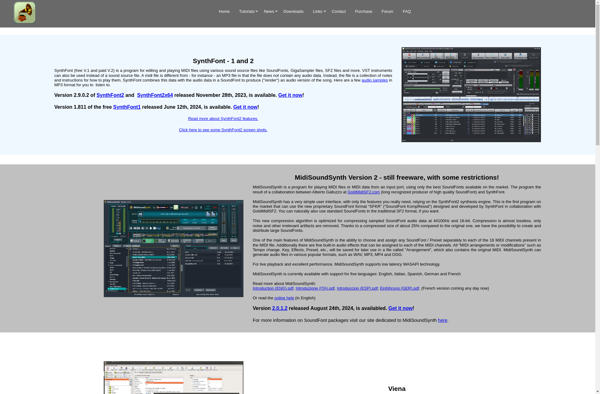
Synthfont is an open-source software for designing and generating bitmap fonts. It provides a graphical user interface that allows users to draw individual glyphs pixel-by-pixel and map them to different characters and symbols.Some key features of Synthfont include:Drawing tools to create glyph outlines and fills pixel-by-pixelSupport for monospace and proportional...
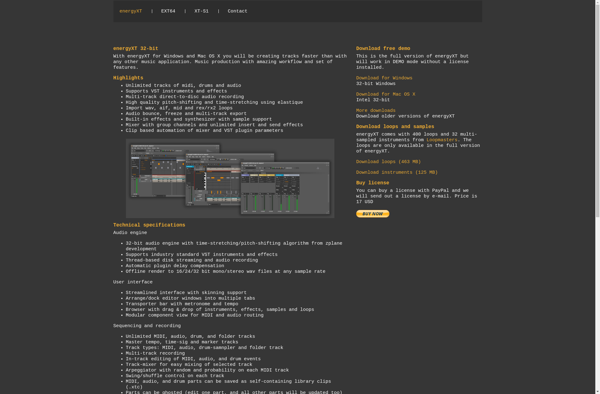
energyXT is a complete digital audio workstation (DAW) software solution for Windows and Mac operating systems. Originally released in 2003, it has become popular for its intuitive and easy-to-use interface, combined with advanced features for professional music production.As a DAW, energyXT allows users to record, edit, and mix multiple tracks...
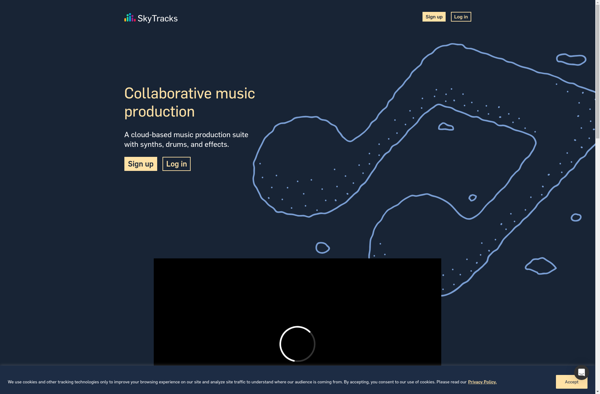
SkyTracks.io is a software-as-a-service (SaaS) platform designed specifically for airline operations management and optimization. It provides a comprehensive suite of capabilities to help airlines plan, execute, and monitor their flight operations more efficiently.Key features of SkyTracks.io include:Advanced flight planning - Optimize flight routes and fuel planning while taking into account...
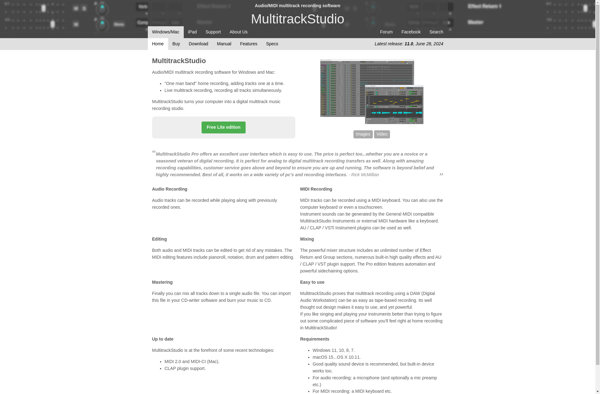
MultitrackStudio is a full-featured digital audio workstation (DAW) software for Windows. It provides a complete set of tools for recording, editing, mixing and mastering audio and MIDI.Key features include:Unlimited audio and MIDI tracksPlug-in support for VST instruments and effectsLow-latency ASIO and WASAPI driversAdvanced mixing tools like parametric EQ, dynamics, panning,...
Waveform is a feature-rich digital audio workstation and music production software suitable for music creators ranging from hobbyists to professionals. Its user interface is intuitive and focused on workflow efficiency, allowing users to quickly record, edit, and mix audio and MIDI tracks.Some key features of Waveform include:Unlimited audio and MIDI...
UJAM is an innovative music software that utilizes advanced AI and deep learning to generate realistic-sounding virtual musicians that can play a wide variety of musical instruments and styles. It's designed specifically for songwriters, music producers, and other creative professionals to easily add professional-sounding musical accompaniment to their songs or...
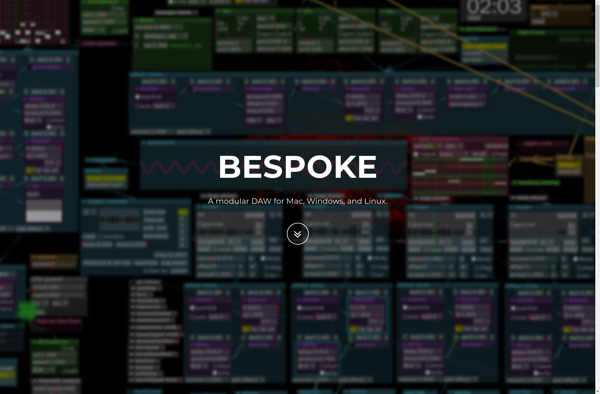
Bespoke Synth is a feature-rich virtual analog synthesizer plugin designed for music producers, sound designers, and synth enthusiasts. With its intuitive workflow and versatile sonic architecture, Bespoke Synth makes it easy to quickly dial in lush, analog-style sounds ranging from warm pads to searing leads and everything in between.At the...
Rytmik Ultimate is a comprehensive digital audio workstation (DAW) software designed for music production. It allows users to arrange, record, edit, mix and master musical compositions with a wide variety of virtual instruments, loops, effects and advanced audio editing tools.Some key features of Rytmik Ultimate include:Intuitive and easy-to-use interface optimized...
Seq24 is a feature-rich open-source MIDI sequencer available for Linux, Windows and macOS. It provides an intuitive graphical interface for composing, editing, and managing MIDI data. Some of the key features of Seq24 include:Piano-roll editor for editing MIDI notes and controllers.Support for unlimited tracks and patterns.Real-time recording and playback.Step sequencer...
Carla is an open source simulator focused on autonomous driving research. It is developed by Intel and the Computer Vision Center in Barcelona.Some key features of Carla:Flexible platform for testing ADAS and autonomous driving systemsDetailed urban environments with fully configurable vehicles, traffic, and pedestriansRealistic sensor simulation including cameras, lidar, radar,...
Sekaiju is a free, open source MIDI sequencer, editor, and modification software designed for Windows. It provides users with advanced tools to edit MIDI data in an intuitive graphical interface.Some key features of Sekaiju include:Piano roll editor for modifying MIDI note events, lengths, velocities, etc.Track-based sequencer interface for recording and...
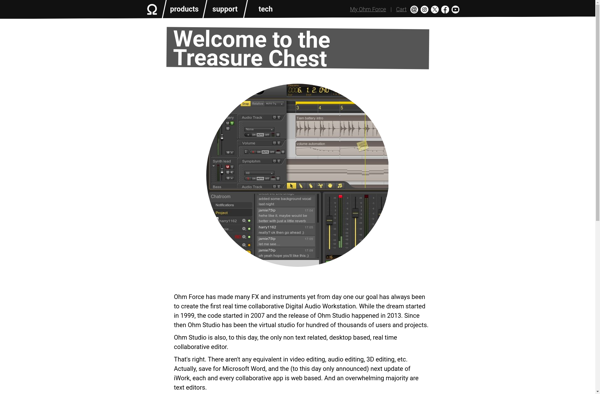
Ohm Studio is a free, open-source digital audio workstation software used for music recording, editing and production. It is available for Windows, Mac and Linux operating systems.Some key features of Ohm Studio:Flexible routing system to easily manage signal flowsSupports VST plugins for adding effects and virtual instrumentsMulti-track audio recording at...
Steinberg Sequel is a complete digital audio workstation (DAW) and MIDI sequencer software developed by Steinberg for Windows and macOS. First released in 2021, Sequel serves as an affordable and streamlined option compared to Steinberg's more full-featured Cubase DAW.With Sequel, users can record, edit, and mix multiple audio and MIDI...
Ashampoo Music Studio is a comprehensive digital audio workstation (DAW) software designed for both beginner and advanced music production. It allows users to record, edit, mix, master, and produce music tracks on a Windows PC.The user interface of Ashampoo Music Studio is easy to use and understand, even for novice...
Splash Pro is a popular photo editing software targeted at professional photographers and photo enthusiasts. It comes packed with powerful tools and features to edit, organize, enhance, and manage photos.Some of the key features of Splash Pro include:Non-destructive editing with adjustment layers and maskingAdvanced RAW processing with profiles and presetsNoise...
FourTracks is an easy-to-use digital audio workstation (DAW) software for Windows. Designed with beginner and intermediate home studio musicians and podcasters in mind, FourTracks provides an intuitive interface to record, edit, and mix multiple audio tracks.With FourTracks, you can record vocals, instruments, podcasts, or any other audio using your computer's...
Luppp is an open-source digital audio workstation (DAW) software designed for music production and audio editing. It provides a complete set of tools for recording, editing, mixing and mastering audio and MIDI.Some of the key features of Luppp include:Unlimited audio and MIDI tracksSupport for VST pluginsAdvanced mixing capabilities with effects...
JamHive is a cloud-based team collaboration platform designed to help remote teams work together more productively. It provides a central hub for teams to share files, communicate, manage projects, host meetings, and more.Key features of JamHive include:File sharing - Easily upload, access and share files across your team. Includes 5GB...
AudioMulch is a digital audio workstation (DAW) and music composition software designed for live performance, interactive music generation, and audio processing. Originally released in 1996, AudioMulch pioneered a unique modular graphical patching interface for connecting sound generators, effects, and other audio processing units in customizable workflows.Some key features of AudioMulch...
Oscilab is an open-source, cross-platform numerical computational package and IDE. It has a MATLAB-like interface and provides hundreds of mathematical functions for engineering and scientific applications including signal processing, statistics, image processing, control systems, etc.Some key features of Oscilab:Free and open-source software under GPL licenseAvailable for Windows, Linux and Mac...
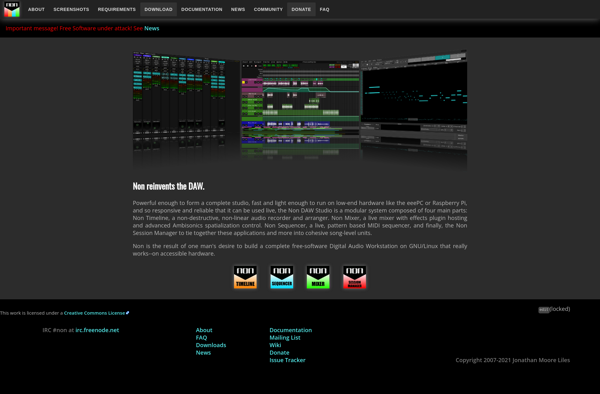
Non DAW Studio is a free and open source digital audio workstation designed for music production. Unlike traditional complex DAW software like Ableton or Logic, Non DAW Studio aims to provide a simplified recording and mixing workflow without sacrificing essential tools and functionality.At its core, Non DAW Studio focuses on...
LinuxSampler is an open source software sampler application for Linux. It enables high quality audio sampling functionality on the Linux platform. Some key features of LinuxSampler include:Supports loading and playback of common sample formats like SoundFonts and GigaSamplesLow latency for realtime sampling applicationsDisk streaming of large sample libraries with low...
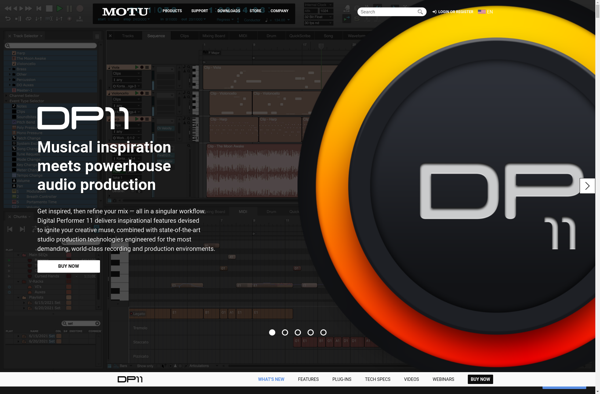
MOTU Digital Performer is a professional-grade digital audio workstation (DAW) software that has been used extensively in music and audio production for over 30 years. It offers a comprehensive toolset for multi-track recording, editing, mixing, and mastering.Some key features of Digital Performer include:Unlimited audio and MIDI tracksPowerful MIDI sequencing, editing,...
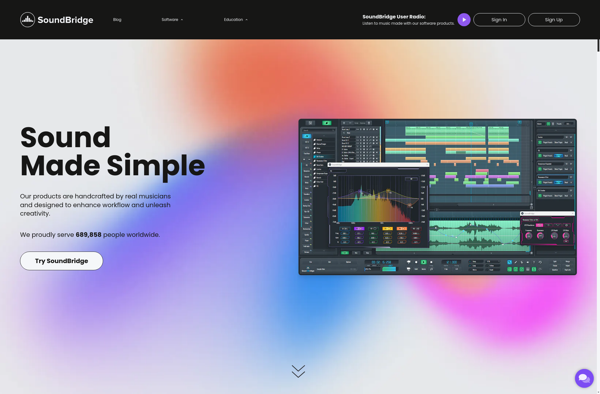
SoundBridge is a home audio system developed by Roku prior to their popular streaming players and smart TV software. It was designed to let users easily stream digital music from their computer or mobile device wirelessly throughout their home.Some key features of SoundBridge include:Ability to stream music over a home...
MadTracker is a free digital audio workstation (DAW) software for Windows. It provides an intuitive and user-friendly interface for music production, audio recording, MIDI sequencing, and mixing.With MadTracker, users can record audio from microphones, instruments, or other inputs, and mix down multi-track compositions. It supports VST plugins for adding professional...
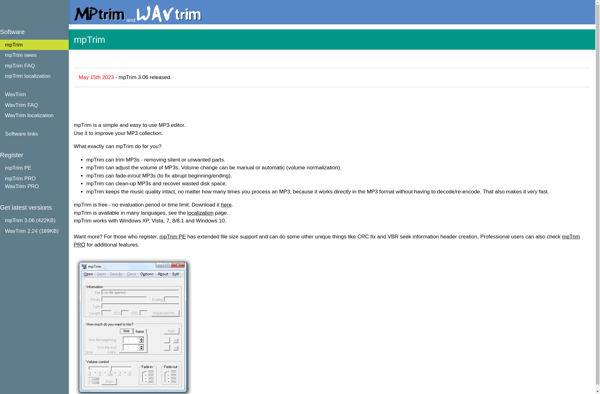
mpTrim is a free and open source video trimming and cutting software for Windows. It provides a simple but capable interface for precisely trimming video files and removing unwanted sections.Some of the key features of mpTrim include:Trim and cut video files precisely by setting start and end points through frame-level...
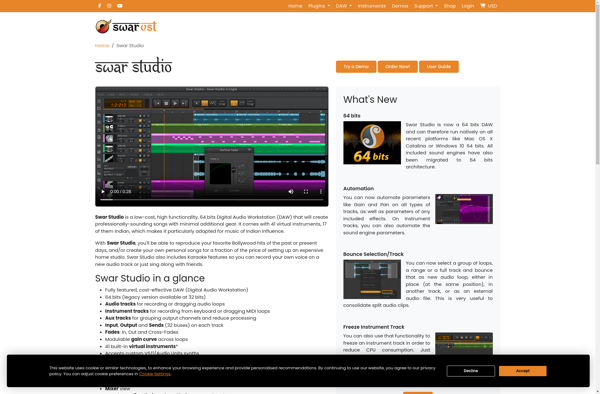
Swar Studio is a free and open-source digital audio workstation (DAW) designed for music production. It allows users to record, edit, mix and master audio tracks with professional-grade tools. The software provides features like multi-track audio recording, advanced MIDI editing and sequencing, virtual instrument support, effects processing, automation, etc.Some key...
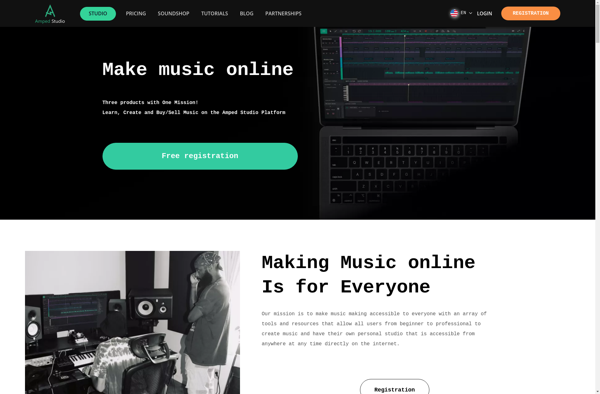
Amped Studio is a full-featured digital audio workstation (DAW) and music production software solution developed by Amped Software. It runs on Windows and macOS platforms.Some of the key features and capabilities of Amped Studio include:Non-destructive audio editing - Make changes to audio clips without altering the original file thanks to...
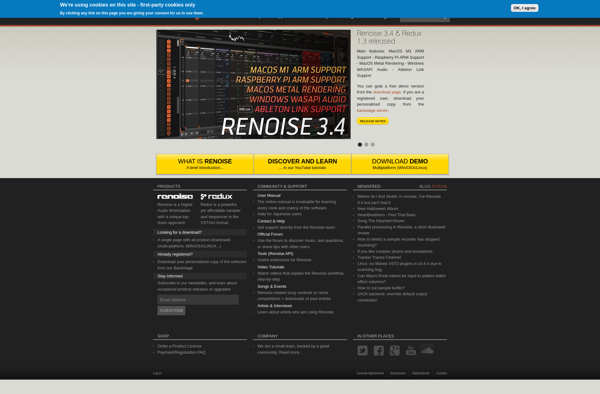
Renoise is a digital audio workstation (DAW) and music production software developed by Renoise Team. It features a tracker-based music sequencer that uses a vertical timeline interface, allowing fast and flexible music creation and editing.Unlike traditional DAWs that record music performance in real-time, Renoise sequences music using rows of note...
KOMPLETE by Native Instruments is a comprehensive production suite that provides a variety of virtual instruments, effects, and sound libraries for all genres of music. It is one of the most complete bundles for music creators, offering over 450GB of high-quality sounds and presets.At its core, KOMPLETE comes packed with...
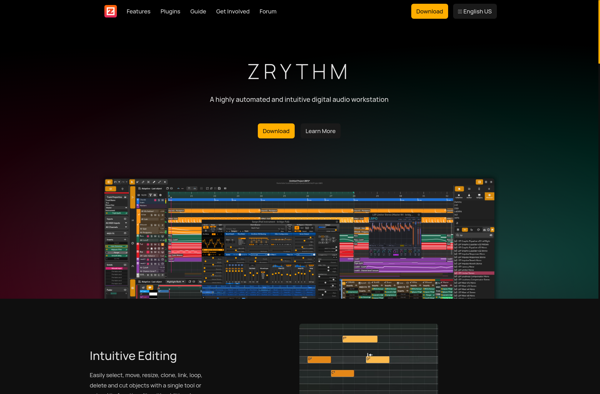
Zrythm is an open-source, cross-platform digital audio workstation (DAW) designed for music production. It is developed by a dedicated community of contributors and aims to provide a fully-featured DAW that is free to use.Some key features of Zrythm include:Unlimited audio and MIDI tracksSupport for VST, LV2, LADSPA, DSSI, and other...
EasyBand Studio is a streamlined digital audio workstation (DAW) application designed to make music production accessible for beginners, yet powerful enough for advanced users. Its intuitive interface allows you to easily record, compose and edit your musical ideas without getting lost in complexity.Key features of EasyBand Studio include:Multi-track recording up...
PixiTracker is an open-source web analytics platform that aims to provide website owners with basic traffic analytics while preserving visitor privacy. It was created as an alternative to more complex commercial platforms like Google Analytics that collect large amounts of user data.As an open-source tool, PixiTracker places a strong emphasis...
Smidy is an open source, self-hosted music streaming server that gives you control over your music library. With Smidy, you can:Stream your music collection to any device from a central, home serverOrganize your library with ID3 tags, custom metadata, playlists, etc.Access your music remotely when away from homeShare access with...
Music Studio Independence/Producer is a full-featured digital audio workstation (DAW) designed for music production, recording, mixing and mastering. It allows users to record both live instruments and virtual instruments, edit audio clips, apply effects, mix tracks and export professional recordings.Key features include:Multi-track recording up to 256 audio and MIDI tracksPowerful...
FileLab Audio Editor is a full-featured digital audio workstation and audio editing software for Windows. It provides a complete set of tools for recording, editing, processing, and managing audio files and projects.Key features include multi-track editing, effects processing, audio restoration tools, metadata editing, format conversion, CD ripping and burning, batch...
HammerHead is a free and open-source code editor and integrated development environment (IDE) created specifically for web development. It includes features like:Syntax highlighting for HTML, CSS, JavaScript, and many other web technologiesIntelligent autocomplete and code suggestions to speed up codingPowerful search and replace across projectsCustomizable themes and keyboard shortcutsBuilt-in terminal...
Mango Drum is a free, open source digital audio workstation (DAW) and MIDI sequencer application for Windows, macOS, and Linux operating systems. Developed by MangoSoft, Mango Drum aims to provide a complete music production environment with professional-grade tools and capabilities rivaling premium DAW software.As a DAW, Mango Drum enables multi-track...