
Audiogram

Audiogram: Free Open-Source Audio Recording and Editing Software
A free, open-source audio recording and editing software for Windows, Mac and Linux, providing basic features for recording, editing and exporting audio files.
What is Audiogram?
Audiogram is a free and open-source digital audio workstation software for Windows, macOS and Linux operating systems. It allows users to record, edit and mix multiple audio tracks. Some of the key features of Audiogram include:
- Multi-track audio recording and editing
- Support for VST plugins for effects and virtual instruments
- Basic audio editing tools like cut, copy, paste, trim, etc.
- Mixing capabilities with effects like reverb, compression, EQ, etc.
- Export finished recordings to common formats like MP3, WAV, FLAC, etc.
- Completely free and open-source software published under GNU GPL v2 license
- Active community support through forums and GitHub
While Audiogram comes with a simple and intuitive interface, it packs enough features to handle small-scale as well as intermediate audio editing and mixing projects. The multi-platform support and open-source nature makes it popular among budget musicians and podcasters. However, it lacks more advanced tools like automation and score editing offered by paid DAW softwares.
Audiogram Features
Features
- Record audio from microphone or other input devices
- Edit audio by cutting, copying, pasting, deleting
- Apply effects like amplify, normalize, fade in/out
- Support for common audio formats like MP3, WAV, OGG
- Basic mixing capabilities
- Export edited audio
Pricing
- Free
- Open Source
Pros
Cons
Official Links
Reviews & Ratings
Login to ReviewThe Best Audiogram Alternatives
View all Audiogram alternatives with detailed comparison →
Top Audio & Music and Audio Editing and other similar apps like Audiogram
Here are some alternatives to Audiogram:
Suggest an alternative ❐
Headliner App


Kamua


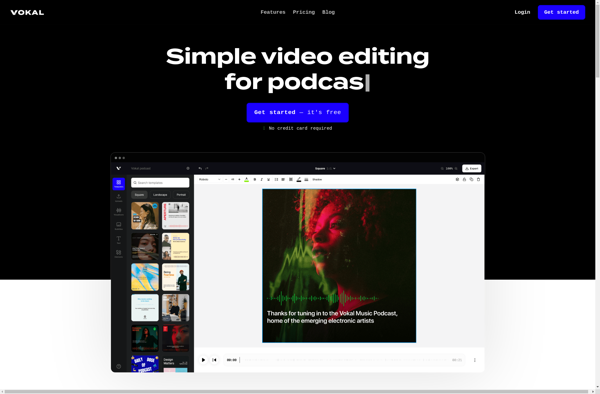
Vokal
Recast Studio