Skip to content
Azha

Azha

Azha is a free and open-source note taking application. It allows users to create rich text notes, to-do lists, and journals with features like tagging, categories, markdown support, and more. Azha focuses on being a simple, fast, and flexible note taking app.
Azha screenshot

Azha: Free and Open-Source Note Taking App

A simple, fast, and flexible note taking application with rich text features, tagging, categories, markdown support, and more.

What is Azha?

Azha is a free and open-source note taking and journaling application available for Windows, macOS, and Linux. It was created as an alternative to proprietary note apps like Evernote or OneNote, with a strong focus on simplicity, flexibility, open standards, and protecting user privacy.

Some key features of Azha include:

  • Create rich text notes with formatting, images, checklists, and more
  • Organize notes using tags, categories, or plain text search
  • Support for Markdown formatting and code blocks
  • Sync notes across devices via cloud storage providers like Dropbox or Nextcloud
  • Completely free and open source (GPL v3 license)
  • No accounts required - all data is stored locally

Compared to alternatives like Evernote, Azha aims to provide a simple yet powerful note taking experience without extraneous features or sacrificing user privacy and data ownership. It stores all user data locally in open standard formats that can be easily exported and self-hosted if desired.

Overall, Azha offers a great blend of rich formatting, organization capabilities, cross-platform availability, and respect for user privacy - making it an attractive open-source alternative for taking personal notes and journals.

Azha Features

Features

  1. Rich text notes
  2. To-do lists
  3. Journals
  4. Tagging
  5. Categories
  6. Markdown support

Pricing

  • Free
  • Open source

Pros

Free and open source

Simple and fast

Flexible note taking

Cons

Limited features compared to paid options

No cloud sync

No collaboration tools

Reviews & Ratings

Login to Review
No reviews yet

Be the first to share your experience with Azha!

Login to Review

The Best Azha Alternatives

View all Azha alternatives with detailed comparison →

Top Office & Productivity and Note Taking and other similar apps like Azha


Facebook icon

Facebook

What Is Facebook?Facebook is the world's largest social networking platform, connecting over 3 billion monthly active users. Owned by Meta Platforms, it enables users to share updates, photos, videos, and links with friends, family, and communities.Key FeaturesThe platform includes a news feed algorithm that surfaces content from friends and followed...
Facebook image
Trello icon

Trello

Trello is a flexible and intuitive web-based project management tool that helps teams organize and prioritize projects. It uses a system of boards, lists, and cards that allows users to break down projects in a visual way.Some key features of Trello include:Boards - Boards act as a high-level organizer for...
Trello image
Telegram icon

Telegram

What Is Telegram?Telegram is a cloud-based messaging app focused on speed, security, and feature richness. With over 800 million monthly active users, it is one of the most popular messaging platforms globally, particularly strong in Eastern Europe, the Middle East, and Southeast Asia.Key FeaturesTelegram supports text, voice, and video messages,...
Telegram image
Workflowy icon

Workflowy

Workflowy is a popular free online outlining and note-taking application. It allows users to create nested bullet point lists to organize notes, tasks, ideas, projects, and more. With its simple and flexible interface, Workflowy makes it easy to brainstorm concepts, structure information, and see connections between thoughts.One of the key...
Workflowy image
ClickUp icon

ClickUp

What Is ClickUp?ClickUp is an all-in-one project management and productivity platform that aims to replace multiple tools with a single workspace. It combines tasks, docs, goals, whiteboards, chat, and time tracking in one application.Key FeaturesClickUp offers multiple views for the same data: list, board (Kanban), Gantt chart, calendar, timeline, table,...
ClickUp image
TickTick icon

TickTick

TickTick is a feature-rich to-do list and task management application developed by TickTick Inc. Originally launched in 2017, TickTick has quickly become one of the top productivity apps on the market.At its core, TickTick provides users with a flexible and intuitive way to capture tasks, organize them into customizable lists...
TickTick image
Habitica icon

Habitica

Habitica is a habit building and productivity web/mobile application that treats your real life like a game. Users create an avatar and level it up by completing tasks and habits in real life. Habits are repeated behaviors like going to the gym, tasks are one-off to-do items, and there are...
Habitica image
Wekan icon

Wekan

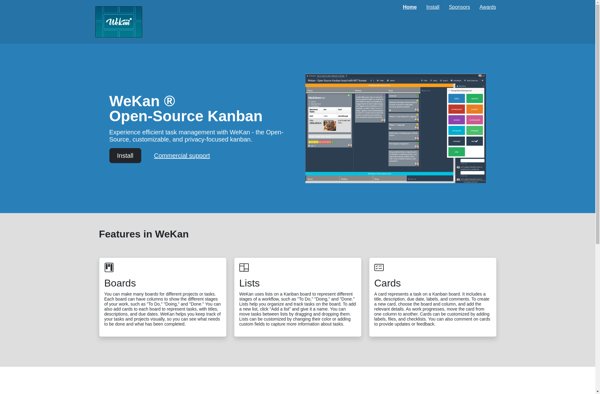
Wekan is an open-source, kanban board web application (software). It is designed for ease of use with many kanban features and options:It allows users to create kanban boards to track tasks, projects, and workflows visually.Tasks and cards on the board can be organized into lists, moved between lists, assigned to...
Wekan image
Org mode icon

Org mode

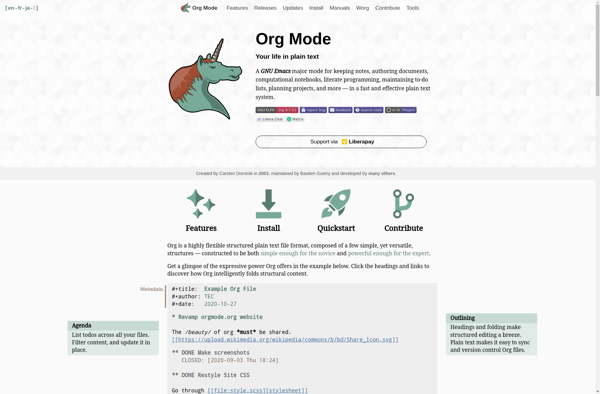
Org mode is a popular open-source note-taking and organization tool extension for the Emacs text editor. It was created by Carsten Dominik in 2003. Org mode uses plain text files to organize notes, tasks, to-do lists, planning details, and more into hierarchies and outlines. Key features of Org mode include:Plain...
Org mode image
Zenkit icon

Zenkit

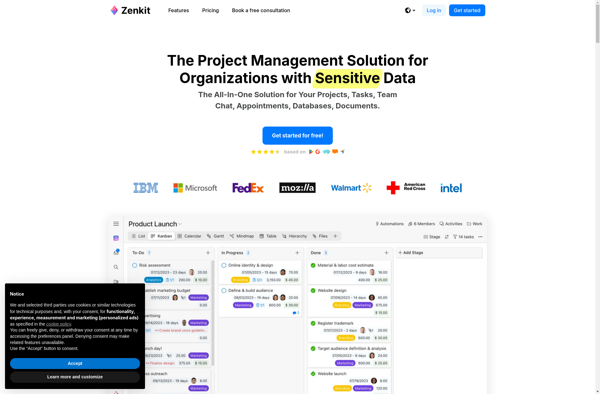
Zenkit is a versatile project management and team collaboration software designed for improved productivity. It consolidates task management, file sharing, messaging, and planning into a single intuitive platform that teams can mold to fit their exact needs.Key features of Zenkit include:Kanban boards for task visualization and agile project management Interactive...
Zenkit image
Quire icon

Quire

Quire is an intuitive project management and task management software designed to help organize work and increase productivity. It provides a variety of useful features to manage projects and tasks:Flexible boards to create projects and break down work into lists and tasksSubtasks, checklists, notes, reminders, comments and file attachments to...
Quire image
Remember The Milk icon

Remember The Milk

Remember The Milk is a widely-used online task management and to-do list application. Launched in 2004, it enables users to create tasks, set due dates, add notes and tags, set reminders, organize tasks in flexible lists and hierarchies, and collaborate with others by sharing lists.Key features of Remember The Milk...
Remember The Milk image