Bolt Browser
Bolt Browser: Fast Private Web Browser
Lightweight web browser with ad blocking and tracker protection, offering a clean interface and customization options for enhanced privacy and security.
What is Bolt Browser?
Bolt is a free, open-source web browser that emphasizes privacy, security, and performance. Based on Chromium, Bolt strips out non-essential features and modifies settings to better protect users.
Some key features of Bolt include:
- Built-in ad blocking and tracker blocking to prevent ads from following users around the web and improve page load speeds
- Options to clear browsing history and cookies with one click for added privacy
- Fingerprint randomization to prevent user fingerprinting and hide online identity
- Minimalist design focused only on core browsing features, reducing clutter and system resource usage
- Support for browser extensions so users can customize Bolt to their needs
Overall, Bolt aims to provide fast, smooth web browsing experience while limiting user tracking and data harvesting. It offers robust privacy protections out of the box but retains Chrome's compatibility and support for extensions. Bolt is suitable for those prioritizing speed, security, and simplicity in their browser.
Bolt Browser Features
Features
- Built-in ad blocker
- Tracking protection
- Fingerprint randomization
- HTTPS Everywhere
- Dark theme
- Customizable interface
- Extensions support
- Sync across devices
Pricing
- Free
Pros
Cons
Reviews & Ratings
Login to ReviewThe Best Bolt Browser Alternatives
View all Bolt Browser alternatives with detailed comparison →
Top Web Browsers and Privacy Focused and other similar apps like Bolt Browser
Here are some alternatives to Bolt Browser:
Suggest an alternative ❐
UC Browser


Dolphin Browser

Opera Mini

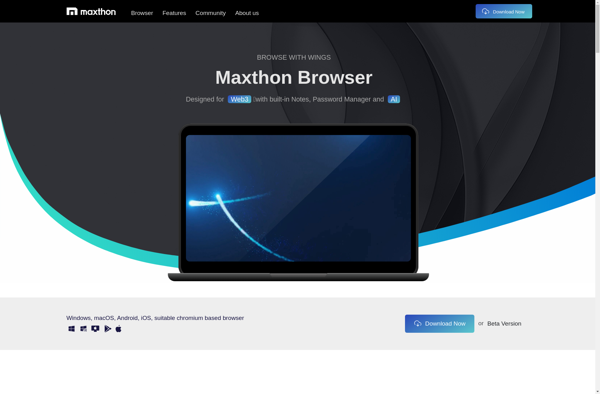
Maxthon Cloud Browser

Perfect Browser

MyFox